FujiGuys Fujifilm X-H2S How-to Guide and Unboxing

The FujiGuys released their Fujifilm X-H2S unboxing and how-to video. You can view the boxing below and the how-to video above. I have also taken notes from the how-to video below:

  • Custom settings
    • Define the 7 custom modes in the menu – image quality setting page 3 – custom mode setting – then pick photo or movie mode
    • You can then go back to edit/save custom settings to dial in your settings and give them a custom name
    • A quicker way to quickly setup custom settings is to go in the menus – image quality – auto update custom settings – enable and go to the different custom settings, and dial in your settings, and then when you are finished, disable auto update custom settings again
  • Subject Detect
    • Go into the menu – AF/MF settings page 2 – Subject detection settings and then choose from animals, birds, automobiles, motorcycles & bikes, airplanes, train
  • AF Modes
    • Single, Zone, Wide can be changed in the menu – AF/MF settings – AF mode where you can pick single, zone, and wide from there you can move the AF box with the joystick and adjust the size of it from the rear command dial
    • Wide has a box that you can fix on your subject and have it track the subject across the entire frame
    • If you select all then you can go through all 3 modes by rotating the command dial
  • Burst shooting
    • Drive button on the back of the camera and then choose between a high-speed burst and high speed with a crop and a lower-speed burst
    • High speed with crop and 20/30/40fps is greyed out until you switch from the mechanical shutter to the electronic shutter
    • To enable high-speed shooting, you have to go into the menu – shooting setting page 2 – pick shutter type electronic shutter
    • The camera shoots silently when using the electronic shutter, but if you want to hear something go into the menus – wrench icon – sound setup – electronic shutter volume – you can then adjust the volume and sound made
  • Bracketing
    • There are many options, including ISO, Auto Exposure, Film Simulation, Dynamic Range Bracketing, Focus Bracketing, etc…
    • To pick a bracketing mode, press the drive button and pick a mode from there, you can press the Q button to change bracketing settings
    • You will need separate software to merge bracketing options like focus bracketing together
  • FN buttons
    • You can change the functions of various buttons by doing a long press of the display back button
  • Movie Shooting
    • To adjust movie settings, go to the movie position first on the mode dial
    • Go into the menus and then you have the movie settings
    • There are separate settings for the HDMI out and internal recording
    • You can pick where you want your video recorded and the camera can record to both cards at once for backup if you want or you can over flow from one card to the next
    • There are quite a few H.264, H.265, and Prores codecs
    • Data bitrates range from 50MB/s to 720MB/s
    • Color options include film simulation, Flog, Flog2, HLG internally
    • Prores will let you record proxy files if you like
    • Finally, there is Blackmagic RAW and Prores RAW
  • Shortcut Keys
    • You can format the SD cards by pressing drive and down at the same time
    • To edit the quick menu, long-press the Q buttons
    • Quickly transfer images from the camera to the phone by going into the playback mode and then pressing the ISO button, which will let you pick multiple images to transfer to your phone
    • You can lock images in the playback mode by hitting the FN1 button
    • To record voice memos, you need to enable the option under menu ok and then go down and make sure the voice memo setting is on
    • You can record a voice memo on an image in the playback mode by long pressing the AF on button, and then you can replay it by pressing the AF on button again

Fujifilm X-H2S:
B&H Photo / Amazon / Moment / Adorama
Fujinon XF18-120mm f/4.0 LM PZ WR:
B&H Photo / Amazon / Moment / Adorama
Fujinon XF150-600mm f/5.6-8 R WR:
B&H Photo / Amazon / Moment / Adorama

Follow Fujiaddict on Facebook, TwitterInstagram, and YouTube

Plus our owners’ groups
Fujifilm GFX Owners Group
Fujifilm X-H Owners Group
Fujifilm X-T Owners Group
Fujifilm X-S Owners Group
Fujifilm X-Pro Owners Group
Fujifilm X-E Owners Group
Fujifilm X-A Owners Group
Fujifilm X100 Owners Group

Posted in Fujifilm X-H2| Tagged , , , , , , , , , , , , , , , , , , , , , , , , , , , , , , | 2 Comments

Fujifilm X-H1, X-T200, X-T100, X-A7, and X-A5 Firmware Updates Released


Fujifilm X-H1 Firmware Ver.2.14 released Download Here

Revised specification from Ver.2.13 to Ver.2.14

Even under busy Wi-Fi environment, the connectivity between the application for a smartphone (FUJIFILM Camera Remote) and a camera is improved.

Fujifilm X-T200 Firmware Ver.1.16 released Download Here

Revised specification from Ver.1.15 to Ver.1.16

The firmware bug has been fixed, which caused that the following phenomena occurred rarely in combination with X-mount lenses from other manufacturers.

  • When shooting with “High-speed Burst” function at “AF-C” setting, it becomes out-of-focus using TAMRON:17-70mm F/2.8 Di Ⅲ-A VC RXD (Model B070) with the above models.
  • When zooming from the T end to the W end, the “hunting” occurs in the pre-view screen, which affects movies as well as still photos recorded in this condition using TAMRON:18-300mm F/3.5-6.3 Di III-A VC VXD (Model B061) with the above models.

Other minor bugs have been fixed.

Fujifilm X-T100 Firmware Ver.2.03 released Download Here

Revised specification from Ver.2.02 to Ver.2.03

The firmware bug has been fixed, which caused that the following phenomena occurred rarely in combination with X-mount lenses from other manufacturers.

  • When shooting with “High-speed Burst” function at “AF-C” setting, it becomes out-of-focus using TAMRON:17-70mm F/2.8 Di Ⅲ-A VC RXD (Model B070) with the above models.
  • When zooming from the T end to the W end, the “hunting” occurs in the pre-view screen, which affects movies as well as still photos recorded in this condition using TAMRON:18-300mm F/3.5-6.3 Di III-A VC VXD (Model B061) with the above models.

Other minor bugs have been fixed.

Fujifilm X-A7 Firmware Ver.1.33 released Download Here

Revised specification from Ver.1.32 to Ver.1.33

The firmware bug has been fixed, which caused that the following phenomena occurred rarely in combination with X-mount lenses from other manufacturers.

  • When shooting with “High-speed Burst” function at “AF-C” setting, it becomes out-of-focus using TAMRON:17-70mm F/2.8 Di Ⅲ-A VC RXD (Model B070) with the above models.
  • When zooming from the T end to the W end, the “hunting” occurs in the pre-view screen, which affects movies as well as still photos recorded in this condition using TAMRON:18-300mm F/3.5-6.3 Di III-A VC VXD (Model B061) with the above models.

Other minor bugs have been fixed.

Fujifilm X-A5 Firmware Ver.2.03 released Download Here

Revised specification from Ver.2.02 to Ver.2.03

The firmware bug has been fixed, which caused that the following phenomena occurred rarely in combination with X-mount lenses from other manufacturers.

  • When shooting with “High-speed Burst” function at “AF-C” setting, it becomes out-of-focus using TAMRON:17-70mm F/2.8 Di Ⅲ-A VC RXD (Model B070) with the above models.
  • When zooming from the T end to the W end, the “hunting” occurs in the pre-view screen, which affects movies as well as still photos recorded in this condition using TAMRON:18-300mm F/3.5-6.3 Di III-A VC VXD (Model B061) with the above models.

Other minor bugs have been fixed.

Follow Fujiaddict on Facebook, TwitterInstagram, and YouTube

Plus our owners’ groups
Fujifilm GFX Owners Group
Fujifilm X-H Owners Group
Fujifilm X-T Owners Group
Fujifilm X-S Owners Group
Fujifilm X-Pro Owners Group
Fujifilm X-E Owners Group
Fujifilm X-A Owners Group
Fujifilm X100 Owners Group

Posted in Firmware| Leave a comment

Tokina Price Increase Follow Up


In March Tokina announced it would be increasing prices in April now, Tokina has made another statement about price increases and lenses being discontinued. It looks like the list of discontinued lenses is just to switch to the PLUS branding, which includes a microfiber cloth and sticker on the box, but it will be interesting to see how prices and discounts balance out over time as this is the second price increase announced this year.

About price revision and renewing of Tokina brand lenses
Dear Customers,

We sincerely thank you for your continued support of Tokina lenses.

Due to recent cost hikes of raw materials and components, our production costs have been greatly increased. We have been making every effort to absorb the cost hike.

However, regrettably, we are not able to bear all the cost increase any further and we need to revise the price of all Tokina lenses. In line with this revision some of our Tokina lenses will be discontinued and renewed respectively as below. The global shipment of renewed models is scheduled to start from June, 2022.

Tokina lens to be renewed
The below models will be renewed. The renewed models will be marked with the “PLUS” sticker on the package and will come with Tokina branded microfiber cleaning cloth. The technical specifications remain the same.

Model nameEAN code
Tokina atx-i 11-16mm F2.8 CF NAF PLUS4961607640791
Tokina atx-i 11-16mm F2.8 CF CEF PLUS4961607640807
Tokina atx-i 11-20mm F2.8 CF NAF PLUS4961607640814
Tokina atx-i 11-20mm F2.8 CF CEF PLUS4961607640821
Tokina atx-i 100mm F2.8 FF Macro NAF PLUS4961607640876
Tokina atx-i 100mm F2.8 FF Macro CAF PLUS4961607640883
Tokina atx-m 85mm F1.8 FE PLUS4961607641064
Tokina atx-m 23mm F1.4 E PLUS4961607641088
Tokina atx-m 23mm F1.4 X PLUS4961607641170
Tokina atx-m 33mm F1.4 E PLUS4961607641101
Tokina atx-m 33mm F1.4 X PLUS4961607641187
Tokina atx-m 56mm F1.4 E PLUS4961607641125
Tokina atx-m 56mm F1.4 X PLUS4961607641194

Package design
The renewed models will be marked with the “PLUS” sticker on the package (on all sides).


Seal design and size can be changed without prior announcement. Seal position on the box can be slightly different from real product.

Following the renewing the Tokina lenses, the following products will be discontinued.

Model nameEAN code
Tokina atx-i 11-16mm F2.8 CF NAF4961607696958
Tokina atx-i 11-16mm F2.8 CF CAF4961607696941
Tokina atx-i 11-20mm F2.8 CF NAF4961607634752
Tokina atx-i 11-20mm F2.8 CF CAF4961607634769
Tokina atx-i 100mm F2.8 FF MACRO NAF4961607634462
Tokina atx-i 100mm F2.8 FF MACRO CAF4961607634455
Tokina atx-m 85mm F1.8 FE4961607634486
Tokina NEW atx-m 85mm F1.8 FE LTD4961607640418
Tokina atx-m 23mm F1.4 E4961607634585
Tokina atx-m 33mm F1.4 E4961607634622
Tokina atx-m 56mm F1.4 E4961607634639
Tokina atx-m 23mm F1.4 X4961607634646
Tokina atx-m 33mm F1.4 X4961607634653
Tokina atx-m 56mm F1.4 X4961607634684
Tokina AT-X 107 f/3.5-4.5 DX Fisheye NH NAF4961616965564
Tokina AT-X 107 f/3.5-4.5 DX Fisheye NH CEF4961616965632

We would appreciate your kind understanding and cooperation.

Tokina atx-m 56mm f/1.4: B&H Photo /Amazon / Adorama
Tokina atx-m 33mm f/1.4:
 B&H Photo / Amazon / Adorama
Tokina atx-m 23mm f/1.4: B&H Photo / Amazon / Adorama

Tokina SZX 400mm f/8:
B&H Photo / Amazon
Tokina SZ Super Tele 500mm f/8:
B&H Photo / Amazon
Tokina SZ 8mm F2.8 X FISH-EYE:
Amazon
Tokina SZ Super Tele Finder:
Amazon
Tokina SZ 2x Extender For T-Mount TA-020
Amazon

Follow Fujiaddict on Facebook, TwitterInstagram, and YouTube

Plus our owners’ groups
Fujifilm GFX Owners Group
Fujifilm X-H Owners Group
Fujifilm X-T Owners Group
Fujifilm X-S Owners Group
Fujifilm X-Pro Owners Group
Fujifilm X-E Owners Group
Fujifilm X-A Owners Group
Fujifilm X100 Owners Group

Posted in 3rd Party Lens| Tagged | Leave a comment

BCN: Fujifilm Number One in Japan Thanks to Instax Mini EVO


Instax Mini Evo: B&H Photo / Amazon / Adorama

In January, Fujifilm moved into 2nd place behind Sony thanks to the Instax Mini Evo. Now BCN is reporting that Fujifilm is number one in Japan due to the camera selling significantly better than expected. It just goes to show that Fujifilm’s unique design philosophy moves cameras and they should stop trying to be like other companies.

Translated Press Release:
A big hit product for a long time was born in a compact digital camera. It’s Fujifilm ‘s “instax mini Evo”. Immediately after its release on December 3, last year, its popularity has boiled. “It is selling more than twice as much as originally planned” (Fujifilm’s President and CEO, Sadaichi Goto). For this reason, in December, Fujifilm’s maker share was boosted to 26.8% with compact digital cameras, and it jumped to the top at once. The market share by model is also 14.9%, which is by far the best. In January of the following year, although the manufacturer’s share was handed over to Sony , it maintained the top share at 13.8% by model.

The instax mini Evo is a hybrid camera that combines an instant camera and a digital camera. The company has combined the goodness of digital cameras with the instant camera “Cheki,” which has been sold continuously since 1998. In addition to its function as a digital camera, we pursued the fun and ease of printing on the spot. One of the features of the series is the system that exposes and prints the film with organic EL . The conventional analog check film can be used as it is.

The instax mini Evo has an eye-catching retro design reminiscent of a classic camera. Regarding the reason for the big hit, Ryuichiro Takai, general manager of Fujifilm ‘s Imaging Solutions Division, said, “I dared to create an analog feeling. I increased the steps of turning the lens, turning the dial, and turning the lever when printing. “I put in the fun of using it,” he said. He added, “I was very particular about creating images among the checks I’ve done so far. I also received 100 built-in effects that are conscious of smartphone (smartphone) users, which I have never seen before.”

However, due to the popularity and the shortage of semiconductors from time to time, production could not catch up, and sales slowed down after February. The shortage continues. Michiharu Kono, Deputy General Manager of Imaging Solutions Division of FUJIFILM, said, “Currently, we are strengthening our production increase system and the situation has improved considerably. By this time, I think we can somehow resolve the shortage situation. ” With the recent return of sales of instax mini Evo, the market share of compact digital cameras is gradually recovering. In June, it gained a 19.7% share and regained the top spot. However, it is in a close battle with 2nd place Sony by only 0.3 points.

Ryuichiro Takai, General Manager, Imaging Solutions Division, Fujifilm, says that he aimed to create a unique product that is neither a smartphone nor a digital camera.

Speaking of equipment that is usually used for photography, smartphones are the first device in modern times. Not only can everyone carry it around and take beautiful pictures, but it also covers video recording without any problems. Thanks to this, the camera market is shrinking. To compete with smartphones, we need decisive features that smartphones do not have. The instax mini Evo is troublesome to operate and has a large body size, which is an obstacle. But after all, paper prints come out on the spot. You can also enjoy using it. Because of its large presence, you can enjoy the act of taking and taking pictures with the subject. “The product planning to create a unique product that can’t be done with a smartphone or a digital camera was stabbed as intended,” said Takai, general manager. This word has a hint for the camera to survive. ( BCN , Ichiro Michikoshi)

Follow Fujiaddict on Facebook, TwitterInstagram, and YouTube

Plus our owners’ groups
Fujifilm GFX Owners Group
Fujifilm X-H Owners Group
Fujifilm X-T Owners Group
Fujifilm X-S Owners Group
Fujifilm X-Pro Owners Group
Fujifilm X-E Owners Group
Fujifilm X-A Owners Group
Fujifilm X100 Owners Group

via BCN

Posted in Instax, Press releases| Tagged | 3 Comments

Viltrox 13mm f/1.4 Firmware 1.0.2 Released


Viltrox 13mm f/1.4: B&H Photo / Amazon / Adorama

The Viltrox 13mm f/1.4 released its firmware update v.1.0.2. The details are below:

Firmware update v1.0.2
1. Fix the problem that the screen flickers when recording video on some models

AF 13/1.4 XF V1.0.2  Firmware Download

Follow Fujiaddict on Facebook, TwitterInstagram, and YouTube

Plus our owners’ groups
Fujifilm GFX Owners Group
Fujifilm X-H Owners Group
Fujifilm X-T Owners Group
Fujifilm X-S Owners Group
Fujifilm X-Pro Owners Group
Fujifilm X-E Owners Group
Fujifilm X-A Owners Group
Fujifilm X100 Owners Group

Posted in 3rd Party Lens, Firmware| Tagged , , , , , , , , , , , , , , , , , , , , , , , , , , , , , , , , , , , , , , , , , , , | Leave a comment

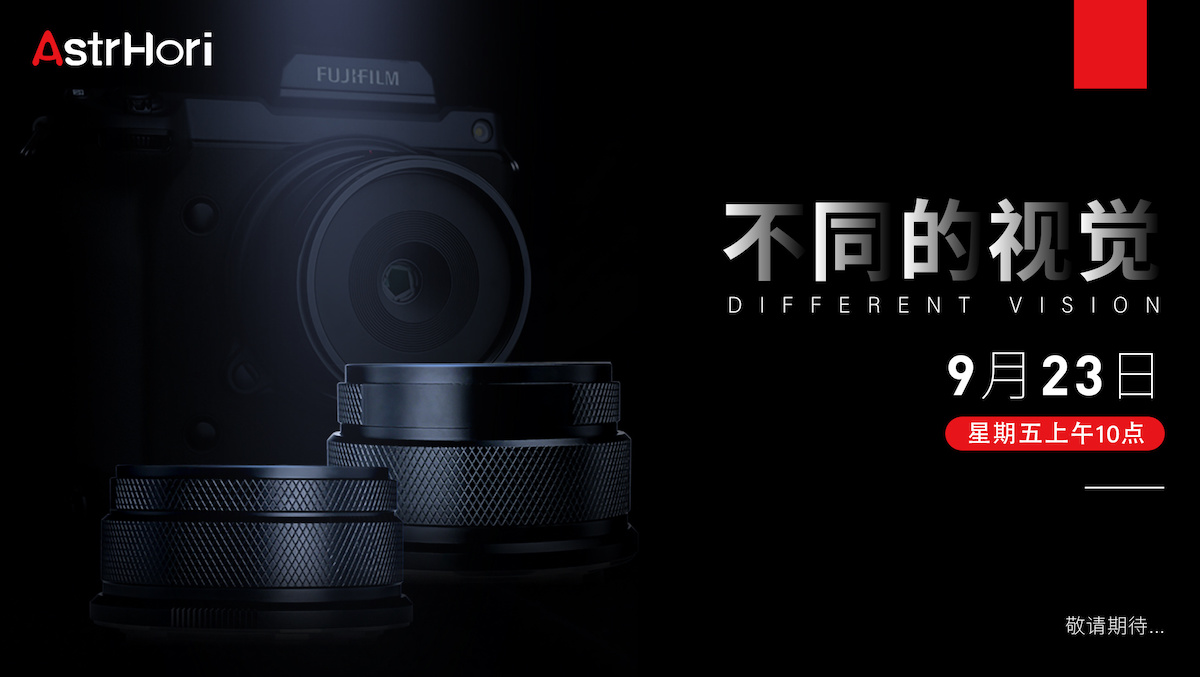
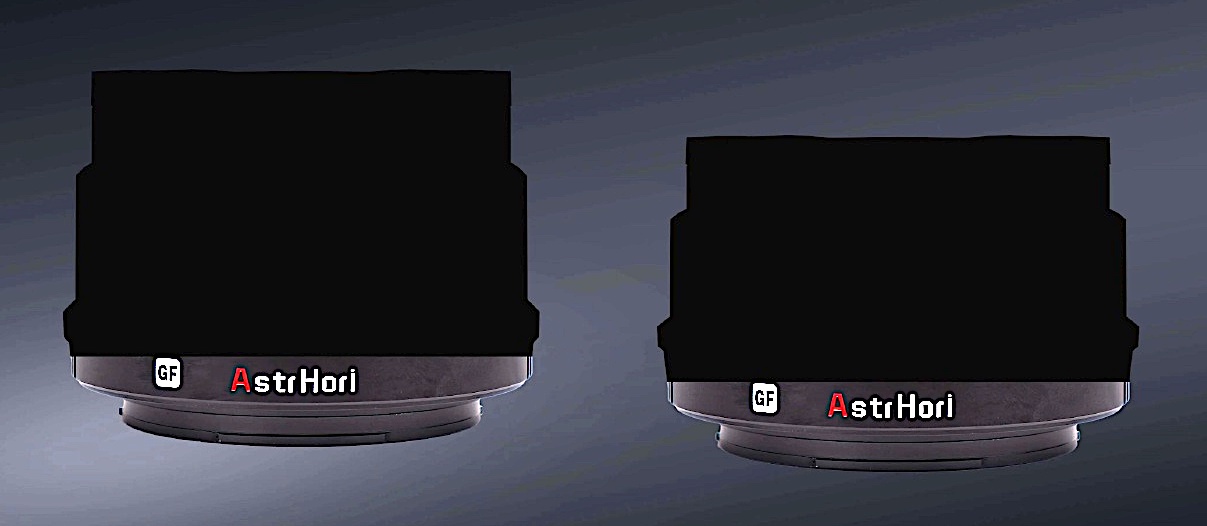
Leaked AstrHori 75mm f/4 For GFX


It looks like AstrHori is going to start producing some interesting affordable lenses for GFX soon. Below are the details of the new AstrHori 75mm f/4 lens for GFX.

75mm F4
Format: medium format 4433
Focal length: 75mm
Aperture range: F4-16
Optical structure: 8 elements in 6 groups
Field of view: 44.2°
Focus range: 0.82m~∞
Filter size: Φ67mm Size: about Φ75mm*L76mm
Weight: about 634.5g
Bayonet: Fuji GFX / Hasselblad x Focusing method: Manual focus

X-Mount Lenses
AstrHori 50mm F1.4 Manual Tilt
AstrHori 50mm F2.0
AstrHori 27mm F2.8 II
AstrHori 14mm F4.5 Ultra Wide Angle
AstrHori 10mm F8 II Ultra Wide Angle Fisheye

Posted in 3rd Party Lens| Tagged , , , , , , , , , , , , , , , , , , , , , , , | 2 Comments