Laowa 24mm f/2 Zero-D Tilt-Shift: B&H Photo / Venus Optics
A New Perspective in Tilt-Shift Photography
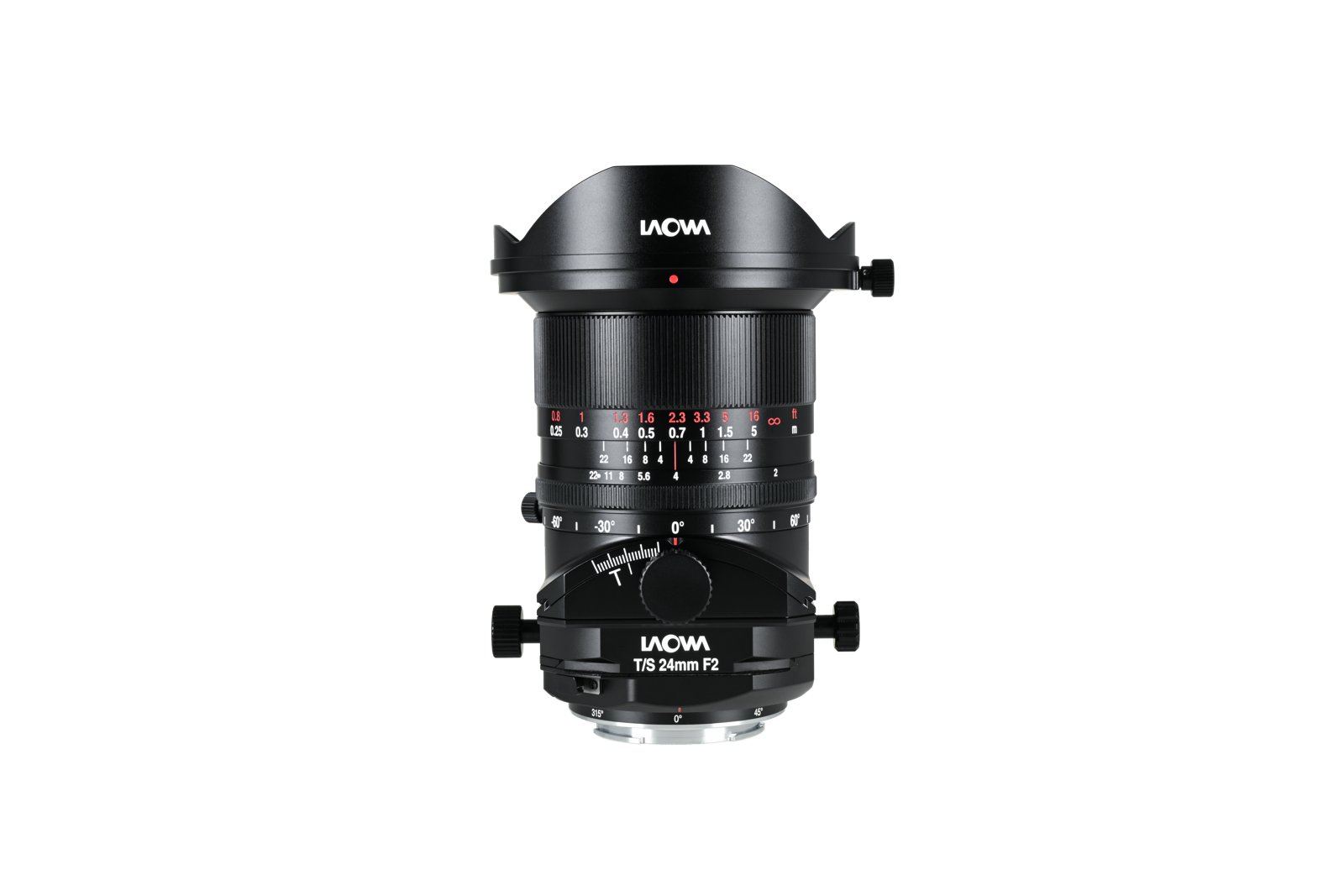
Anhui, China — November 4, 2026 — Laowa officially announces the 24mm f/2 Zero-D Tilt-Shift, a full-frame tilt-shift lens built for demanding architectural and commercial photography. It combines a fast f/2 aperture, Laowa’s signature Zero-D (near-zero distortion) optics, ±12mm shift and ±10° tilt, and a large image circle that also serves GFX and XCD medium-format users. Alongside the launch, Laowa introduces the XCD mount for its 55mm and 100mm f/2.8 Tilt-Shift 1x Macro lenses, bringing more options to Hasselblad medium-format photographers.
Key Features
- Fastest f/2 aperture in its tilt-shift class
- ±12mm shift for perspective control and stitching
- ±10° tilt for selective focus / Scheimpflug effects
- Zero-D optical design — straight lines stay straight
- Compact as a tilt-shift lens
- Large Ø67mm image circle — full-frame + medium format
- 13 elements in 10 groups (including ED and aspherical glass)
- Manual focus; Ø77mm filter thread; all-metal build
Precise ±10° of Tilt and ±12mm of Shift
- Shift Function: Offers up to ±12mm of shift on full-frame cameras, enabling precise perspective control and effortless vertical line correction. It allows photographers to capture ultra-wide panoramic images by stitching multiple shifted frames together.
- Tilt Function: Offers up to ±10° of tilt adjustment, allowing photographers to manipulate the plane of focus for both practical and creative effects, including the distinctive miniature effect.
*The 24mm f/2 is engineered to balance its tilt and shift capabilities while maintaining a compact form factor. The available tilt and shift ranges may vary slightly depending on the camera mount, particularly when focusing at infinity. In general, applying more tilt reduces the available shift range, and vice versa.
Fast f/2 Maximum Aperture
With its ultra-large f/2 aperture, this is the fastest tilt-shift lens ever made for any format. The extra light-gathering capability expands the possibilities of tilt-shift photography beyond daylight, making it ideal for dimly lit interiors, blue-hour scenes, and night-sky photography.
Compact Form in Tilt-Shift Photography
Measuring Ø93mm × 119mm (Ø3.66″ × 4.69″) and weighing just 860g (1.90 lb), the 24mm f/2 Zero-D Tilt-Shift maintains a remarkably compact form factor for a lens of its class, making it a versatile choice for both studio and on-location photography.
Zero Distortion
Laowa’s signature Zero-D optical design minimises distortion at the source, keeping straight lines straight across the frame, from the centre to the edges, with no bowed doorframes or curved horizons to correct in post-production.
Bringing Tilt-Shift Photography to Medium Format
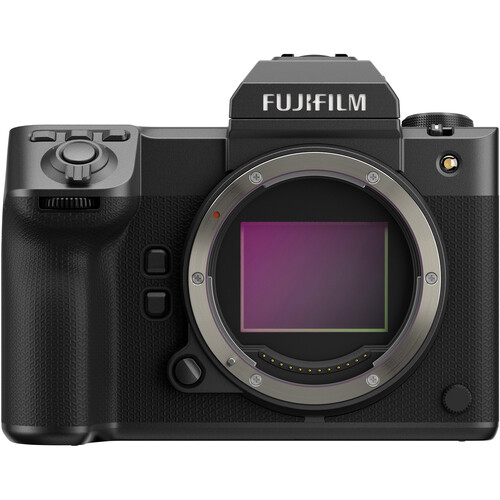
The 24mm f/2 Zero-D Tilt-Shift also supports GFX and XCD medium-format camera systems via compatible mounts, retaining its full ±10° tilt range and ±12mm of shift along both the X and Y axes. With its 24mm-equivalent field of view, it is one of the most affordable solutions in its category for GFX and XCD photographers.
XCD Mount Now Available for 55mm and 100mm f/2.8 Tilt-Shift 1x Macro
Expanding its medium-format lineup, Laowa introduces XCD mount versions of its existing 55mm and 100mm f/2.8 Tilt-Shift 1x Macro lenses. This expansion gives Hasselblad photographers greater flexibility in product photography, close-up work, and creative tilt-shift applications.
Pricing & Availability
The 24mm f/2 Zero-D Tilt-Shift lens, along with the 55mm and 100mm f/2.8 Tilt-Shift 1x Macro lenses, is available on the official Venus Optics website (venuslens.net) and through authorised global resellers starting November 5, 2026, at 14:00 GMT / 22:00 HKT / 6:00 PST.
US MSRP: USD 1,249 (pricing varies by region)
Technical Specifications
| Product Name | Laowa 24mm f/2 Zero-D Tilt-Shift |
|---|---|
| Format | Full Frame |
| Focal Length | 24mm |
| Aperture Range | f/2 – f/22 |
| Angle of View | 84° |
| Lens Structure | 13 elements in 10 groups |
| Aperture Blades | 14 |
| Min. Focus Distance | 25cm / 9.84 inch |
| Shift | ±12mm |
| Tilt | ±10° |
| Mount Rotation | 360° |
| Max. Magnification | 0.194X |
| Filter Thread | Ø77mm |
| Dimensions | Ø93mm × 119mm / Ø3.66″ × 4.69″ |
| Weight | 860g / 1.90 lb |
| Mounts | Sony E / Nikon Z / Canon RF / L Mount / GFX / XCD |
*Incompatible camera bodies: Panasonic S52 / S52X / S1M2 / S1M2E / S1R2