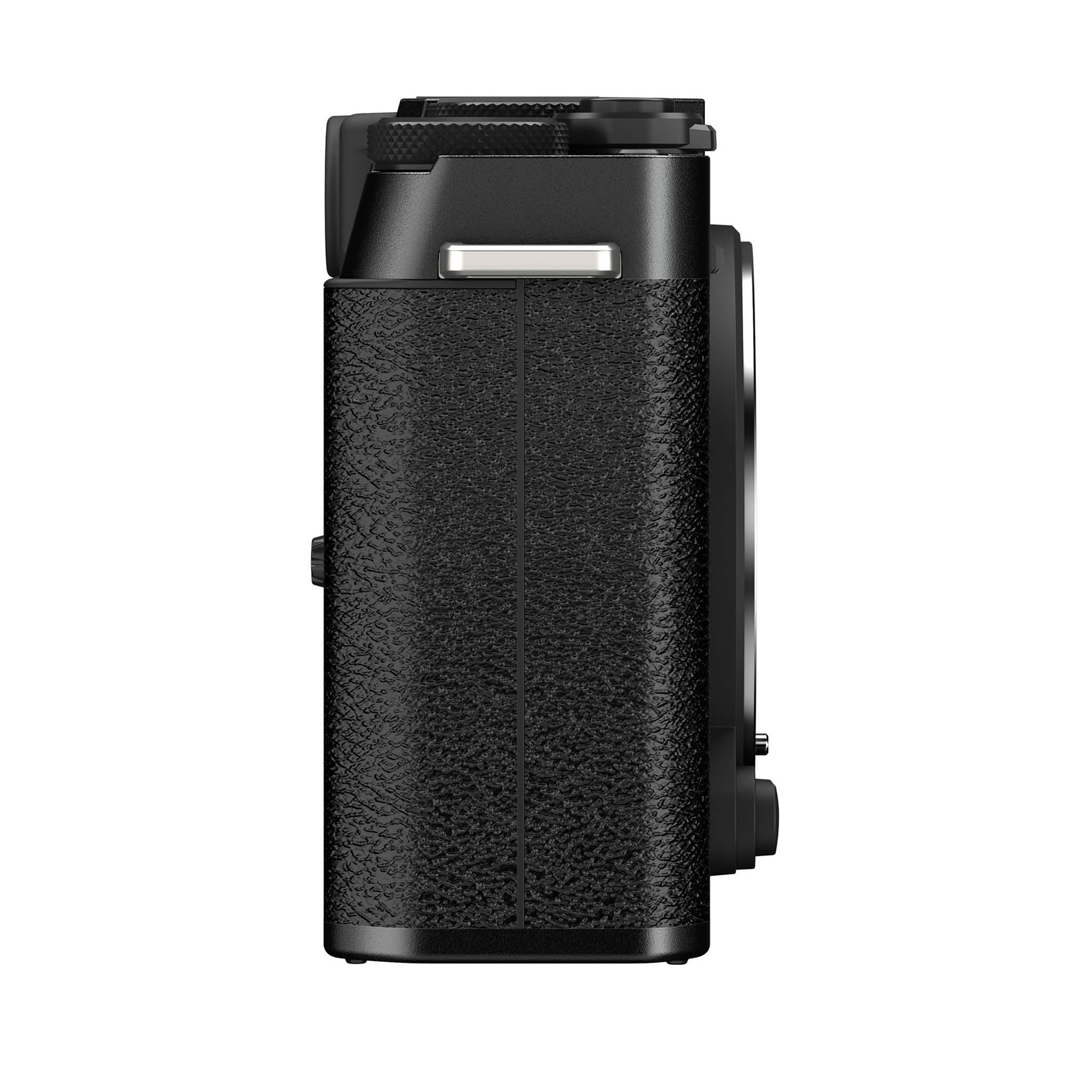
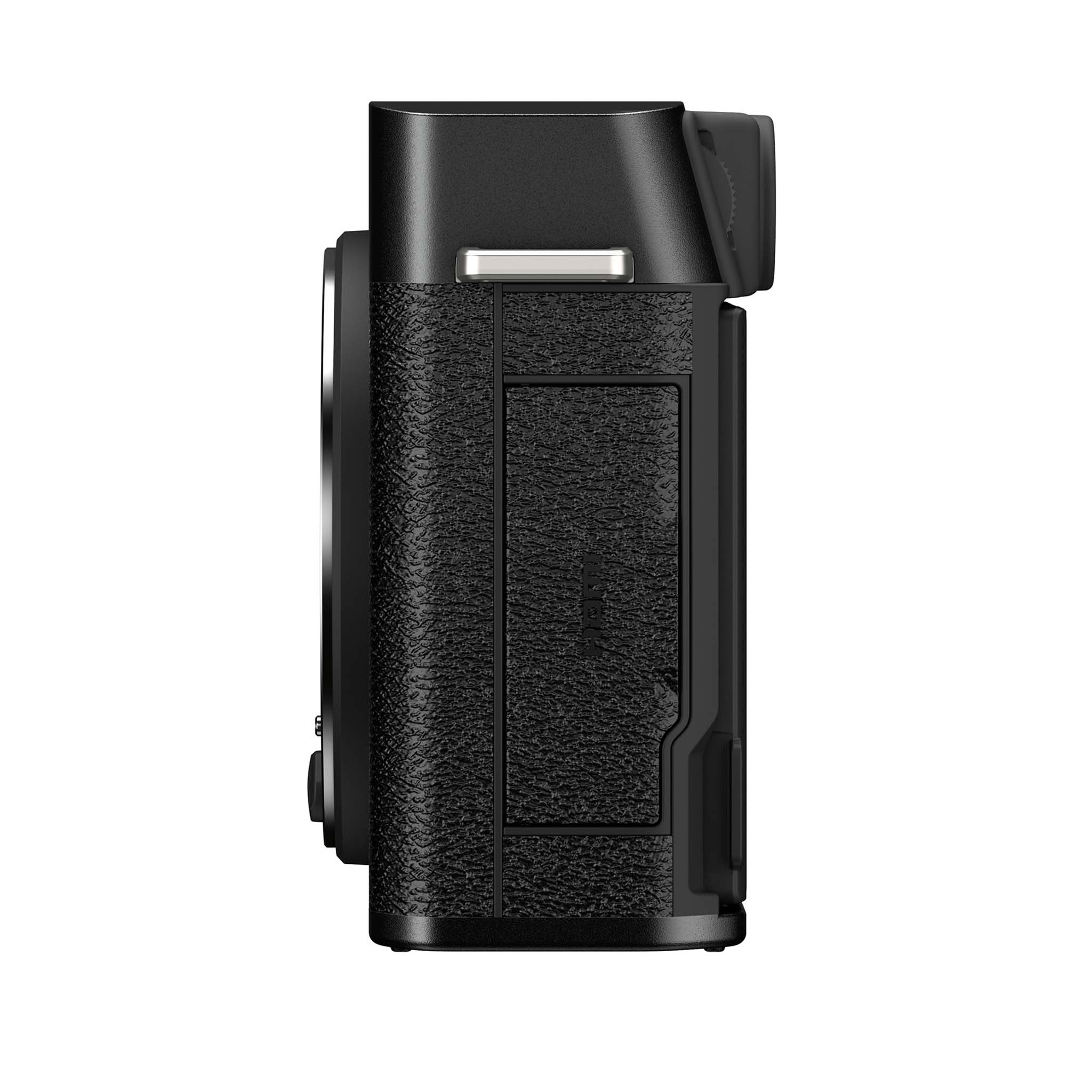
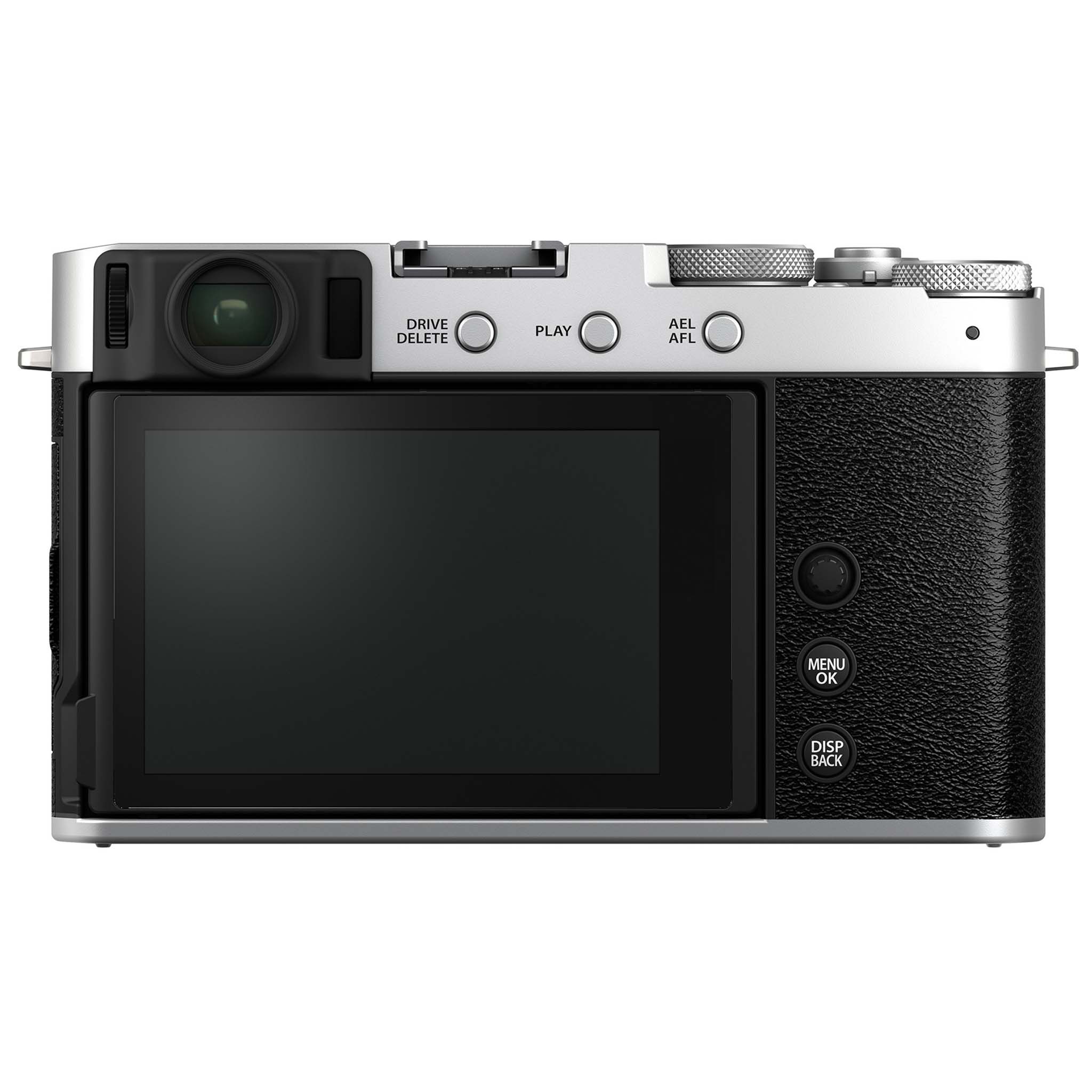
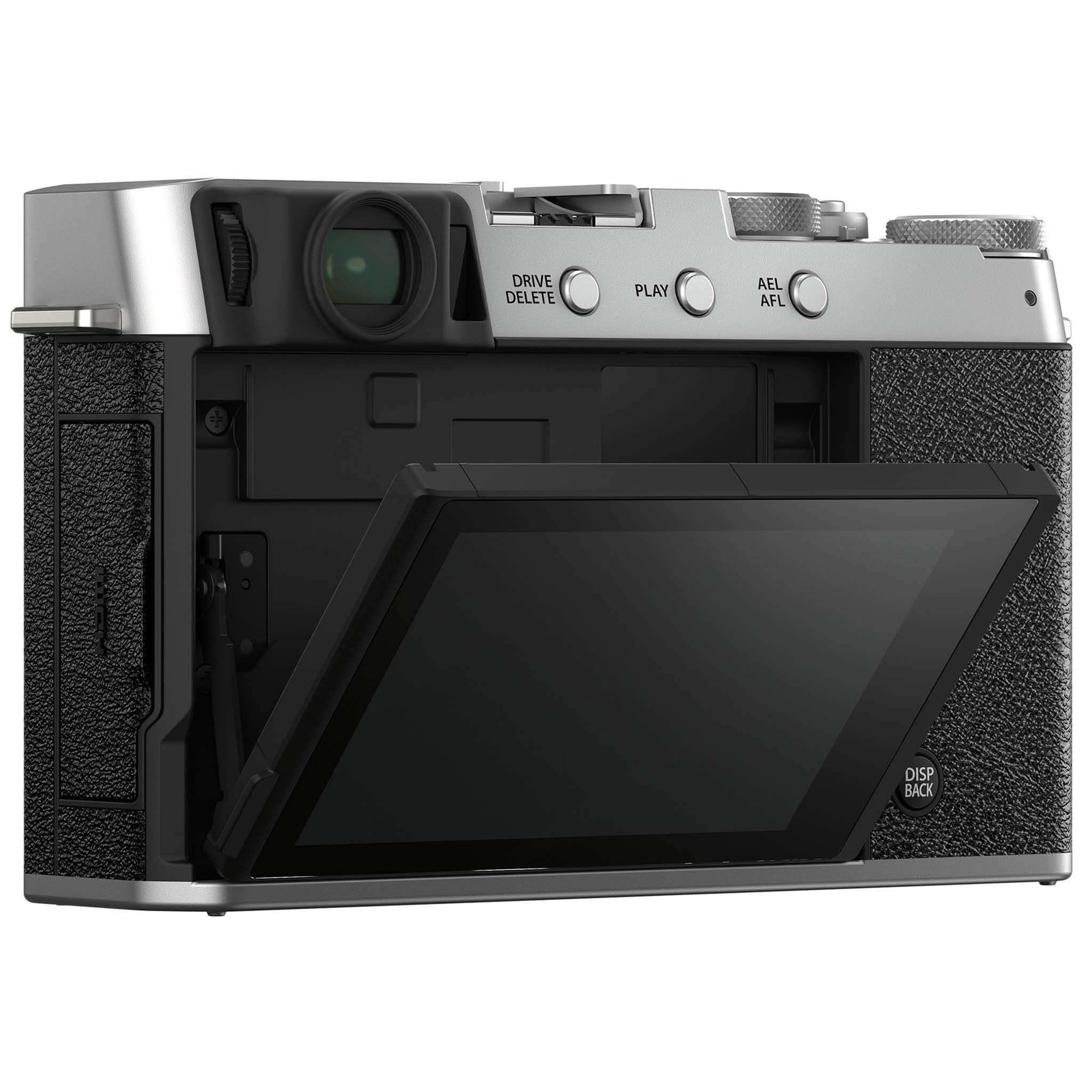
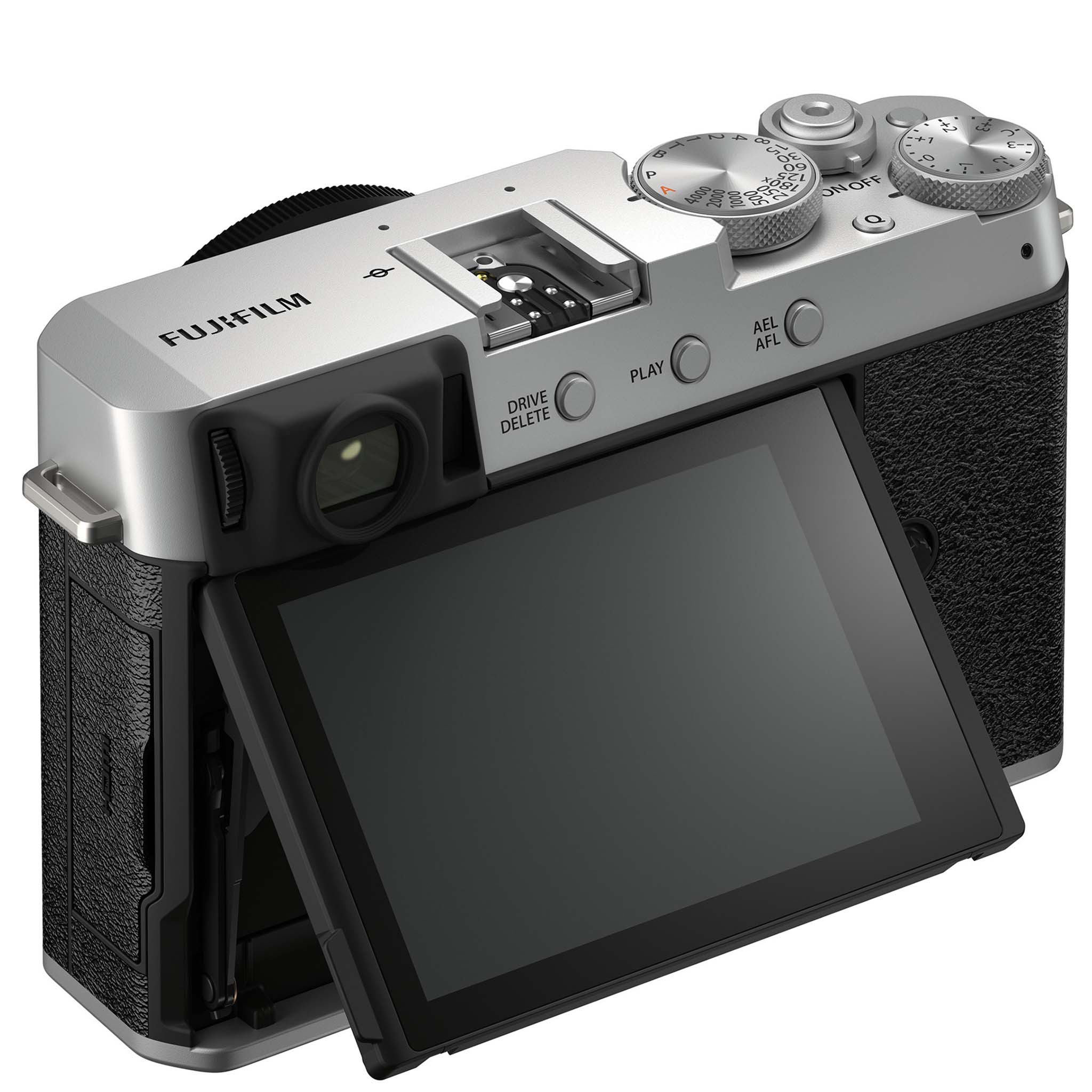
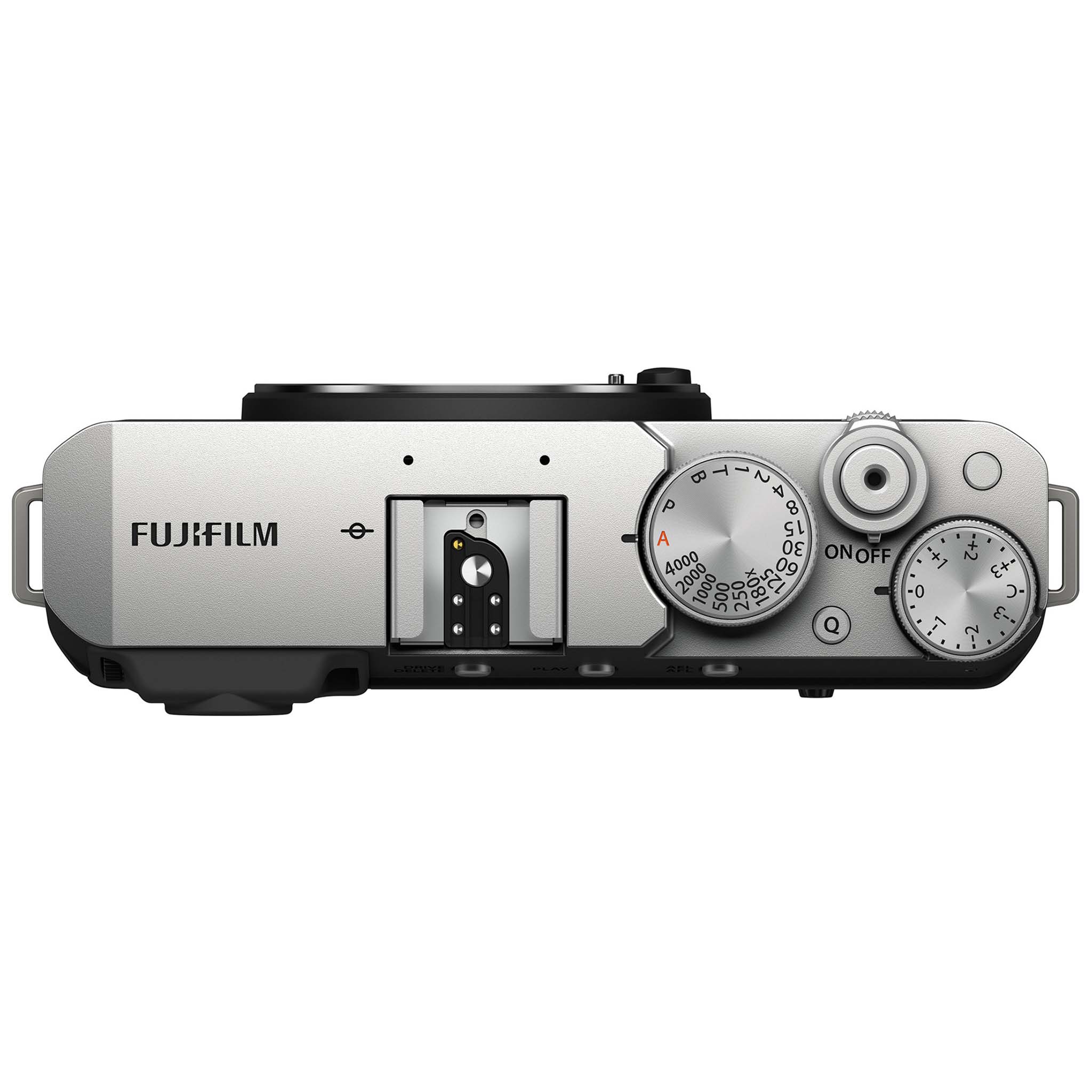
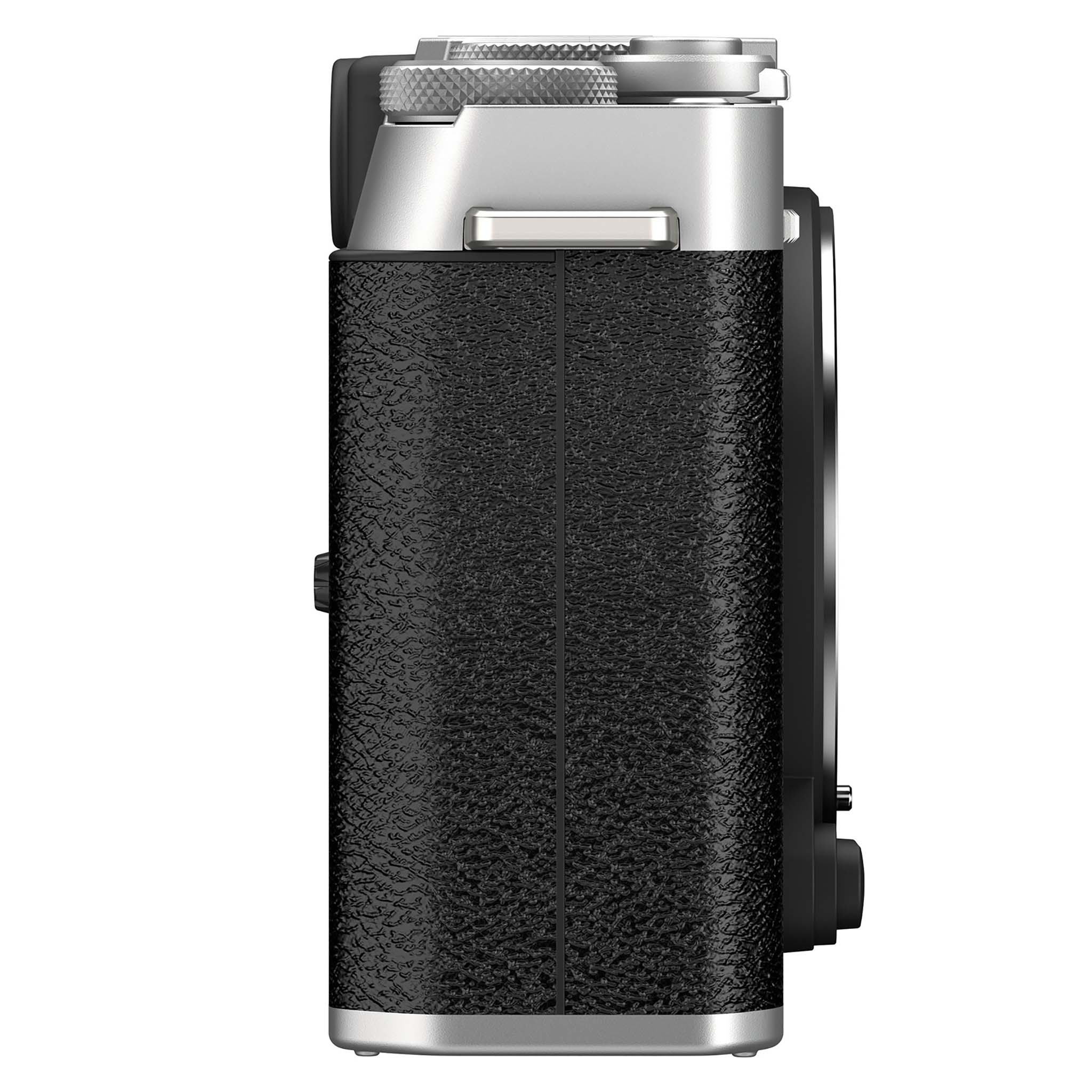
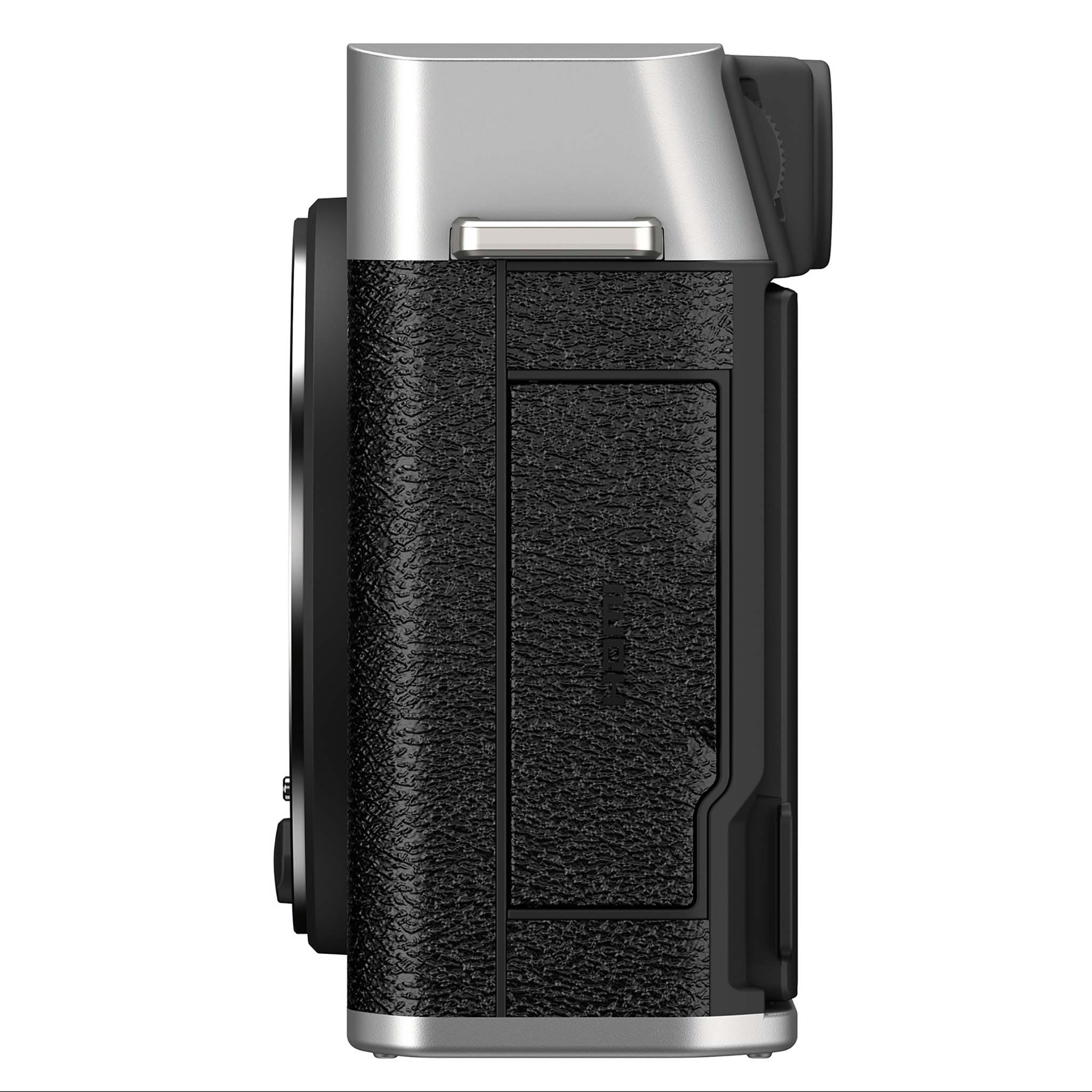
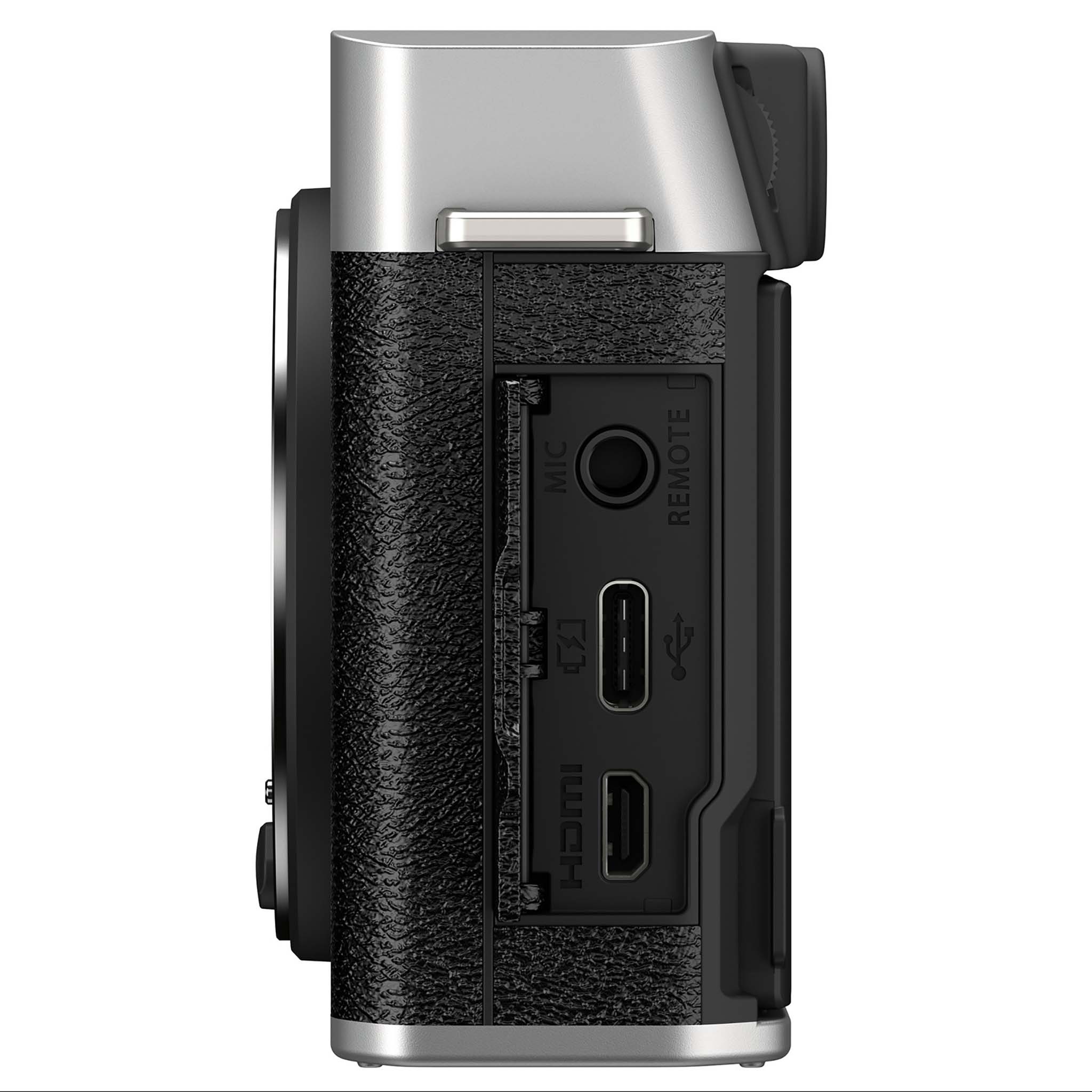
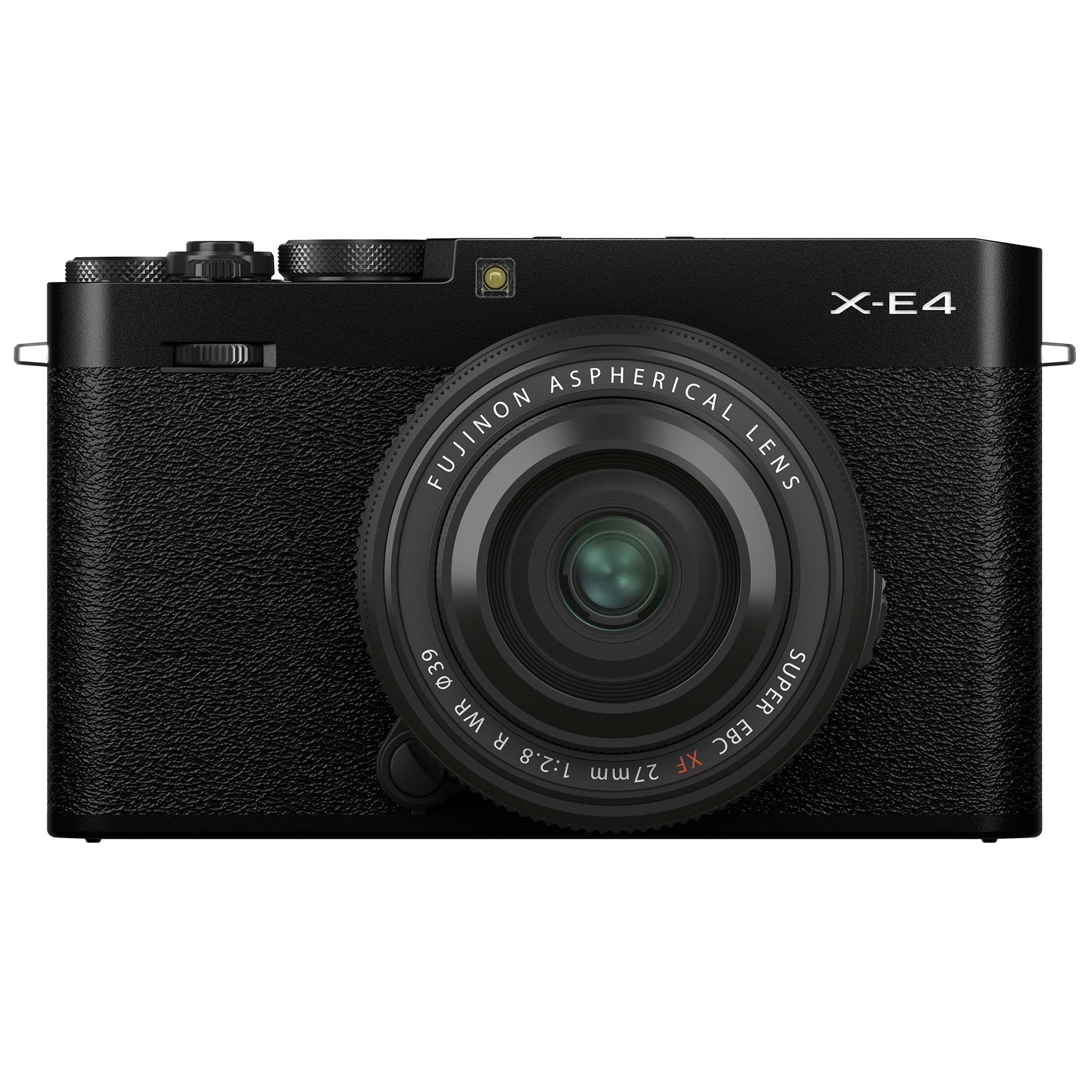
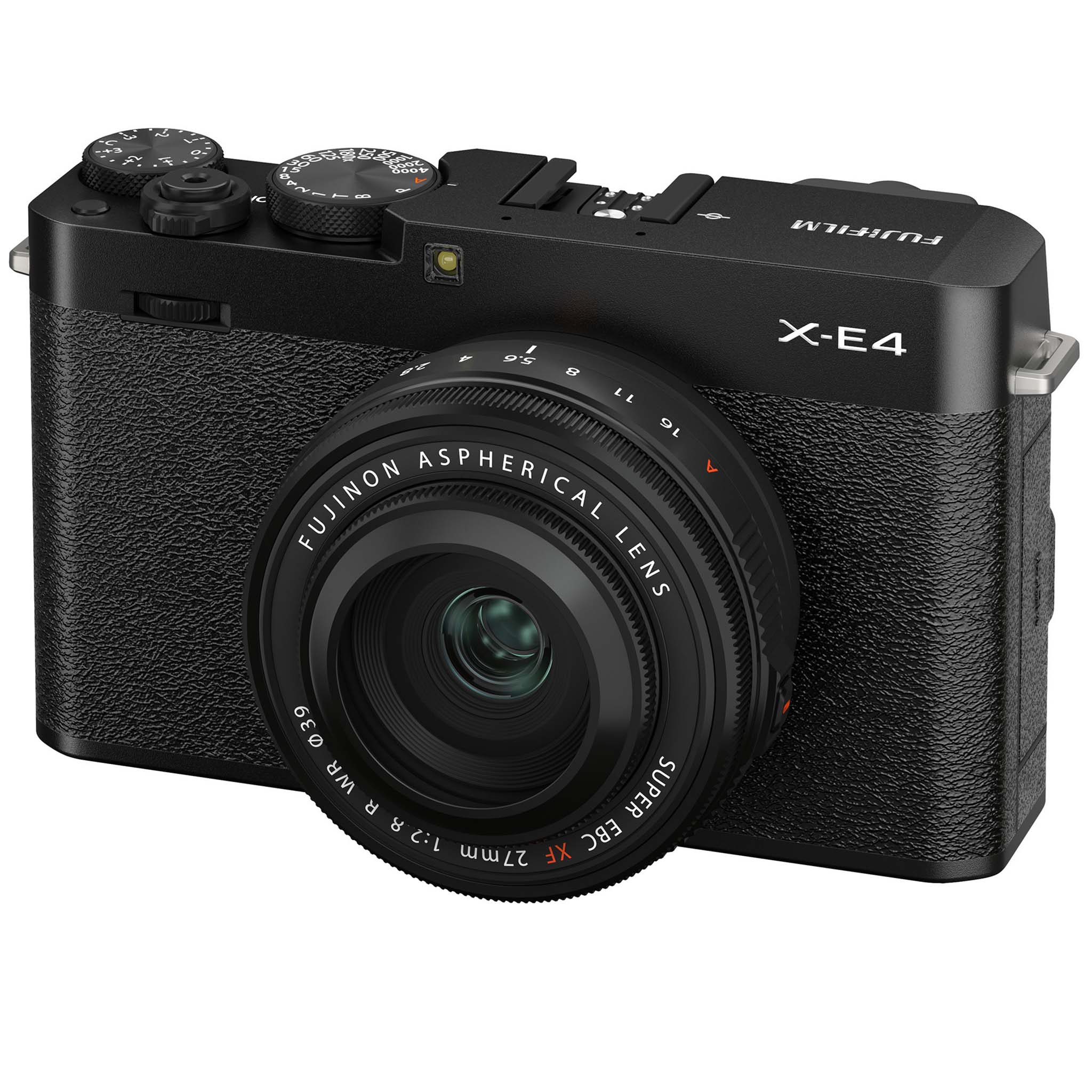
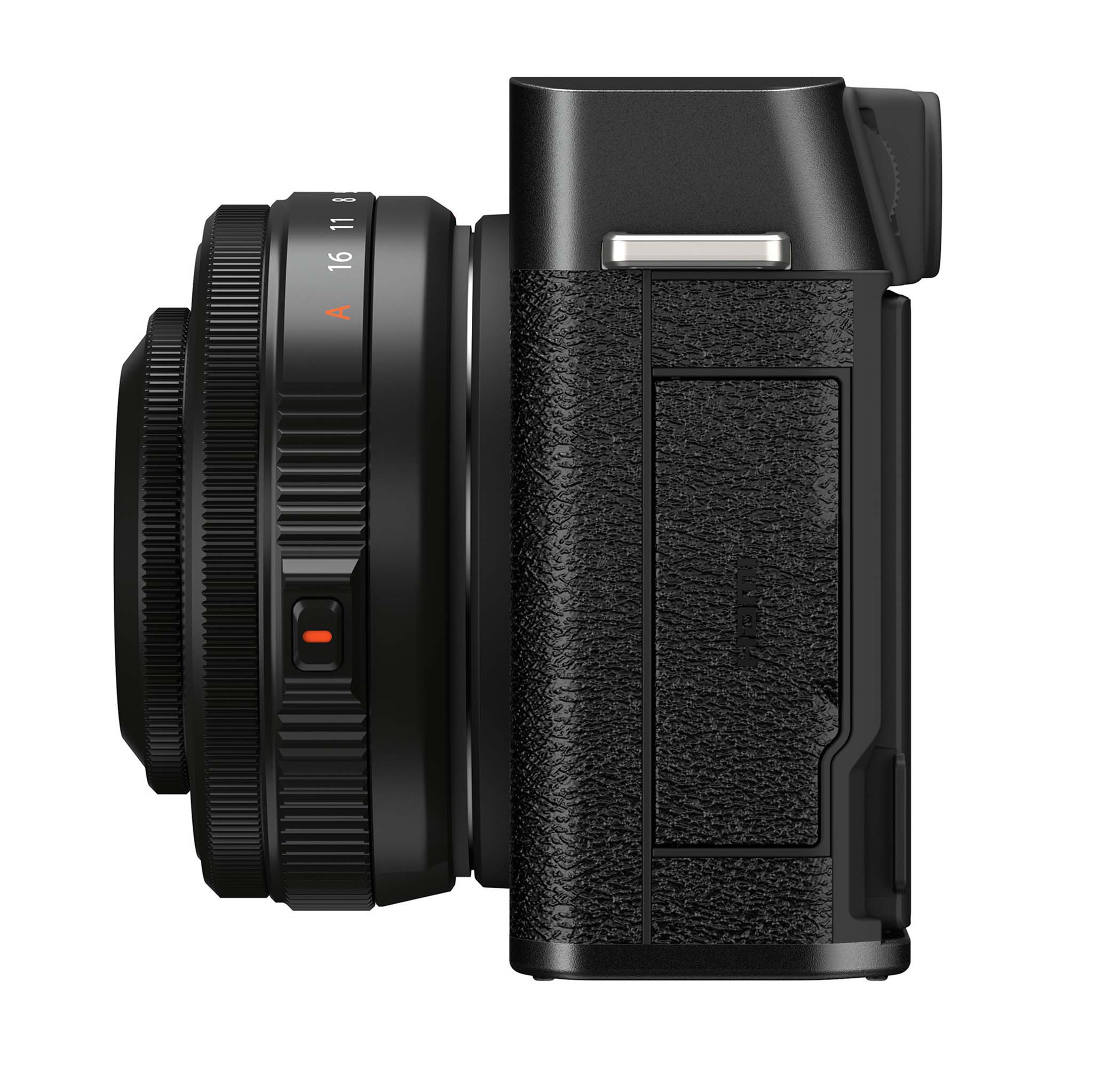
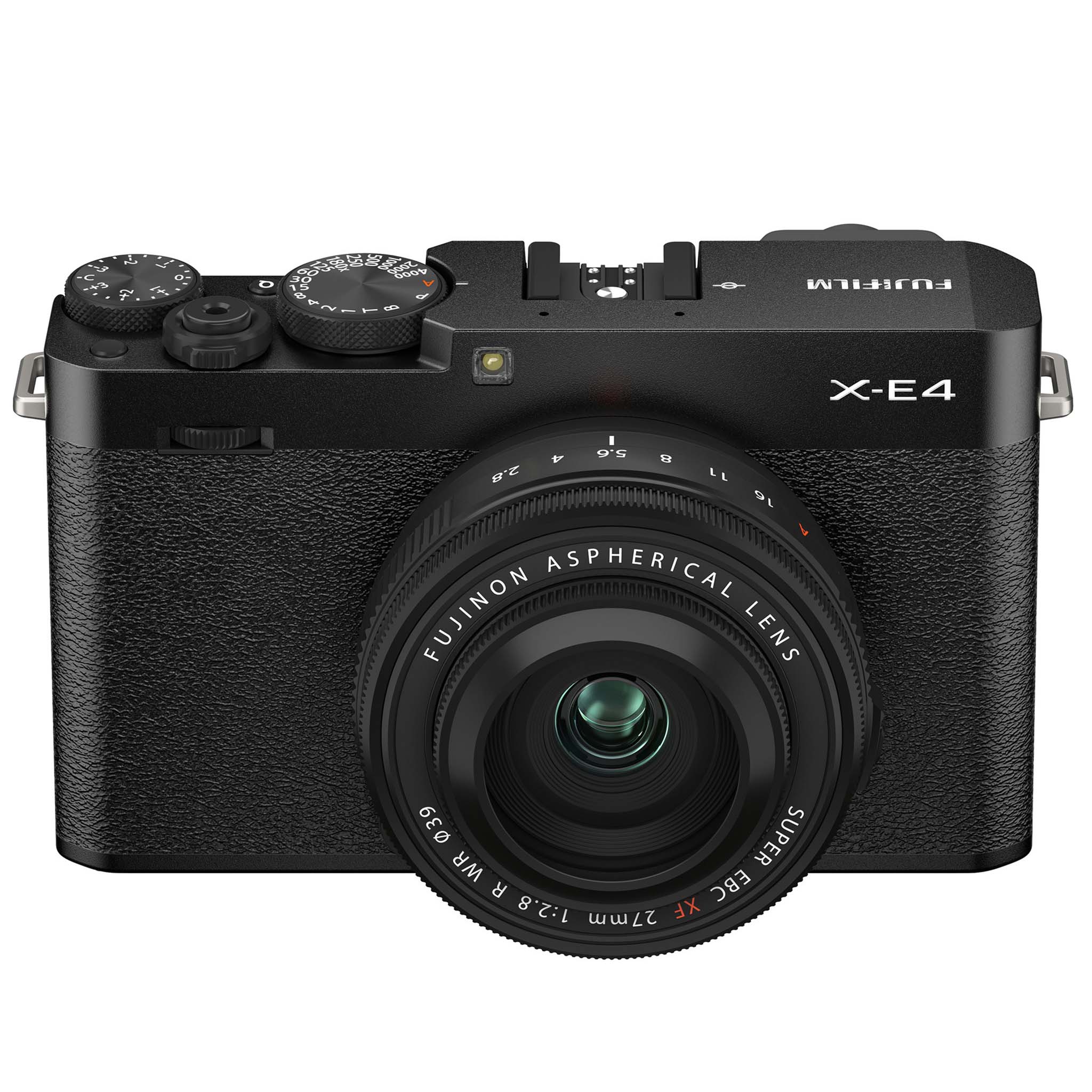
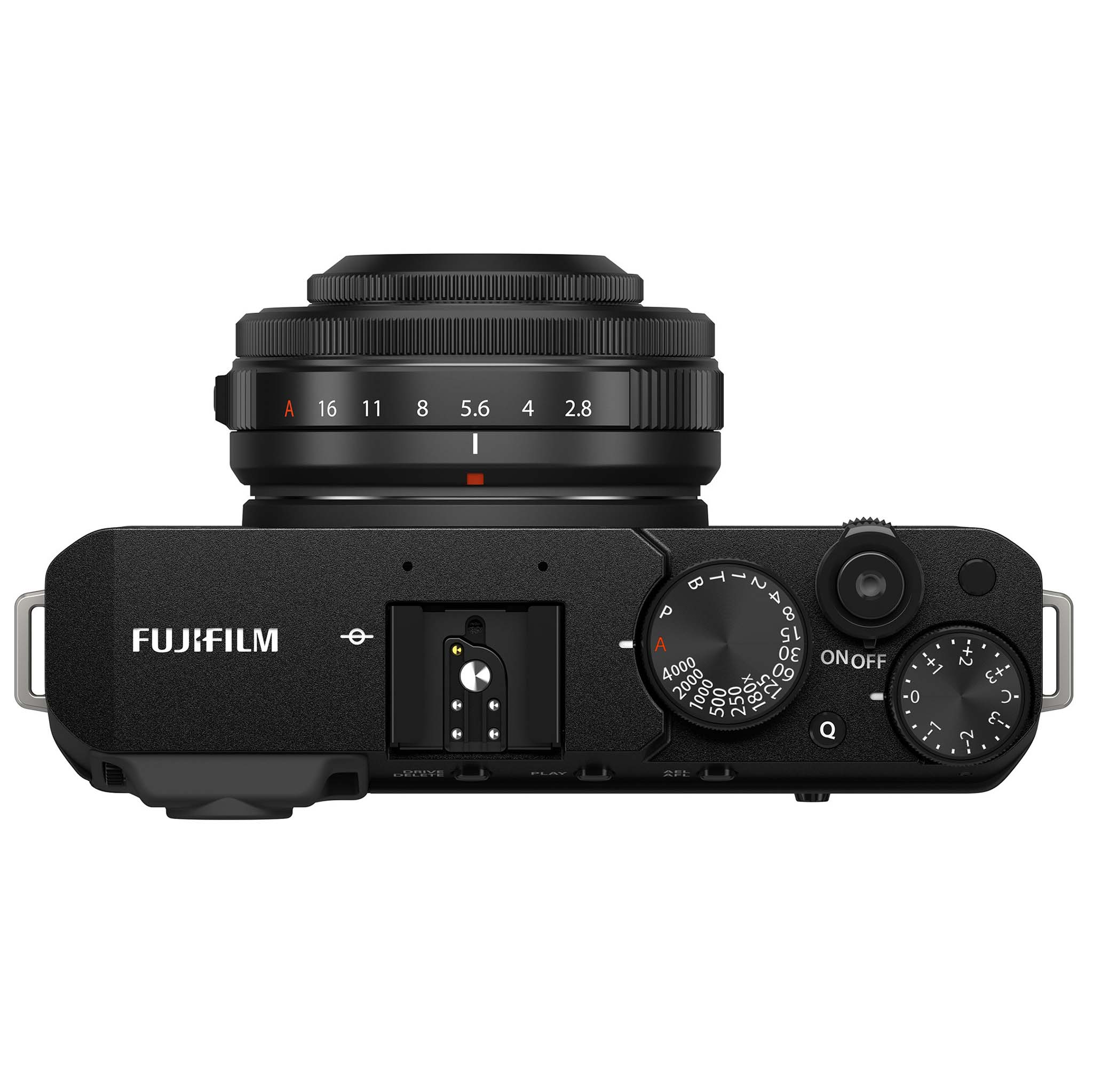
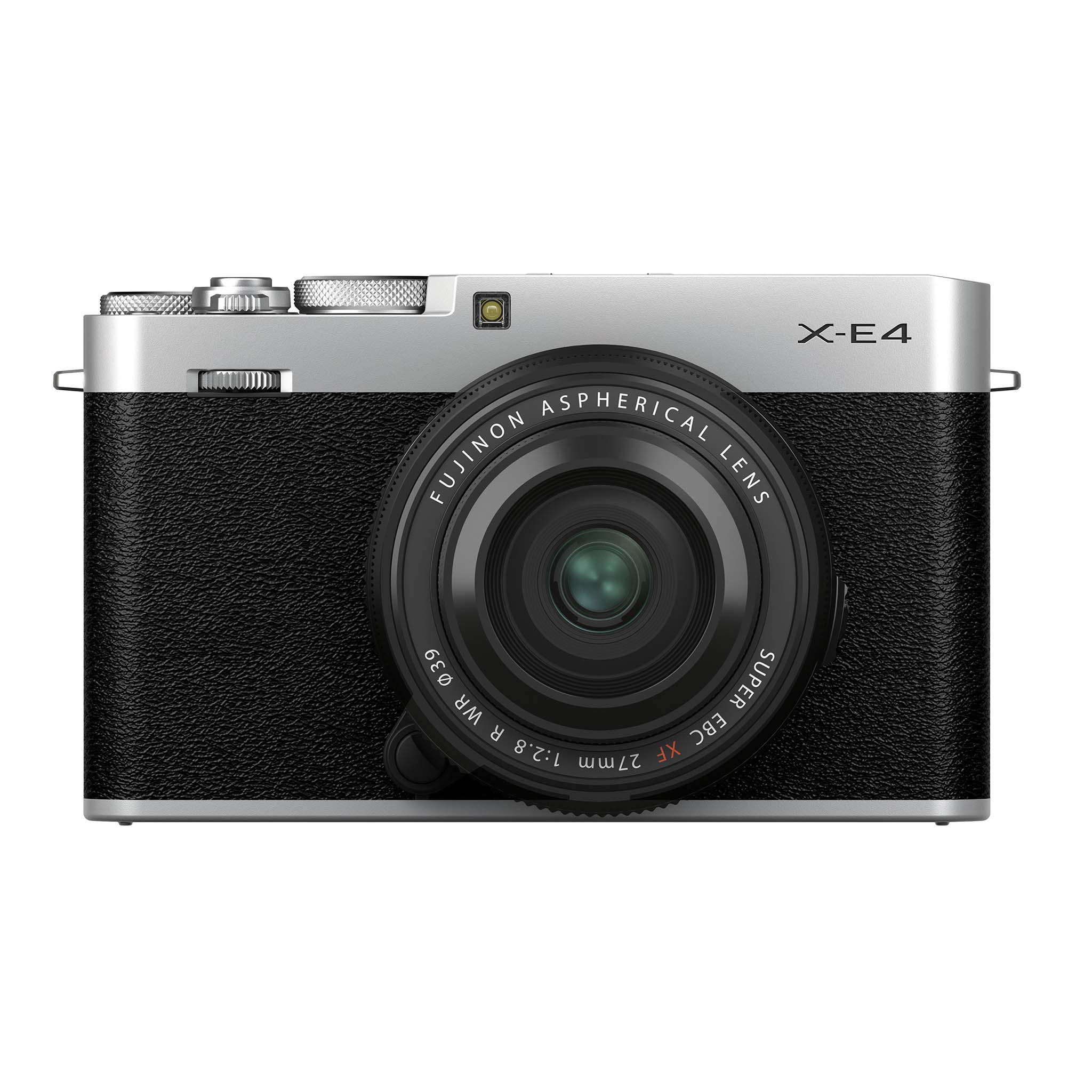
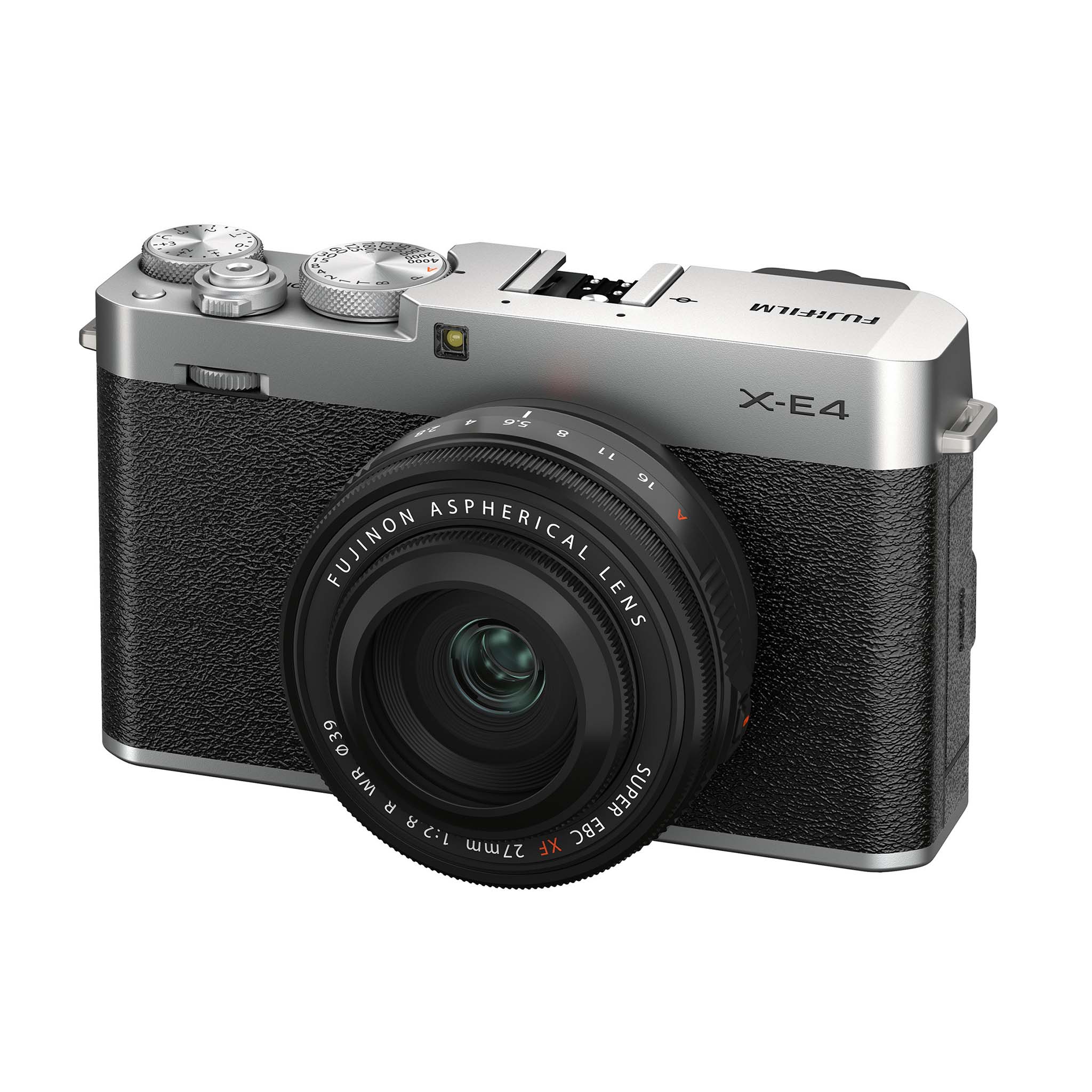
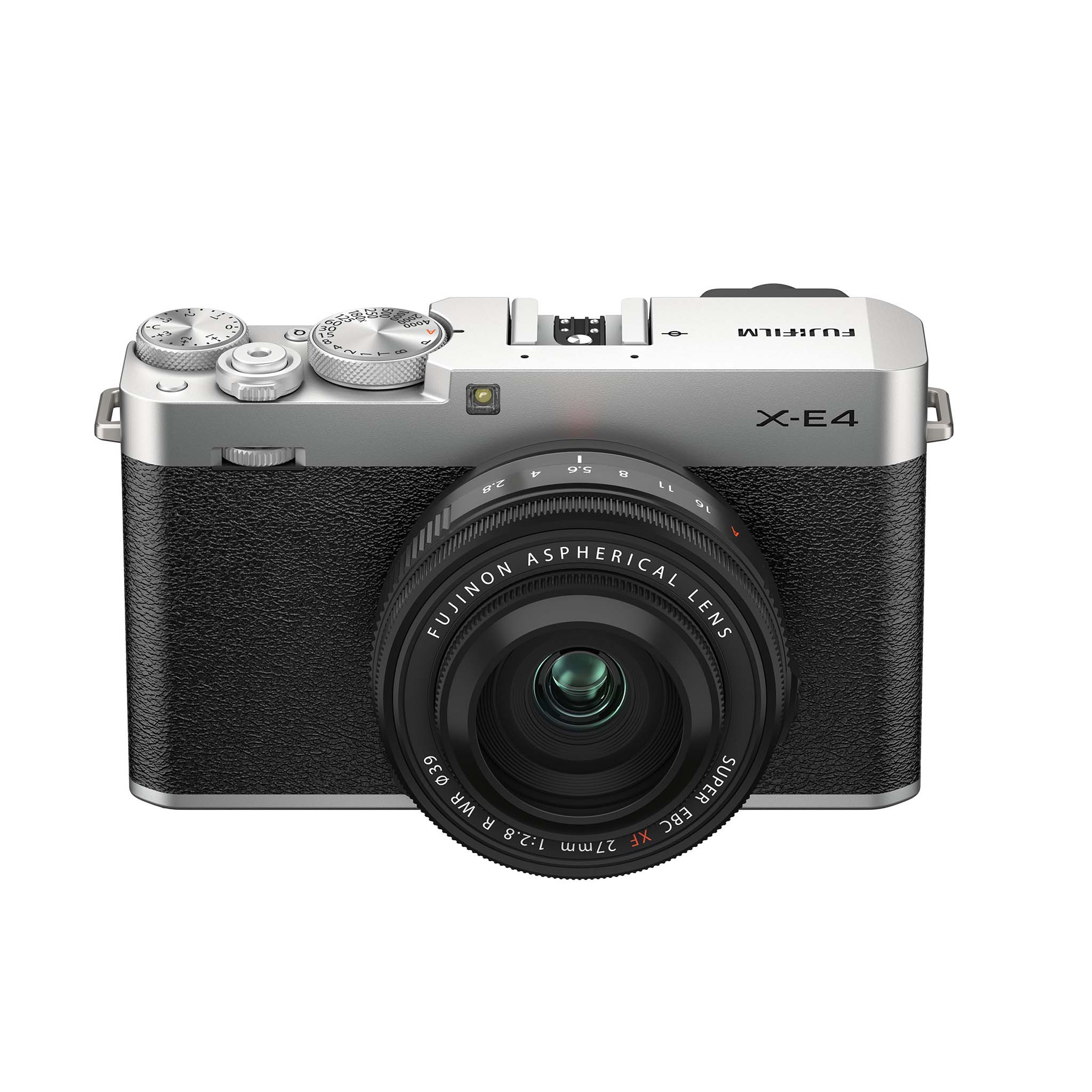
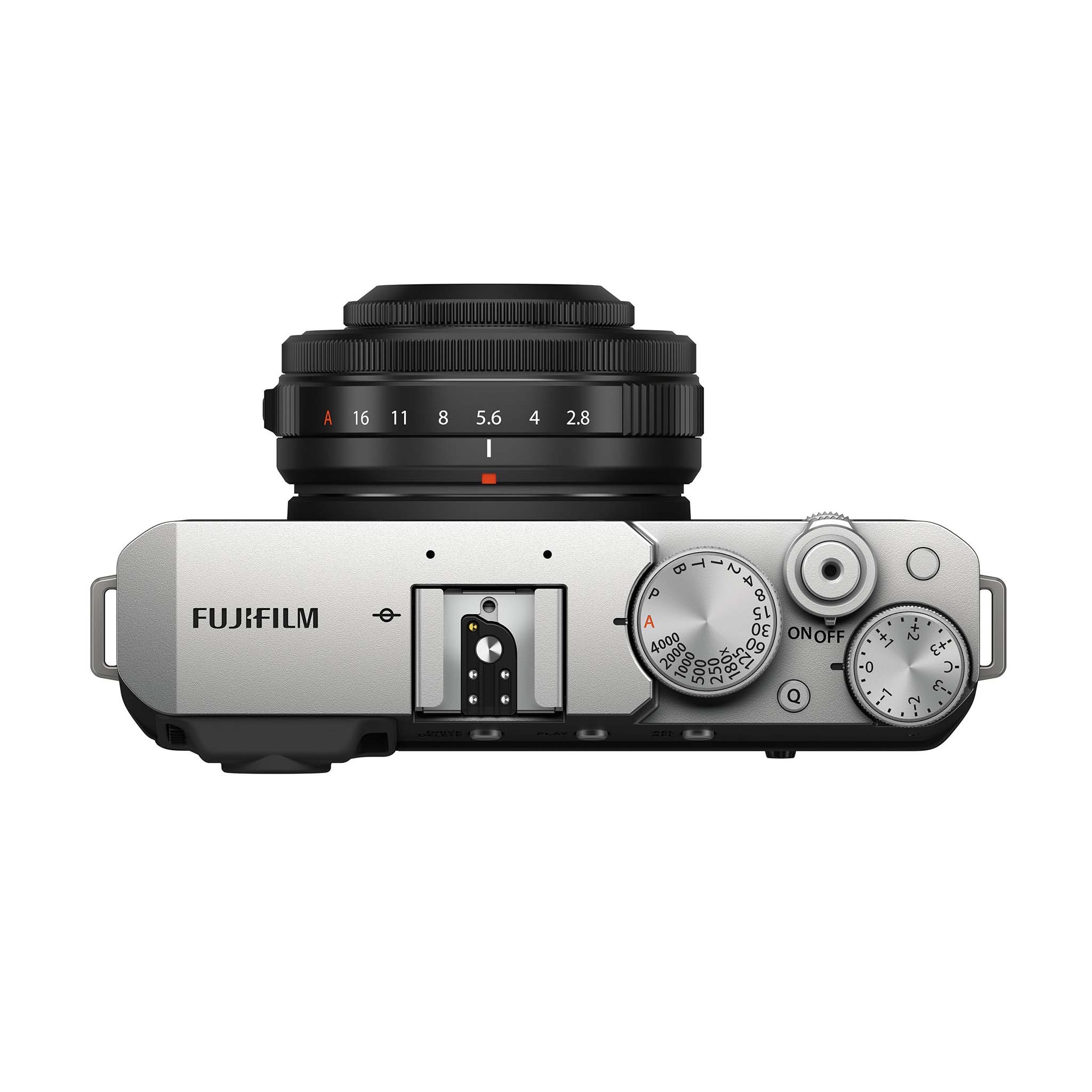
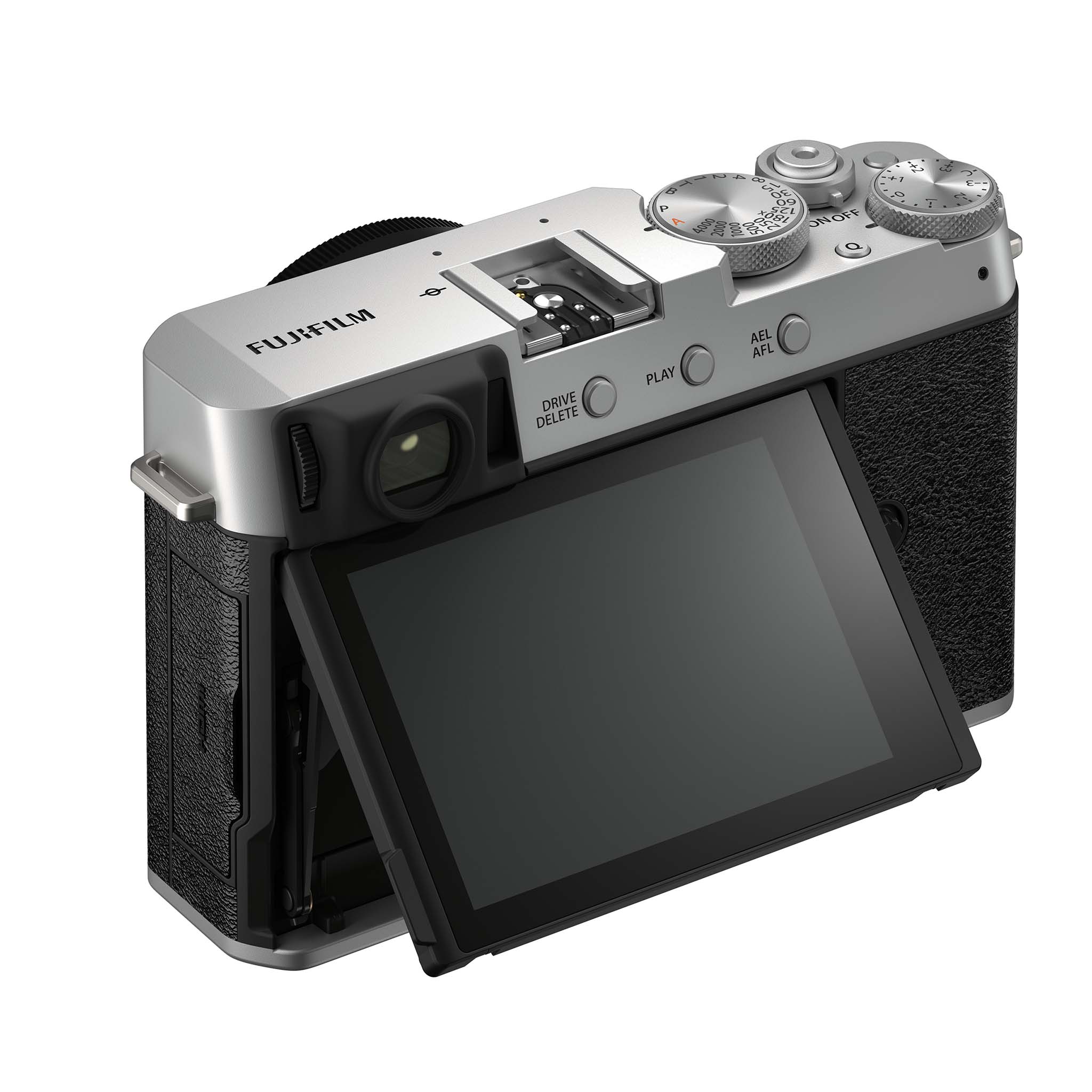
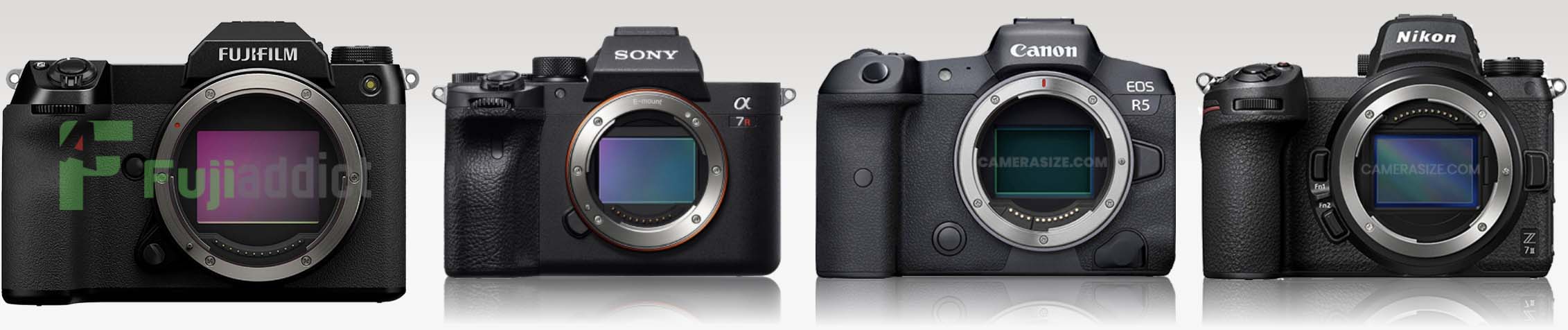
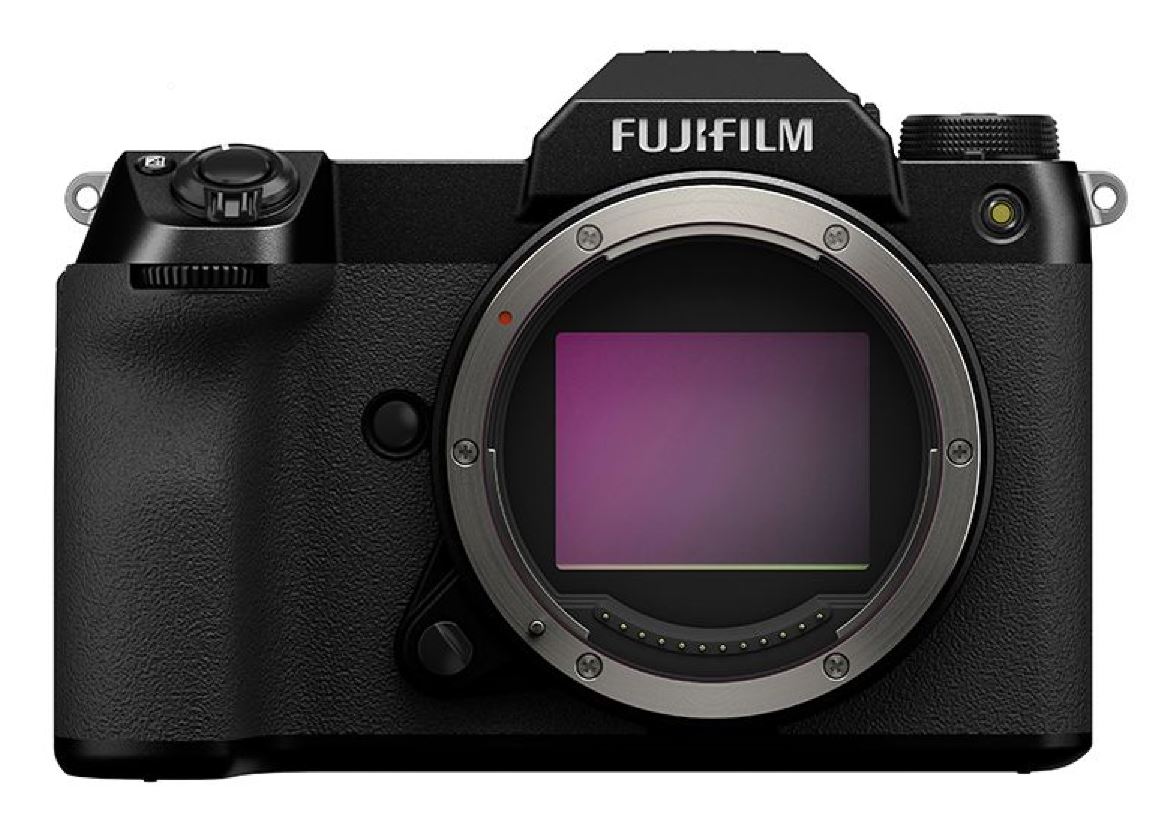
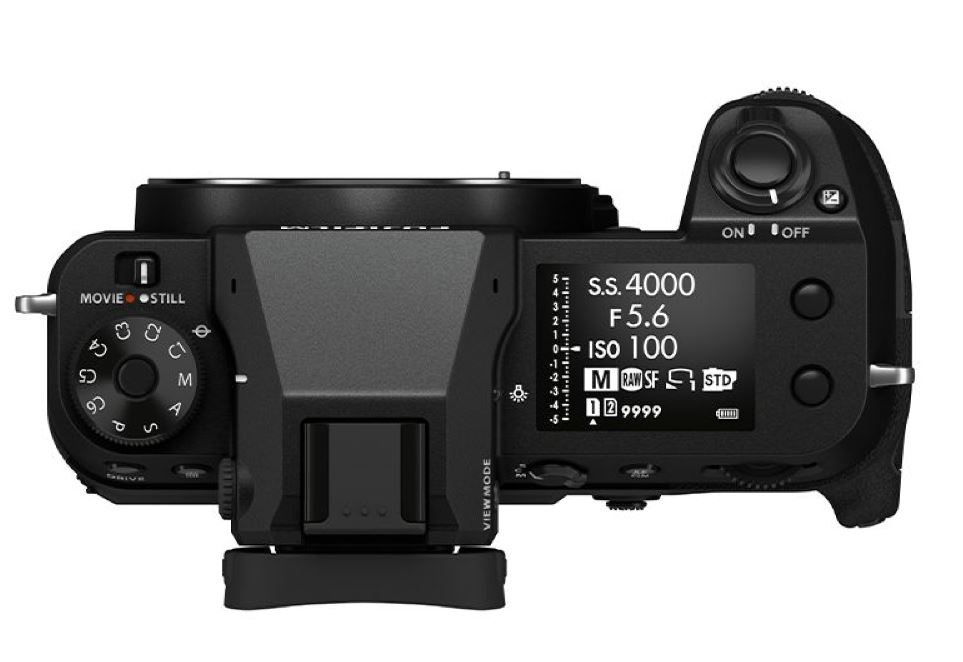
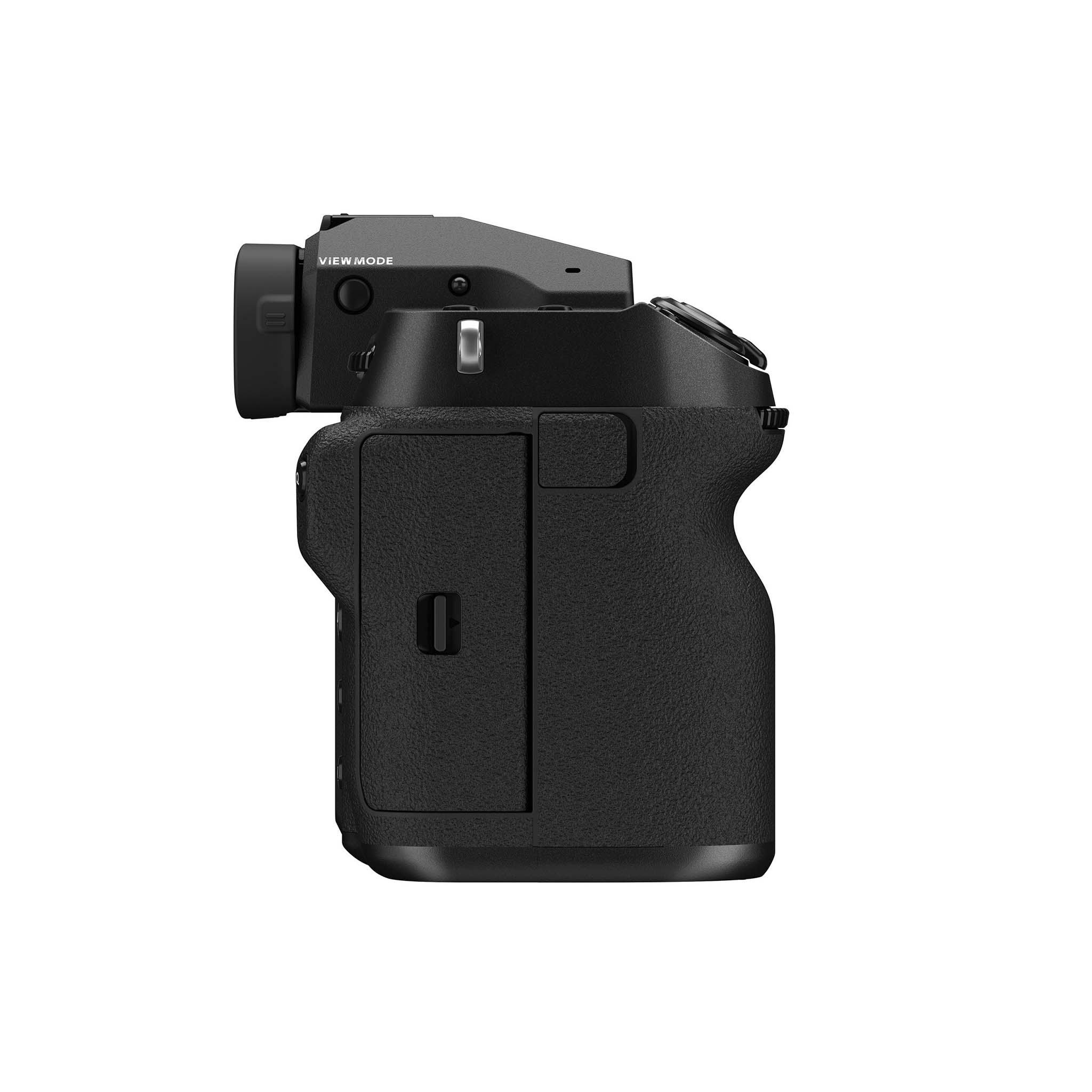
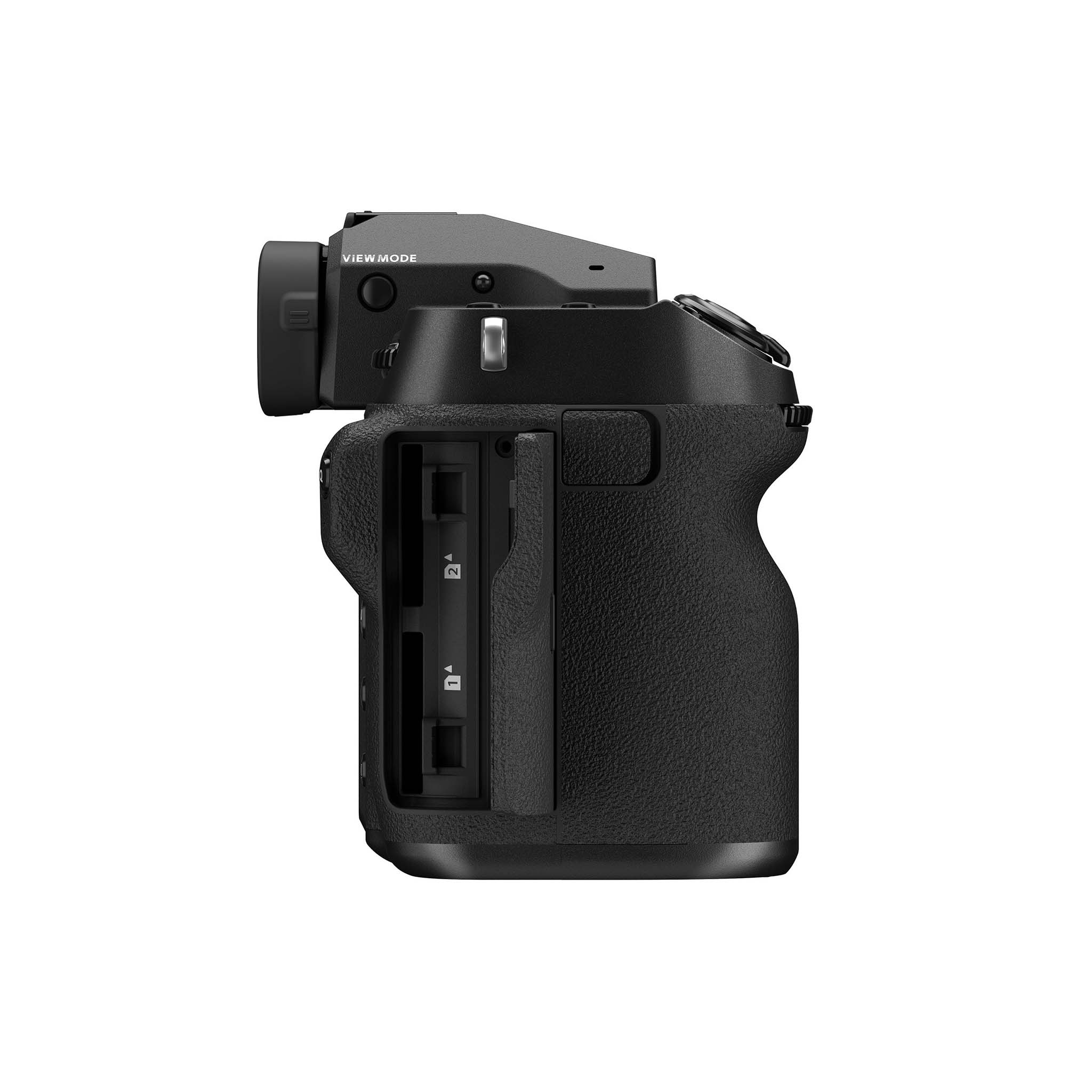
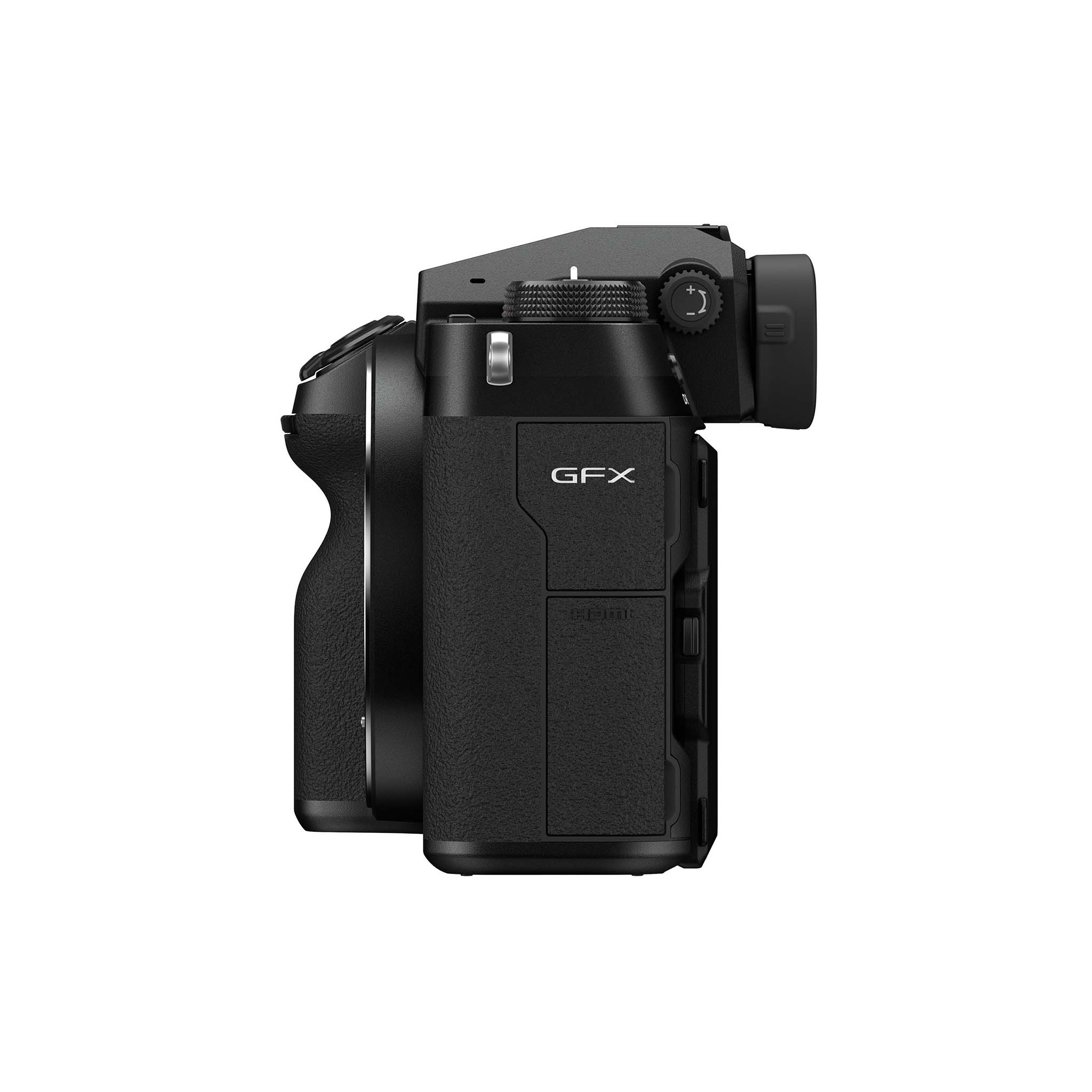
Fujifilm FF200003 Coming January 29, 2021

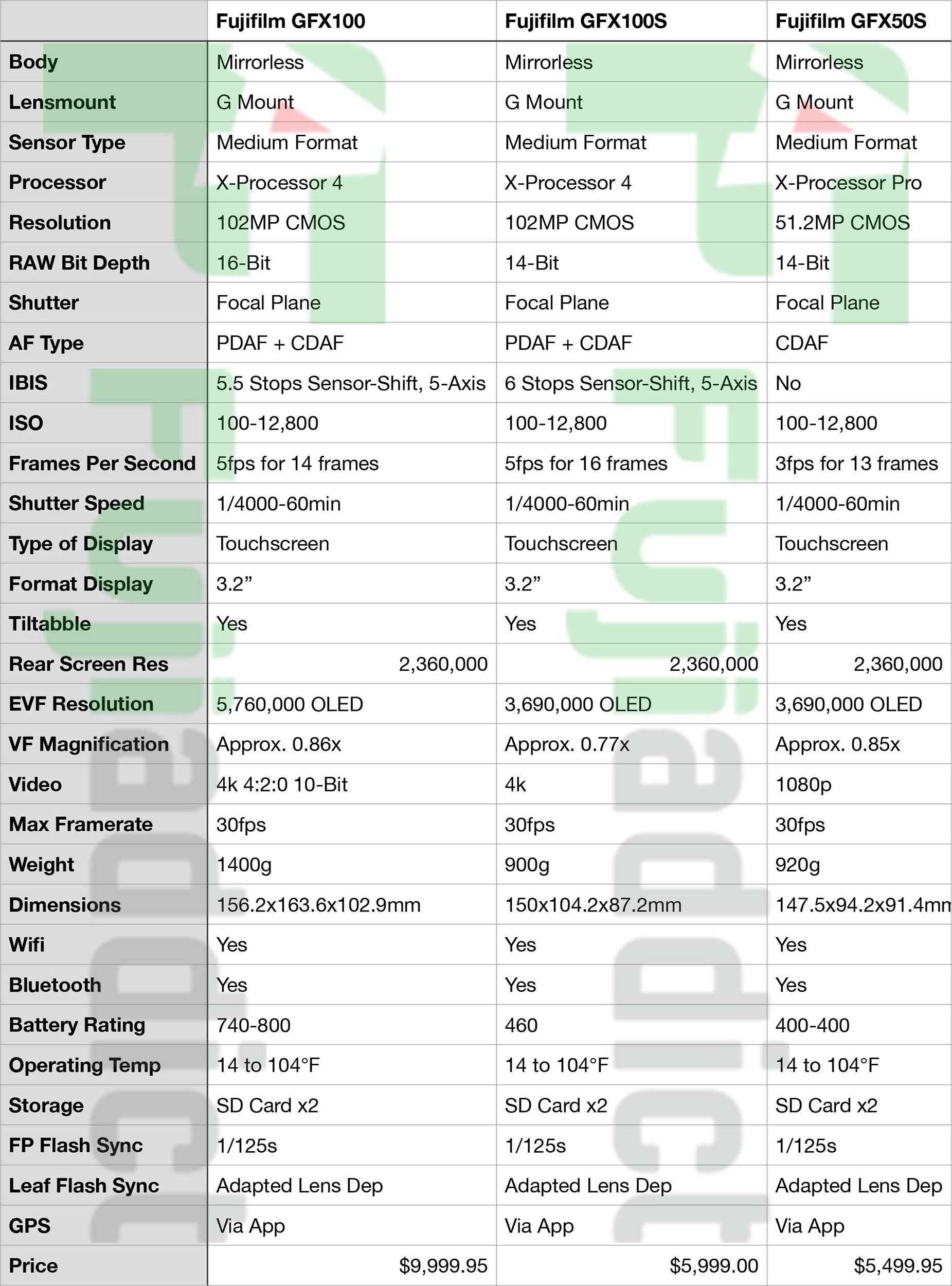
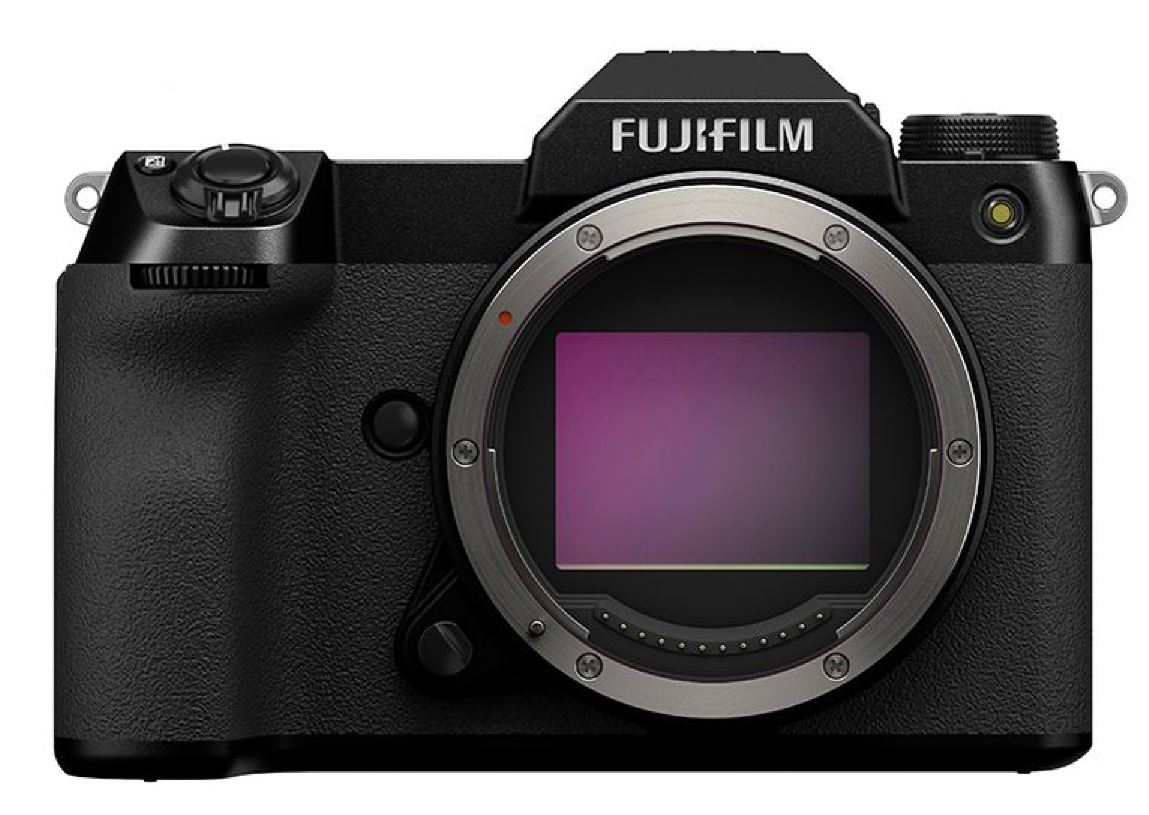
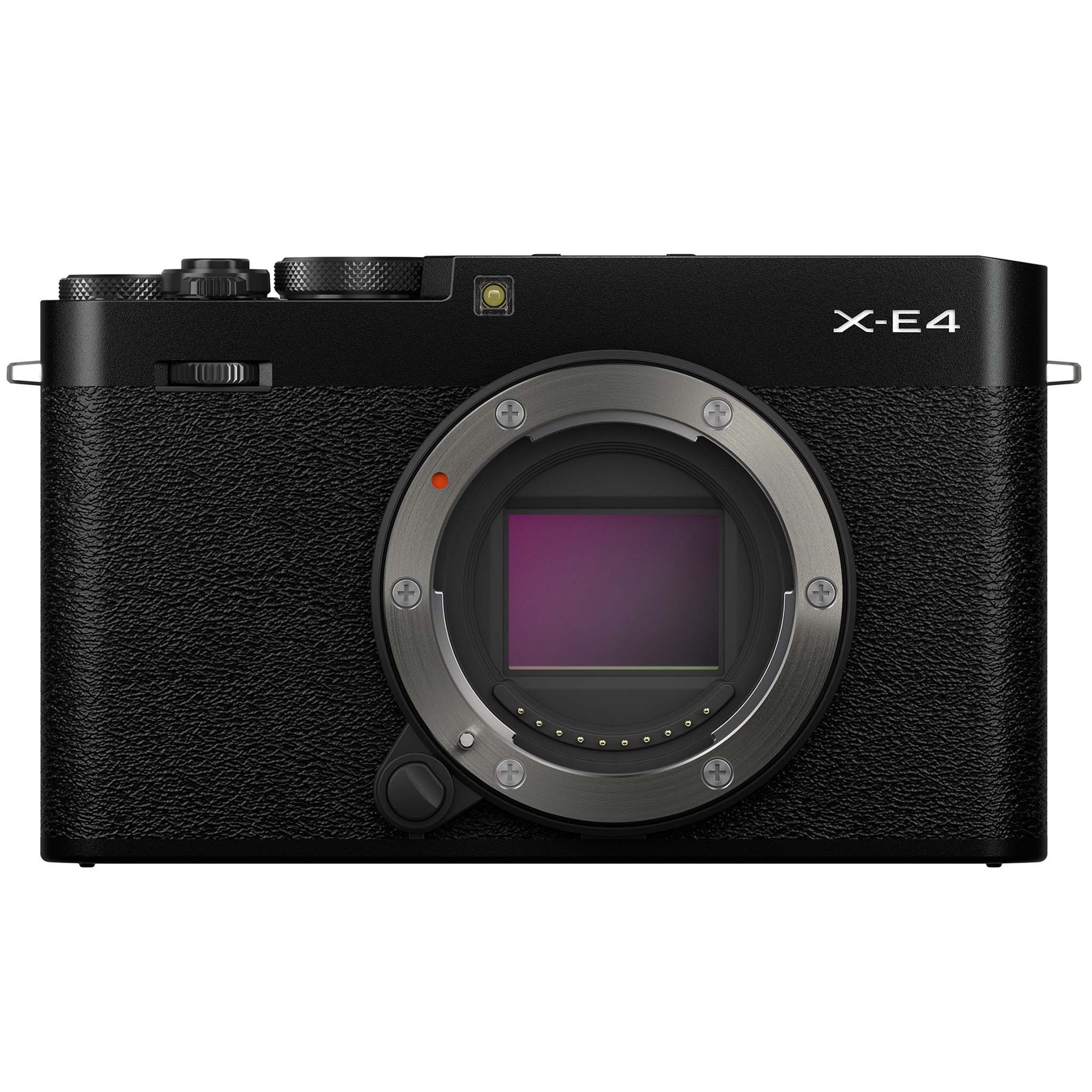
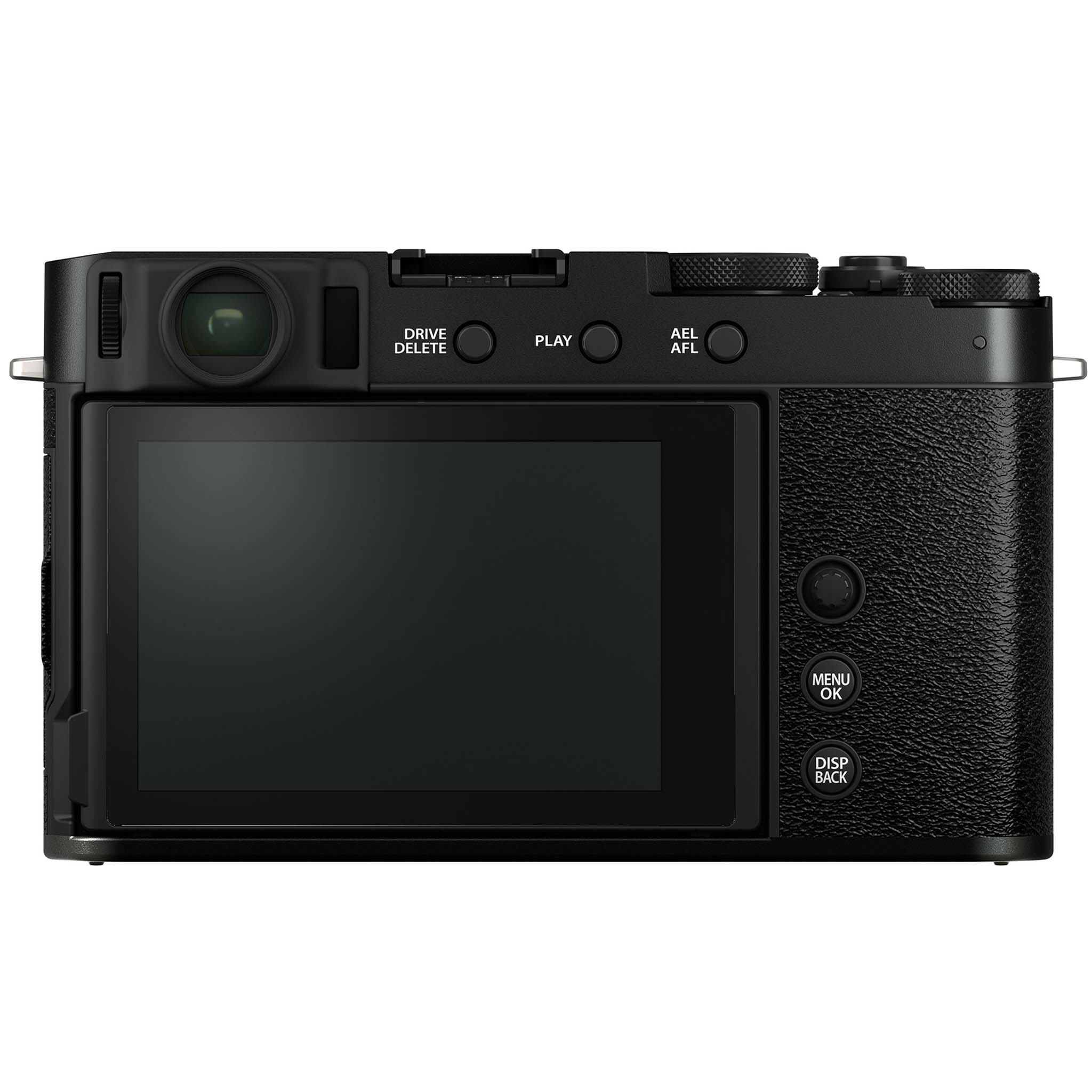
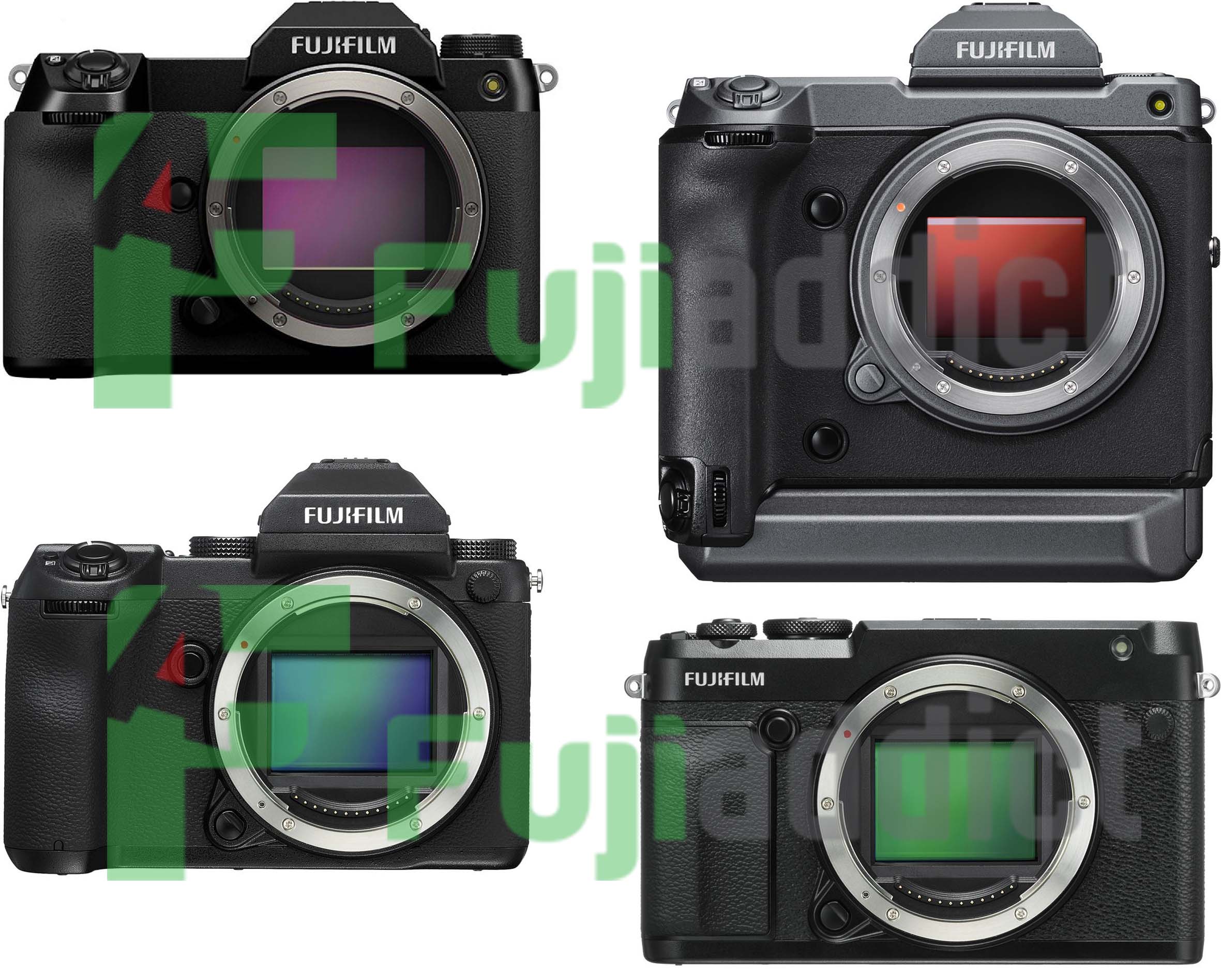
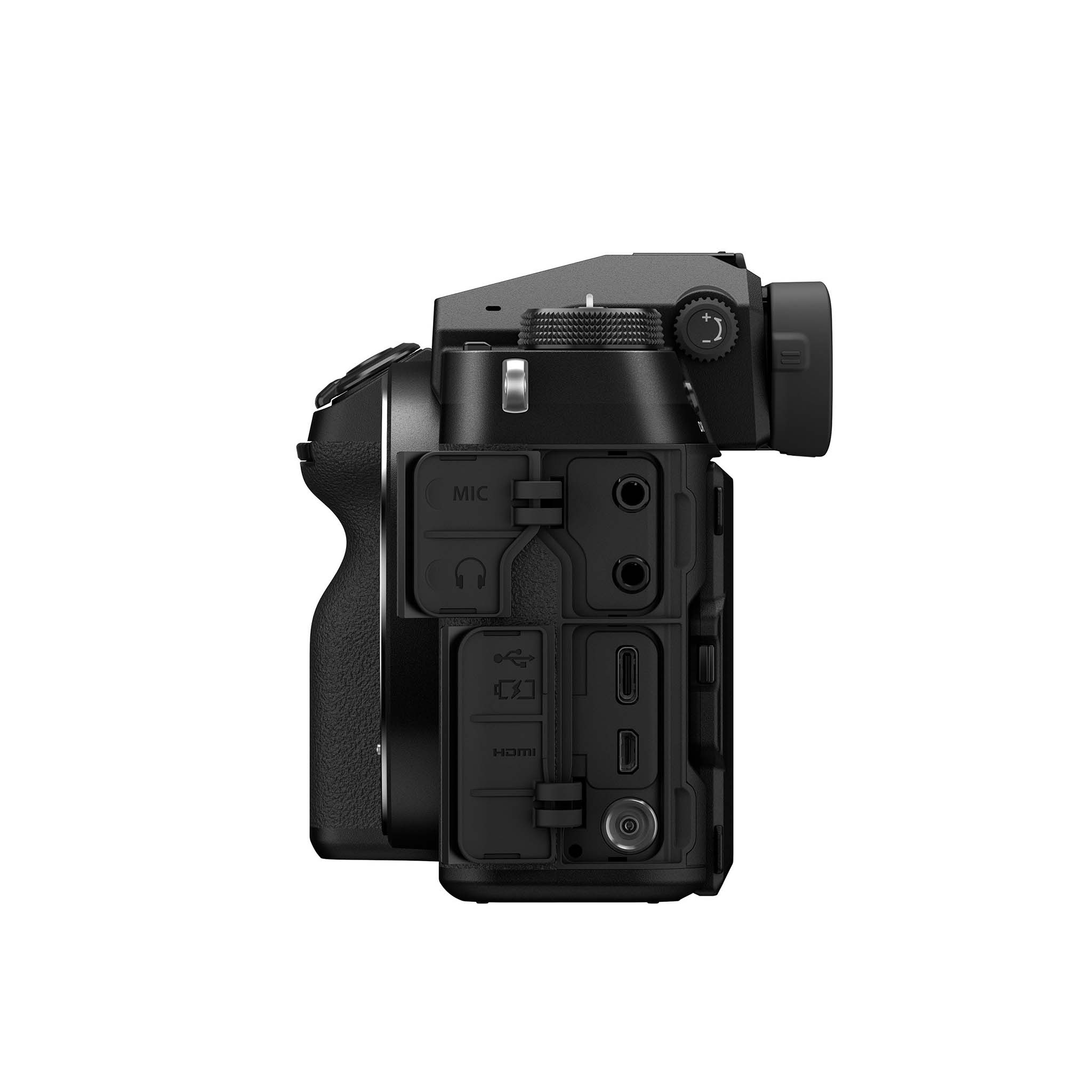
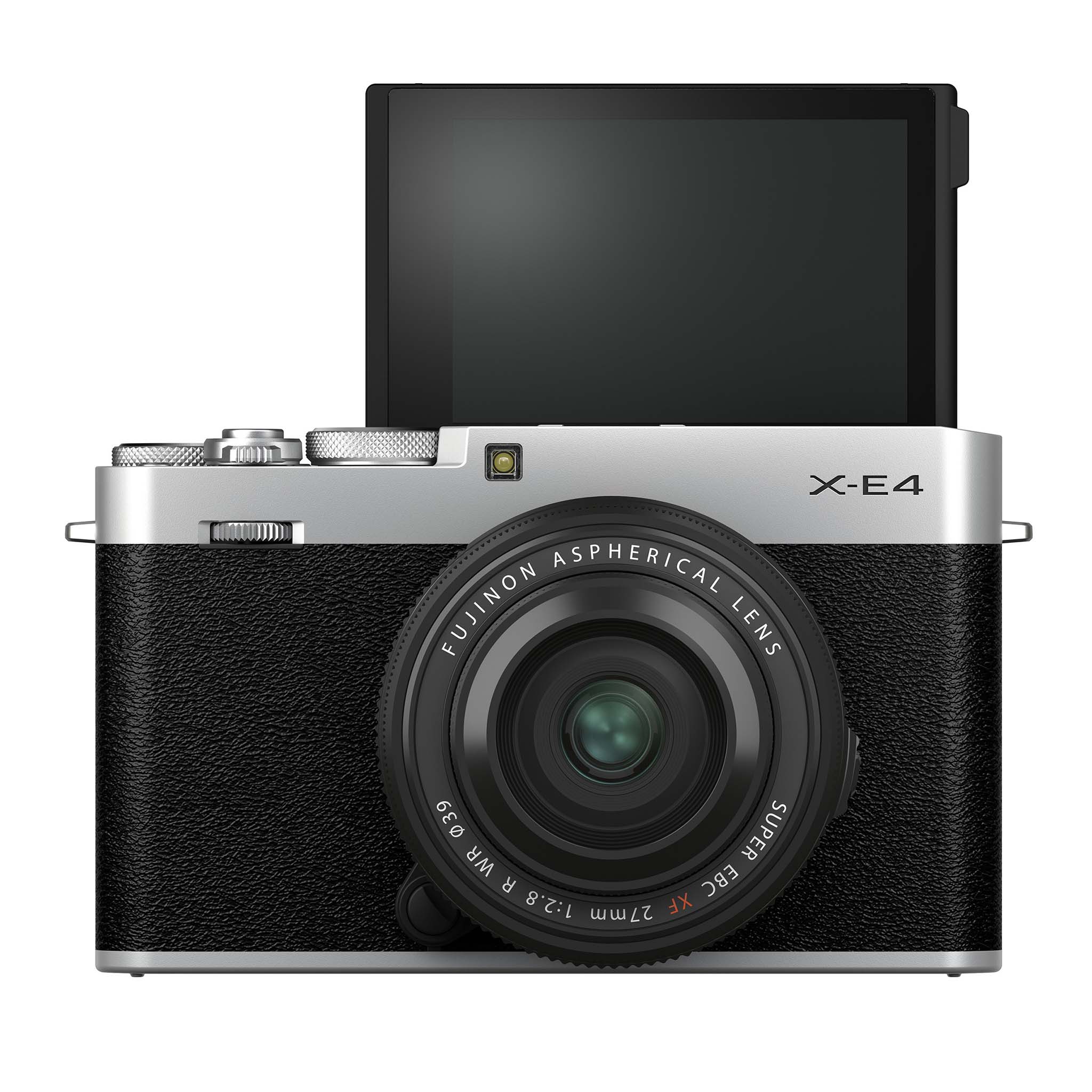
We first heard of the FF200003 being registered overseas here, but now we know when the camera should ship January 29, 2021 based on the FCC.  Fujifilm still has the X-E line to refresh and the X-T line is a bit up in the air with the X-S kind of being what an X-T40 could have/should have been. There are also some entry-level cameras that could be refreshed, but I think this will be the Fujifilm X-E4 or an even a new GFX50 level camera.

Fujifilm’s unreleased digital camera “FF200003” has also passed FCC certification. Equipped with Wi-Fi (802.11b / g / n) and Bluetooth. The release date of materials such as appearance and instructions is January 29, 2021.

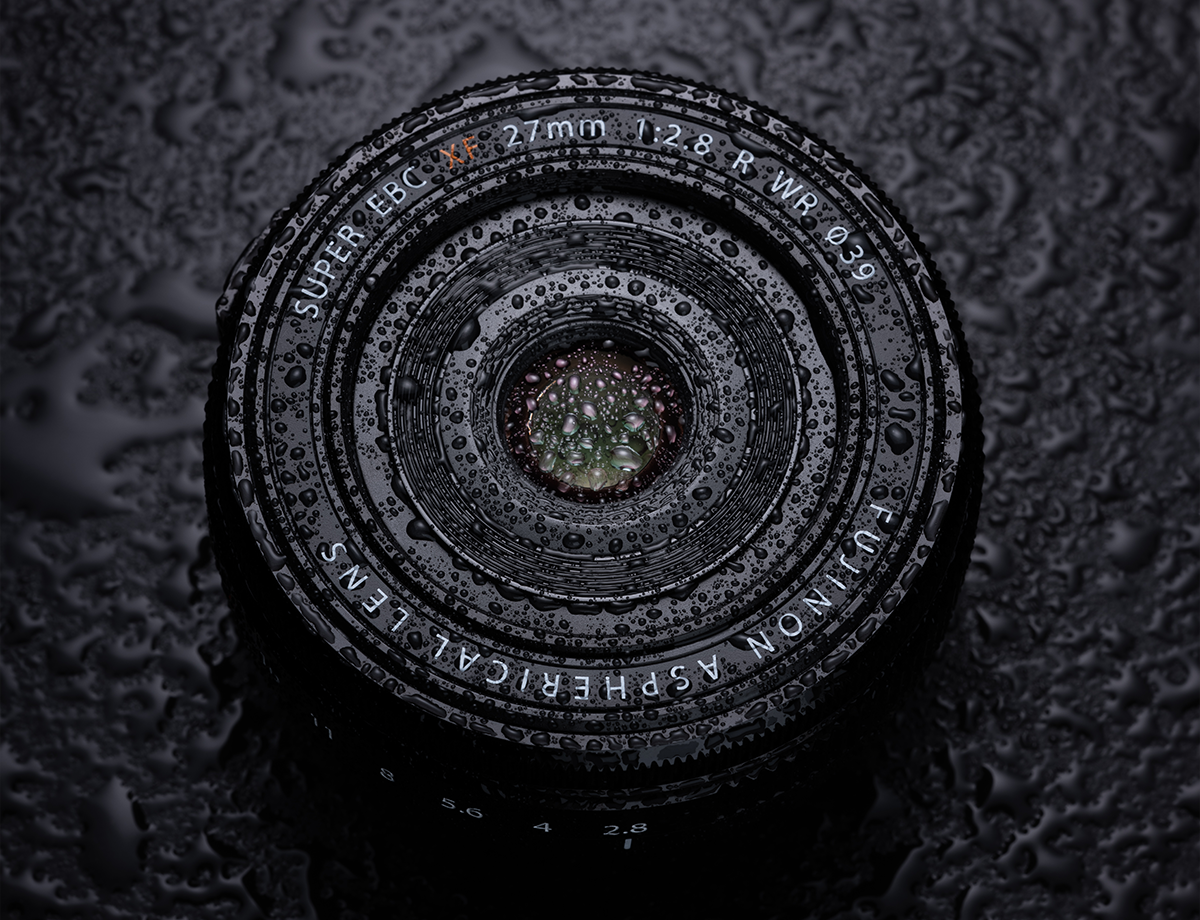
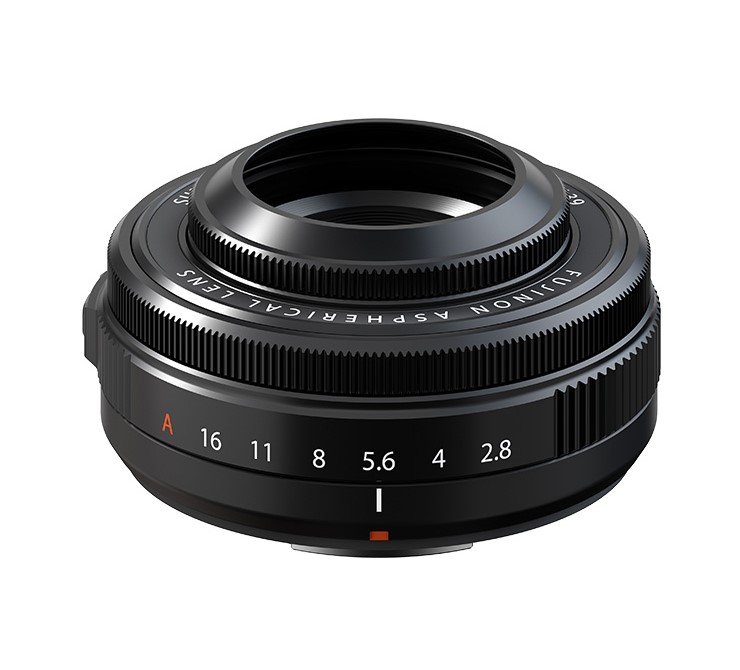
There are also some lenses expected Fujinon GF80mm f/1.7 R WR for GFX, Second generation Fujifilm lenses like the Fujinon XF27mm f/2.8 II, and new lenses like the Fujinon XF70-300mm f/4-5.6.

Follow Fujiaddict on Facebook, TwitterInstagram, and YouTube

Plus our owners’ groups
Fujifilm GFX Owners Group
Fujifilm X-H Owners Group
Fujifilm X-T Owners Group
Fujifilm X-S Owners Group
Fujifilm X-Pro Owners Group
Fujifilm X-E Owners Group
Fujifilm X-A Owners Group
Fujifilm X100 Owners Group

via Nokishita

Posted in Fuji patents, Fujifilm X-H2| Tagged , , , , , , , , , , , , , , , , , , , , , , , , , , , , , , , , , , , , , , , , , , , , , , , , , , , | Leave a comment

Savings Sunday With Holiday Savings


You can still pick up a Fujifilm X100F for $799 new from Adorama, which is the price that ok condition previous generation X100’s tend to sell for. Some even prefer the X100F over the new X100V which has a redesigned lens. If you have never owned an X100 then you really should pick one up because it is an excellent camera, which lead to the creation of the Fujifilm X Mount cameras.

Retailer General Savings
B&H Photo / Amazon / MomentShop / Adorama

iPad Deals
Apple iPad and iPad Pro All Configurations Save Up To $500

Save on Accessories
Atmos multiple configurations save up to $500

ONA Bags Savings

Robus Tripods $100-220 off

Lights
Luxli Lights $200-520 off

Godox Save Up to $230

Save on SD Cards
Lexar 128GB Professional 1667x UHS-II

Lexar 128GB Professional 2000x UHS-II

Sony 128GB SF-G Tough Series UHS-II

GFX
Fujifilm GFX50R (Save $1000): B&H Photo / Amazon / Adorama

X-Series
Fujifilm X-T4  (Save $200 w grip): B&H Photo / Adorama
Fujifilm X-T4 + Atomos V (Save $200): B&H Photo / Adorama
Fujifilm X-T3 + Atomos V (Save $500): B&H Photo
Fujifilm X-T3 (Save $500): B&H Photo / Amazon / Adorama
Fujifilm X-T30 (Save $100): B&H Photo / Amazon / Adorama
Fujifilm X-E3 (Save $200): Adorama
Fujifilm X-T200 (Save $250-300): B&H Photo / Amazon / Adorama

Fujinon Zoom Lenses
XF 16-55mm F2.8 R LM WR (save $300): B&H Photo / Amazon / Adorama
XF 50-140mm F2.8 R LM WR (save $300): B&H Photo /Amazon / Adorama
XF 55-200mm f/3.5-4.8 R LM OIS (save $200):  B&H Photo / Amazon / Adorama
XF 100-400mm f/4.5-5.6 R LM OIS WR (save $500): B&H Photo / Amazon / Adorama

Fujinon Fixed Focal Length Lenses
XF 23mm F1.4 R (save $150): B&H Photo /Amazon / Adorama
XF 60mm F2.4 Macro (Includes $250 Gift Card): Adorama
XF 90mm F2 R LM WR (Includes peak design bag and strap): Adorama

X-Mount Lenses
Variety of Discounted X-Mount Lenses in one place: B&H Photo

Instax
Various Instax Camera Savings up to $50 off
Instax SP-3 Photo Printer Save $75

Fujifilm Rugged Cameras
Fujifilm FinePix XP140 (Save $80): B&H Photo / Amazon / Adorama

Other Deals
Pelican Cases Discounted
X-Mount Lens Deals
Memory Card Savings
Power Banks

Battery Banks For Fujifilm Cameras
Anker PowerCore Speed 20000 PD
PowerCore+26800 PD
other more affordable options


New Apple Mac Pro: B&H Photo
New Apple iPad Pro and More: B&H Photo / Adorama
New Apple iMac Pro: B&H Photo / Adorama
New Apple MBP: B&H Photo / Adorama
New Apple M1: B&H Photo / Amazon / Adorama
MacBook Pro (Savings still available): B&H Photo

Limited time iPad Pro Savings
iPad Pro Bundles: B&H Photo

Software Deals
Luminar 4 & Aurora HDR 2019 (Savings code FUJIADDICT)
ON1 Photo RAW 2021
Photolemur
Picktorial


Godox V1 (Save $30)B&H Photo / Amazon / Adorama

Godox AD200Pro (Save $80+): B&H Photo / Adorama / Amazon
Godox AD200 (Save $70): 
B&H Photo / Amazon
Godox AD400Pro Witstro (Save $100)B&H Photo / Amazon / Adorama
Godox AD600Pro Witstro (Save $150): B&H Photo / Amazon
Godox AD1200Pro (Save $140): B&H Photo / Amazon

Godox TT350F (Save 10%): B&H Photo / Amazon
Godox V350F (Save 10%):  B&H Photo / Amazon / Adorama
Godox V860IIF (Save $40): B&H Photo / Amazon
Godox TT685F (Save $21): B&H Photo / Amazon

Posted in Deals| Leave a comment

Fujifilm Color Interview Part 2: GFX and X Series Color, Film Simulations Are Truly Unique, Presets, and More


DC.Watch published part two of a very lengthy interview with Kosuke Irie, the Technical Manager, Optical and Electronic Video Product Development Center, and Shinya Fujiwara, the Optical and Electronic Video Product Development Center. You can read Part 1 here. Below is a summary of the translated interview:

How to make a film simulation

  • Some simulations are attractive world wide like clasic chrome, but others like classic negative are designed based on Japanies ideals.
  • When they design film simulations they are designed in Japan though so when they think of blue skies they think of Hawaii
  • They can also look to journalism for more looks
  • Fujifilm doesnt like to move off the standard of 18% gray based off the film days, which is why they do not have an automatic graduation correction function like other companies so if you want to move outside of the scene recognition auto mode you need to adjust exposure and dynamic range
  • The measurement data is exactly the same with GFX series and the X series cameras
  • The dynamic range on the highlight side which is more difficult to over expose on the GFX which acounts for some differences in look
  • GFX and X series are based on common design concepts so they are designed to be able to look the same on the highlight side
  • The excellent lens performance and a high MTF allow for GFX files to have less sharpening which does make the images look a little different
  • Making any adjustement to an image in processing is kind of overdoing a file which adds noise and accounts for more difference, which is the same for adding sharpening
  • These adjustments can make the shadow side look rough, which will add even more difference
  • All of these adjustments may affect the impressions of the entire image
  • Finally the image senor size does make some difference

From the impression of each film simulation

  • When it comes to PROVIA photographers that started with film find it hard, but photographers that only shoot digital find it just rights
  • PROVIA aims at the greatest common divisor that makes you feel “beautiful” at a glance, but Irie agress that it is slightly hard by default
  • Some set provia as shadows, highlight and color -1
  • Velvia was difficult to develop because color satuaration would be a problem in ultra-high saturation subjects especially on early Fujifilm cameras, but it got better from the X-Pro2 on
  • If you have a camera that suppoers color chrome effect the depth of color will increas dramaticlly if you enable weak color chrome effect
  • Velvia lacked color depth compared to silver salt velvia so if you apply the color chrome effect it is more ideal and closer to Velvia
  • Velvia’s green shadow should be blue
  • You can’t adjust film simulations to look similar to each other because the color balance is different
  • You should think about film simulations like changing film in a camera, because they are that different
  • All film simulations have different color tils for each lightness and they are designed to change smoothly in three dimensions
  • PRO Neg. is not straight, but it is straight foward which makes it easy to handle
  • ASTIA is deisgned to improve the balance of saturation between people and landscapes, so it is best not to change the settings much
  • Monochrome is based on the grayscale of PROVIA
  • ACROS is tuned to perform based on the spectral sensitivity cureve of film reproducing gray tones in relation to color, which is different than Monochrome
  • Fujifilm is sensitive to longer wavelengths of red because it is necessary for starscapes and it is easy to design if you cut aroudn 650nm
  • Irie would like to make changes, but many of the choices about color come down to what a beginer might do and what a professional would want
  • Irie mainly uses Prove with highlights, shadows, color, sharpness set to -1 and color chrome set to weak
  • If that is too flashy PRO Neg. Std with +2 color, which Irie feels is halfway between what is impressive at first glance and what makes you feel comfortable looking at it all the time
  • In other modes classic negative has a larger grain effect with strong intensity and maximum sharpness on the negative side which makes it shine
  • ETERNA Bleach Bypass is like half the bleach bypass of film so it might look a little off from what is expected for photographic work
  • If you want to use ETERNA Bleach Bypass for photographic work you can set the tone control shadow to +3, highlights to +1, and color to -4 which makes the tone harder and the color lighter
  • Classic negative was origionally called superior, but the name changed for various reasons
  • ACROS was always ACROS
  • Irie thinks of color depth as color tone
  • Fujiwara thinks color dept is tonality involving brighness, hue, saturation and how gradualy and smoothyly they transition
  • Color Chrome effect was born to express the depth of color by contrasting brightness and saturation of dark colors and it does not just reduce the brightness of dark colors
  • Differences in color tone make photos look 3D and if you loose the transition the image becomes flat looking
  • The film simulation development team is not made up of silver halide experts, but they have learned from the experts at Fujifilm what is the comfort of images
  • If Fujifilm didnt have a history with silver halide they probably couldn’t have developed such great simulations, because they wouldn’t know how to talk about color
  • It’s easiler to catch up to other companies with the digital generation

If you want to read the interview in Japnese it can be found here at DC.Watch.

Please don’t forget to follow us on FacebookTwitterInstagramYouTube

Plus our owners’ groups
Fujifilm GFX Owners Group
Fujifilm X-H Owners Group
Fujifilm X-T Owners Group
Fujifilm X-S Owners Group
Fujifilm X-Pro Owners Group
Fujifilm X-E Owners Group
Fujifilm X-A Owners Group
Fujifilm X100 Owners Group

Posted in Interview| Leave a comment

New Feature of Fringer NF-FX adapter: LaCA Correction


New feature of Fringer NF-FX adapter: LaCA correction
Fringer NF-FX (Nikon F mount to Fujifilm X mount) smart adapter will be released soon. Today we’d like to introduce an interesting feature of the adapter, i.e. LaCA correction.

LaCA, stands for lateral chromatic aberration, is resulting from a difference of image scale at different wavelength of red, green and blue light. LaCA causes colored fringes at high contrast edges of the image.

When we shoot RAW, LaCA can be easily removed by post processing. However, a key feature of Fujifilm cameras is their film simulation. In other words, we usually use the jpeg files directly out of the camera with few post processing. When using native X mount lenses, there is no problem since Fujifilm cameras will correct all the LaCA automatically. But when using adapted lenses, LaCA become a problem.

Fringer NF-FX has a built-in LaCA correction profile data base for all the lenses that have been tested and optimized (see this list). When shooting jpegs, the adapter will provide the LaCA correction profile of current lens to the camera automatically. The latter will use that profile to correct LaCA when generating jpeg pictures. Finally, user get a jpeg photo directly out of the camera which is LaCA free.

In Fringer EF-FX adapters, begin with firmware 2.50 of the first generation, we have included lens profiles for selected lens models. In Fringer NF-FX, we have included that for all lenses. It’s the first time that a third party smart adapter can do that!

Fringer NF-FX will hit the market soon. You may expect it at the end of this month or early next month.

General Holiday Savings
B&H Photo / Amazon / MomentShop / Adorama

Follow Fujiaddict on Facebook, TwitterInstagram, and YouTube

Plus our owners’ groups
Fujifilm GFX Owners Group
Fujifilm X-H Owners Group
Fujifilm X-T Owners Group
Fujifilm X-S Owners Group
Fujifilm X-Pro Owners Group
Fujifilm X-E Owners Group
Fujifilm X-A Owners Group
Fujifilm X100 Owners Group

Posted in 3rd Party Lens, Accessories| Tagged , , , , | Leave a comment

Fuji Guys: Fujifilm Camera Remote App Setup and Trouble Shooting

Many have had issues with Fujifilm’s camer remote app, while others have used it somewhat trouble free. It looks like Fujifilm has decided to address these complaints with a video to help users figure out what might be going wrong with their setup. I will try to organize all of the information in the video above below:

To Begin

  • If you have to app instealled Delete the app
  • Then go into the wrench menu of your camera – Connection Settings – Bluetooth Settings – Delete Pairing Registration – Delete any registration you have
  • Make sure Bluetooth is set to on also

Reinstall/Install Camera Remote App

  • When you open the app give permission to the app so that it opens property
  • Select your camera and click Add
  • Go on the camera and go into the wrench icon menu – Connection Setting – Bluetooth Settings – Pairing Registration
  • Back on the app click proceed and then click on the camera
  • Then you should see pairing registration complete on the camera and you can sync the date/time from your smartphone which is recomended
  • Then go back to the app and click on start and you should be ready to go

In the App

  • Now that things are working you just need to click on the activity you want to do, join the wifi networ, and give the app permission to access the camera on the camera which will show up in a dialog box on the camera.

After this point the Fuji Guy starts running scenarios that you might run into that wouldnt make sense above if you just want the app to work with your phone. It kind of sounds to me like Fujifilm thinks users are just making too many mistakes with the app, but I know other camera comapnies have more reliable apps from what I have been told. Let’s hope the Fujifilm Remote App continues to improve.

General Holiday Savings
B&H Photo / Amazon / MomentShop / Adorama

Follow Fujiaddict on Facebook, TwitterInstagram, and YouTube

Plus our owners’ groups
Fujifilm GFX Owners Group
Fujifilm X-H Owners Group
Fujifilm X-T Owners Group
Fujifilm X-S Owners Group
Fujifilm X-Pro Owners Group
Fujifilm X-E Owners Group
Fujifilm X-A Owners Group
Fujifilm X100 Owners Group

Posted in Software| Leave a comment

Lightroom and Camera Raw Now Native on Apple M1

Lightroom
Long time readers of the site know I am not a fan of Adobe, but they are transitioning to the new Apple M1 very quickly. Apple’s new processor is shockingly fast and it is unfortunate that it is only available in 13″ Laptops and the Mac Mini for the time being. This is an especially big deal for photographers because the Apple M1 allows a $1,000 laptop to perform at the level of the $15k Mac Pro for tasks like photo editing, even while running non-native applications through Rosetta 2.

I was one of the many naysayers that thought Apple couldn’t pull off the transition to ARM-based Apple Silicon smoothly and I couldn’t be happier that they seem to have proven me very wrong. Competition is good for consumers and the Apple M1 has lit a fire under Intel and AMD’s butt that hasn’t been there since the Cyrix days when their processor was far superior for some tasks. I just hope Apple doesn’t run into the limitations that Cyrix did, but I digress. If you want to get more technical we can do so in the comments, but I personally have a loaded Apple M1 on order and I’m excited for an Apple Silicon-based Mac Pro in the future because they might actually be worth $15k.

Adobe rapidly supporting Apple’s new platform is huge for creators. It should give Apple users a big leg up on Windows because there is nothing in the pipeline from Intel or AMD to challenge the M1’s level of performance per watt.

Press Release
Today we’ve released updates for Camera Raw and Lightroom Classic as well as Lightroom for Windows, Mac, Android, ChromeOS, iOS, and iPadOS. In addition to supporting the latest cameras and lenses, Lightroom is now a native Apple M1 and Win Arm app.

Lightroom as a native Apple M1 and Win Arm app
I’m excited to announce that the latest version of Adobe Lightroom is now a native app for both Apple M1 and Windows Arm platforms.

We rebuilt Lightroom to take advantage of the newest performance and power efficiency benefits of the Apple M1 and Qualcomm Snapdragon (for Windows 10) processors. Read More »
Posted in Software| Tagged , , , , , , | Leave a comment