Philip Bloom Best Camera Gear of 2017

2017 is almost over and everyone is publishing their best of lists. I try to watch and read all the lists by the top people in the industry to see what they have included and this year Fujifilm made Philip Bloom’s best camera gear list. The Fujinon MK18-55mm T2.9 and Fujinon MK50-135mm T2.9 are his best video lenses for 2017. Maybe the Fujifilm X-H1 and MK lenses will be on his 2018 list when they are released early next year since bloom isn’t a stranger to Fujifilm.

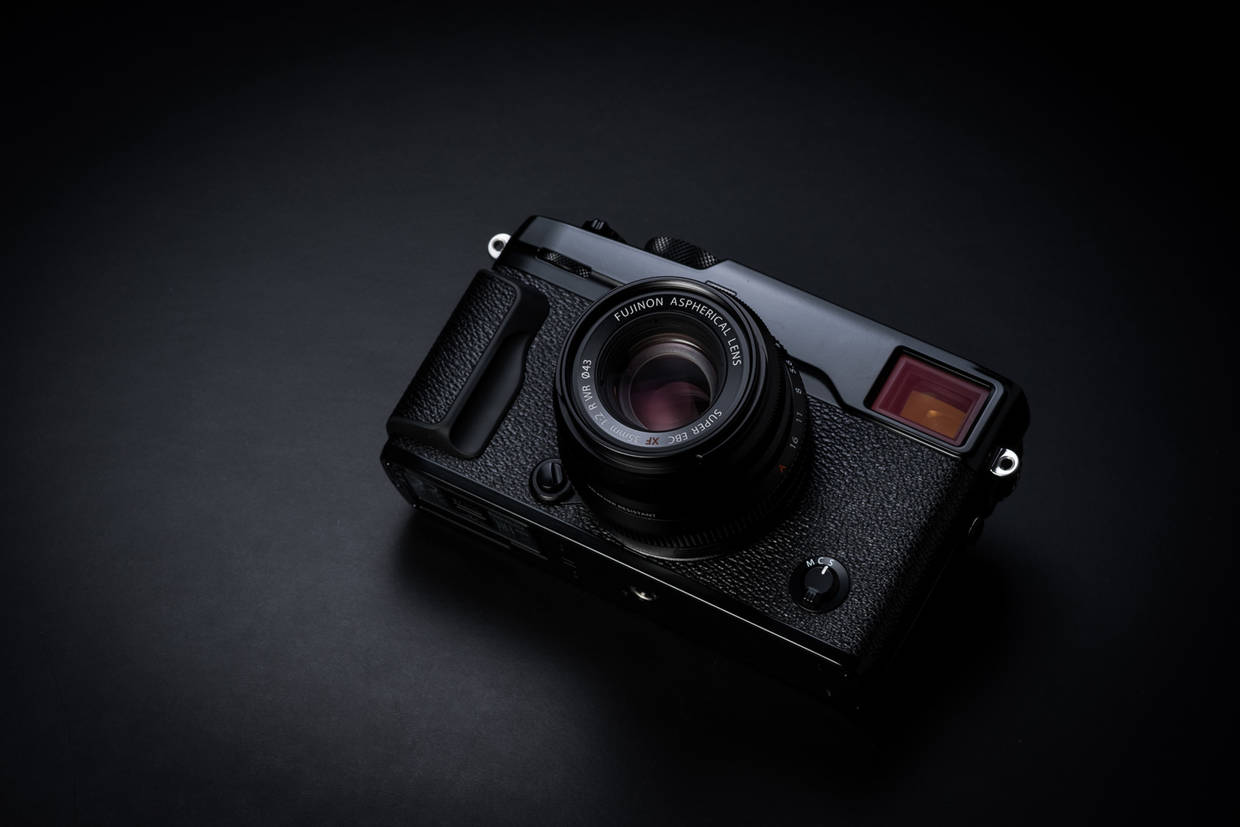
Philip Bloom also picked the Fujifilm X-T20 as the best budget mirrorless camera for 2017. The X-T20 has been included in a lot of lists so far this year because it is an inexpensive mini Fujifilm X-T2 and that camera was much beloved in 2016.
Posted in Fuji lenses, Fuji X-T2, Fujifilm X-T20, Press releases| Tagged , , , , , , , | Leave a comment

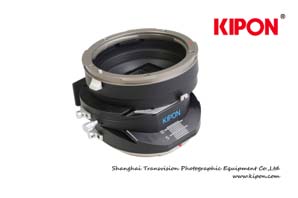
Kipon Pro Tilt & Shift Adapters For GFX50S Shipping Soon


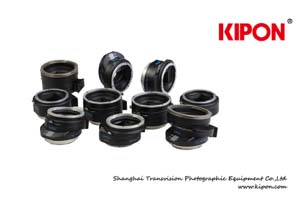
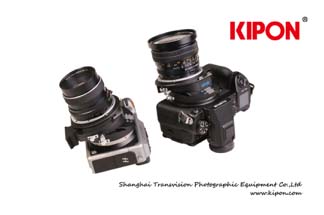
KIPON start to deliver 10 models pro tilt&shift adapters designed for GFX50s & X1D medium format mirrorless cameras from FUJIFILM and HASSELBLAD.

TILT&SHIFT Mamiya645-GFX
TILT&SHIFT Mamiya645-X1D
TILT&SHIFT PENTAX645-GFX
TILT&SHIFT PENTAX645-X1D
TILT&SHIFT PENTAX67-GFX
TILT&SHIFT PENTAX67-X1D
TILT&SHIFT HASSELBLAD V-GFX
TILT&SHIFT HASSELBLAD V-X1D
TILT&SHIFT PENTACON 6-GFX
TILT&SHIFT PENTACON 6-X1D

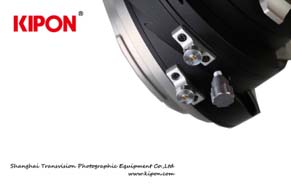
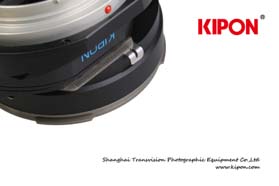
This lineup adopted completely new design, double-layer rotary design can realize moving of tilt &shift on the same axis, also designed tripod support to guaranty stable stitching-photo shooting.

This lineup adapters will be available from Amazon and some dealers in different countries starting January 2018, the suggested retailer price is 628USD.

Posted in 3rd Party Lens| Tagged , , , , , | Leave a comment

Fujifilm Magnum Photos Collaborative Project Home Videos Released


Earlier this year we announced the Magnum Home Photos project with Fujifilm and a reader just sent me all of the videos that were released as a result of the collaboration. 2017 really has been a banner year for Fujifilm and 2018 should be equally impressive. All of the photographers involved in the project are shooting the Fujifilm GFX 50S because as I keep reinforcing the GFX can do just about anything and the photographers involved in this project are photographing a wide range of subjects.

Magnum is traditionally Leica territory and this collaboration is just another example of how Fujifilm continues to push Leica to the side as it leads the industry into a medium format future. The GFX really is something and if you ever take a GFX into a Leica store it instantly becomes the most exciting camera in the store and no other camera made today can claim that honor. Of course, if you try this be respectful because many Leica employees are as enthusiastic about photography as we are, it is a funny experience for sure, but it’s somewhat sacrilegious. There are lots of photographers holding onto the past today, but it is good to see Magnum embracing the future and doing projects like this with Fujifilm.

Join our Fujifilm GFX Owners Group, also follow the Fujifilm GFX Page to get more tailored news on Facebook and follow Fujiaddict on Facebook and Twitter.

Read More »

Posted in Press releases| Tagged , , , , , , | Leave a comment

Fringer EF-FX Pro Will Have An Electronic Aperture Ring

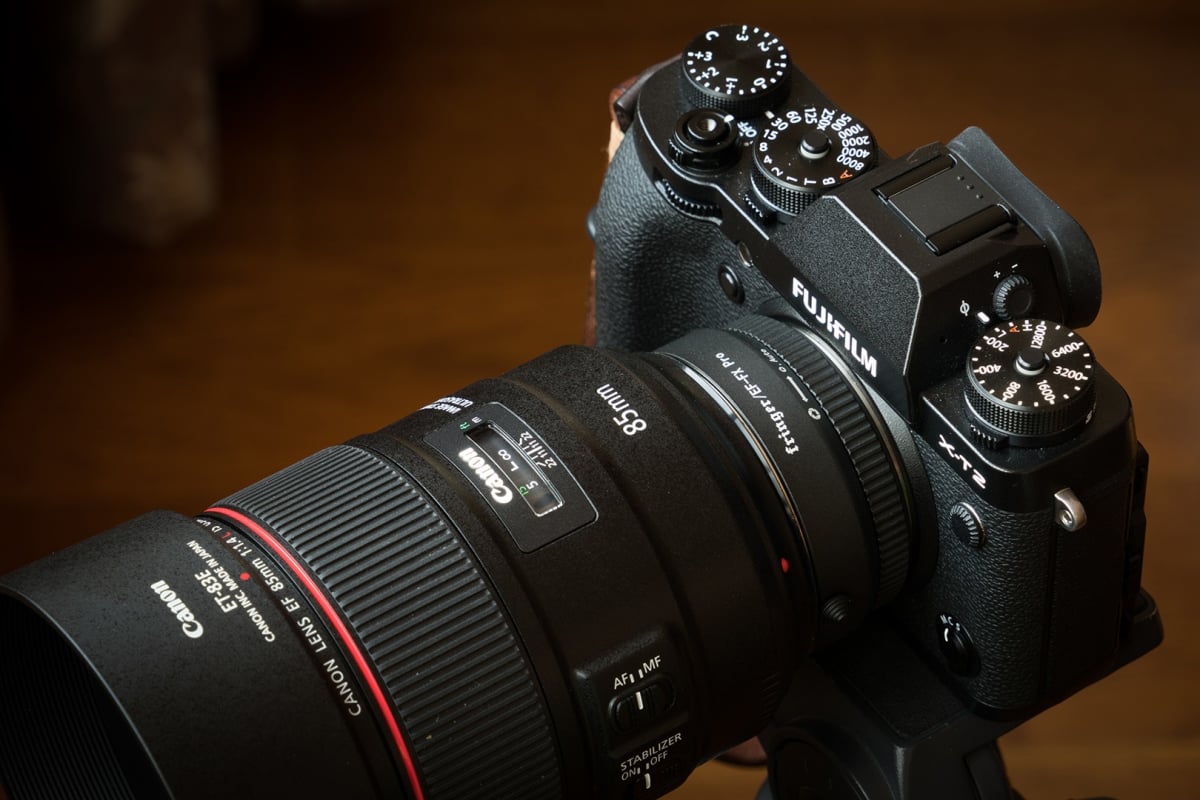
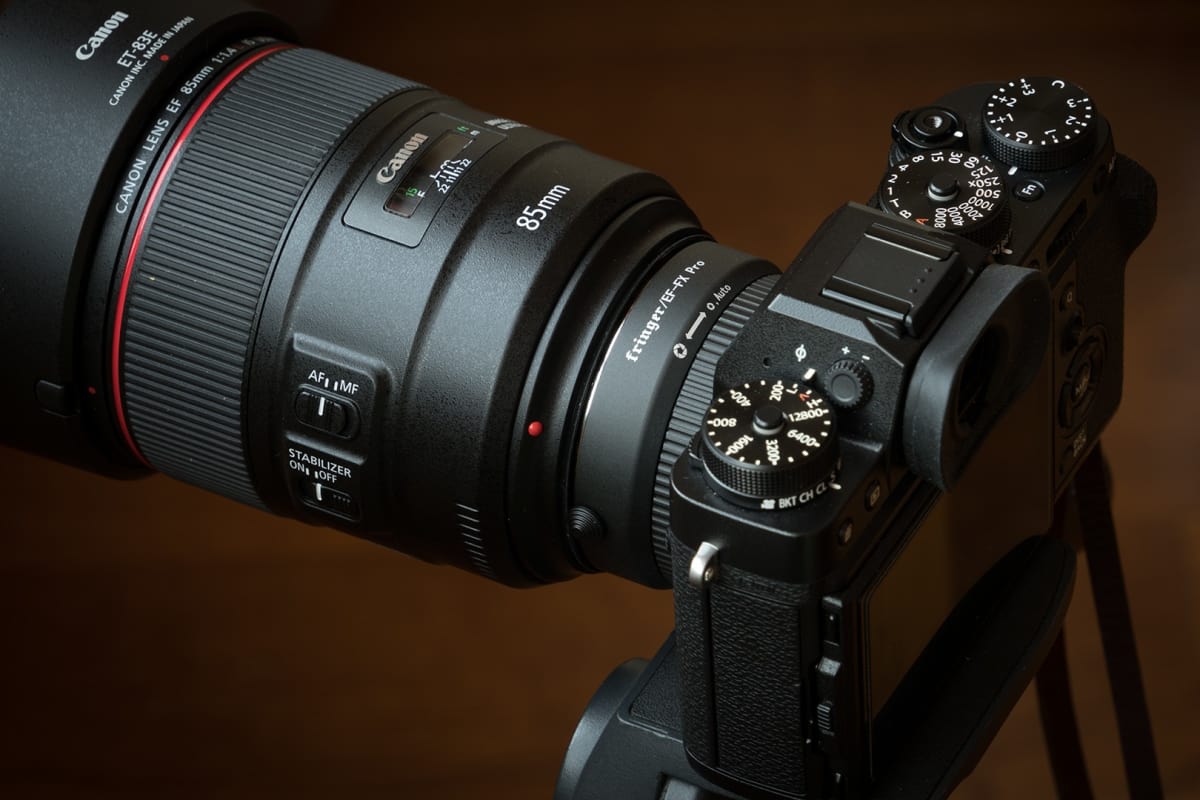
Fringer Dev had an update this morning and the new Fringer EF-FX Pro adapter will have an electronic aperture ring like XF lenses. The adapter market is getting crowded and this is a great way fro Fringer to stand out.

“Fringer EF-FX Pro version has a built-in electronic aperture ring. The usage is similar to Fujifilm XF lenses. You will be able to use Canon lenses on Fujifilm mirrorless just like native XF lenses!”

“It’s an electronic aperture ring with contactless internal design so you don’t need to worry about the contact wearing issues. When you turn that aperture ring, in case of a 85/1.4 lens it will set aperture to F1.4, F1.6, F1.8, F2.0…, F22 and ‘Auto’. Every click equals to 1/3 stop. When it’s set to ‘Auto’, aperture will be decided by the camera. Watch the following video for more details.

I heard some other smart adapter manufacturers use a button on the adapter to control the aperture. I don’t think that is an effective method. Thinking about changing the aperture value from F1.4 to F16. You need to press that button dozens of times!

Fringer EF-FX Pro smart adapter let EF lenses work on Fujifilm X mount bodies. It supports AF (PDAF on X-Trans II/III and CDAF on all of them, watch this demo), electronic aperture control, EXIF recording and IS. It’s expected to be released on early 2018.”

Via FringerDev

Posted in 3rd Party Lens| Tagged , , , , , , , | Leave a comment

Fujifilm X-Pro 2 Firmware 4.00 Released


The big Fujifilm X-Pro2 firmware 4.00 update was just released and you can get your copy here along with the user manual here.

Also, don’t forget to join our Fujifilm X-Pro Owners group on Facebook

  1. Addition of 4K video mode (excluding HDMI out) 
    The update adds 4K video using the X Series’ famous Film Simulation modes. You can input audio from an external microphone. (Excluding HDMI output for recording)
  2. Support for tether shooting via USB or Wi-Fi 
    After connecting a camera to a computer, the compatible software will enable users to transfer images taken with the camera to the computer and save them in a specified folder, or to control the camera from the computer. To use the Tether shooting by wireless communication, one of the PC application software below and additional setting are required. For detail of the setting, refer to the setting manual.

    How to set

    <PC application software >
    ・Tether Shooting Plug-in PRO for Adobe® Photoshop® Lightroom® Ver.1.7(*1)
    ・Tether Shooting Plug-in for Adobe® Photoshop® Lightroom® Ver.1.7(*2)
    ・Tether Shooting Software HS-V5 Ver.1.7 for Windows(*3)
    ・FUJIFILM X Acquire Ver.1.7 Installer(*4)

    *1: You can purchase it from Adobe Add-ons below.

    *To use the software, you need to purchase separately Adobe® Photoshop® Lightroom® 6/Classic CC. Compatible OS is based on each OS of Lightroom.
    *To use it with macOS Sierra, either of Lightroom 6.7 and newer or Classic CC is required.
    *2:You can purchase it from Adobe Add-ons below.

    *To use the software, you need to purchase separately Adobe® Photoshop® Lightroom® 6/Classic CC. Compatible OS is based on each OS of Lightroom.
    *To use it with macOS Sierra, either of Lightroom 6.7 and newer or Classic CC is required.
    *3:You need to purchase the HS-V5 and upgrade it to the latest version downloaded from our website.

    *4:You need to download FUJIFILM X Acquire Ver.1.7 Installer from the website below to update it.

  3. New AF tracking algorithm for moving subject
    Thanks to the newly developed image recognition algorithm, the update enhances AF-C to track moving subjects twice as fast as previous firmware. In addition, the update also enhances tracking to be able to capture up to 50% smaller moving subjects than before.
  4. Support “FUJIFILM X RAW STUDIO”(Macintosh)
    Once connecting a camera to a computer via USB cable, the “FUJIFILM X RAW STUDIO” enables users to convert RAW files with X Processor Pro. The first batch processing will also be available. The “FUJIFILM X RAW STUDIO” can be downloaded from the FUJIFILM website for free.
    *”FUJIFILM X RAW STUDIO Ver.1.0 Installer for Macintosh” can be downloaded from the URL below.

  5. Improve radio flash controller usability
    The upgrade allows users to shoot with compatible third party studio flash in high speed sync. or TTL mode via their radio controllers.
  6. Support for backup/restore of camera settings via FUJIFILM X Acquire
    Once connecting a camera to a computer via USB cable, the “FUJIFILM X Acquire” allows users to backup/restore camera settings to/from a file. Copying all camera settings from one camera to another is available.
    *Settings other than date, custom white balance, custom registration/edit can be backup and restored.
    * FUJIFILM X Acquire Ver.1.7 Installer can be downloaded from our website.

  7. Support for “Instax SHARE SP-3”
    Additionally, “Instax SHERE SP-3” has become compatible with this camera.
  8. RGB histogram display and highlight warning
    If you press the function button allocated to the histogram, RGB histogram and highlight warning (High brightness portion will blink.)are displayed.
  9. Re-start of AF function during a movie shooting
    AF function can be done again by pressing the shutter button halfway during a movie shooting.

FUJIFILM X-Pro2 Firmware 4.00 – Download
X-Pro2 4.00 Manual  – Download

Posted in Firmware, Fuji X-Pro2| Tagged , , , , | Leave a comment

Camera Store TV’s Best & Worst of 2017: Fujifilm X-T20 and Fujinon MK18-55mm T2.9 Recognized

TCSTV’s Best and Worst list is often quite amusing and interestingly, this year TCS included a lot of other vloggers in their best and worst of video this year. Fujifilm got some love this year from The Camera Store TV, but so did Sony and MFT. The only reason Nikon made the list was nostalgia and it probably is the last DSLR that will ever be able to rank on a list like this according to TCSTV. 2018 will likely be the year mirrorless cameras take over photography with the GH5s, a7SIII, a7III, X-H1, GFX R, X-T3, X-T100 and Canon/Nikon mirrorless potentially coming out.

Best cameras:
Nikon D850
Sony a7RIII
Fujifilm X-T20

Best Lenses:
Leica DG Vario-Elmarit 8-18mm f/2.8-4 ASPH.
Fujinon MK18-55mm T2.9
Sony FE 85mm f/1.8

Best Video cameras:
Panasonic GH5
Panasonic EVA1
Canon C200

Posted in Fujifilm X-T20| Tagged , , , , , | Leave a comment