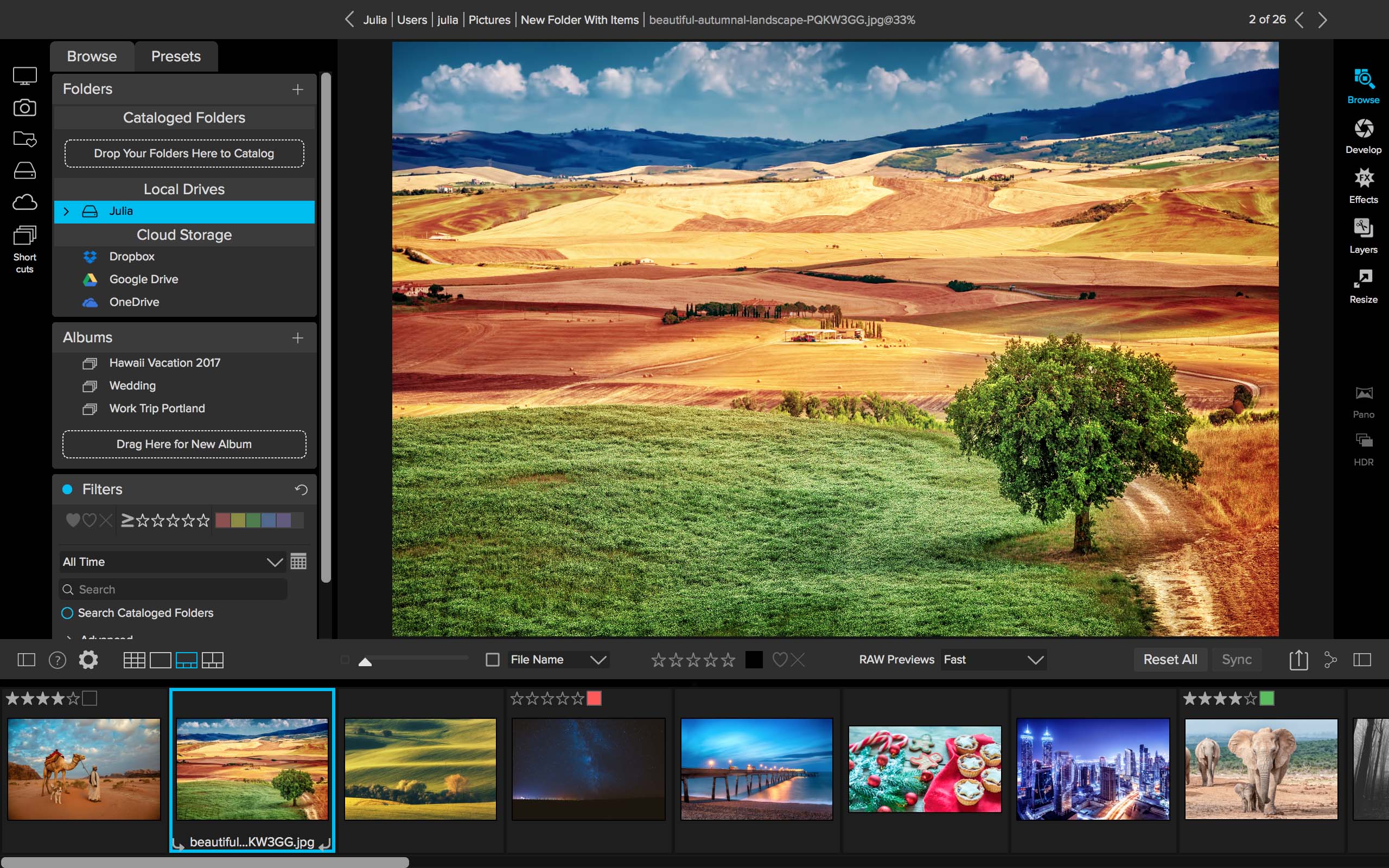
ON1 2018.1 Released


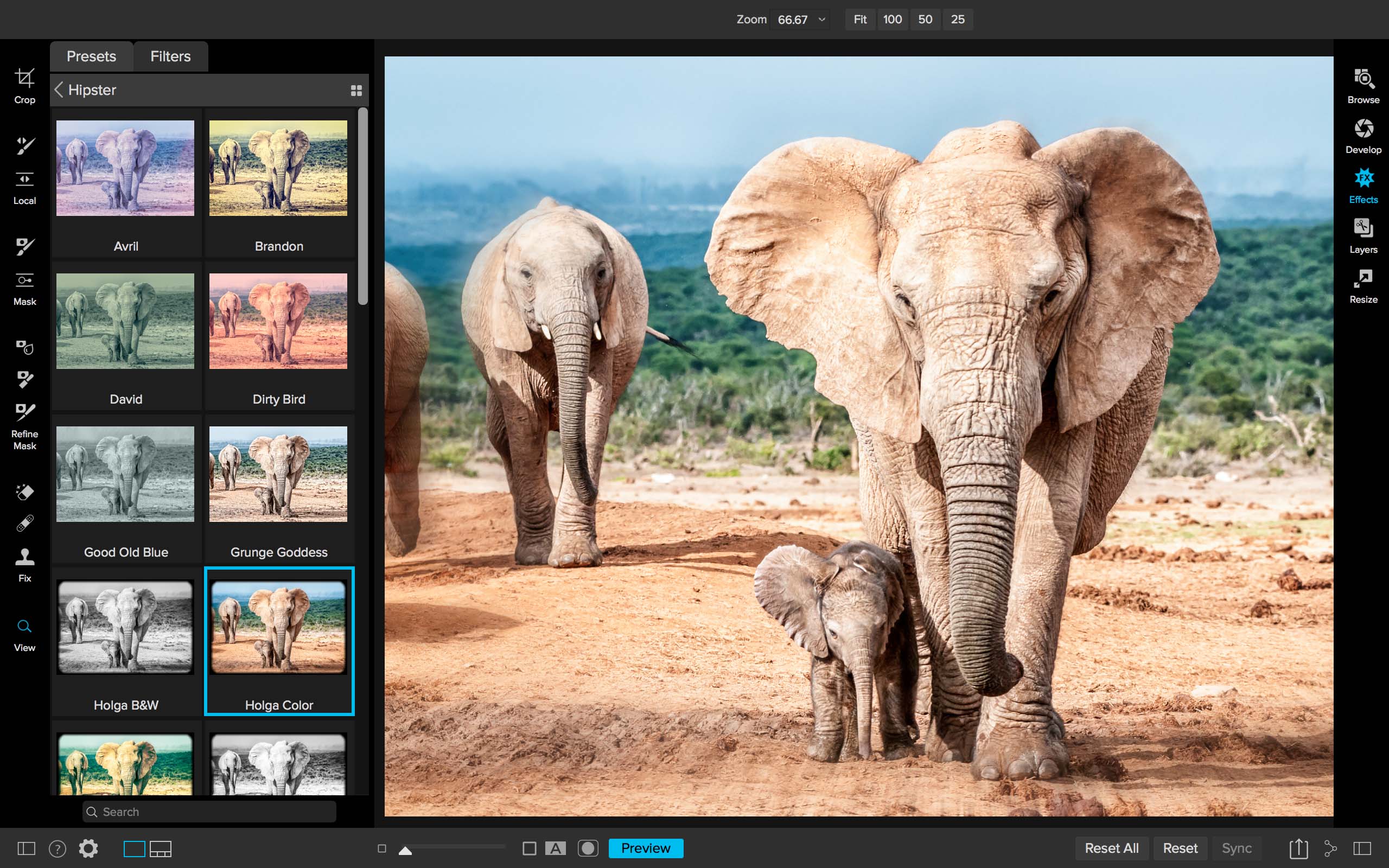
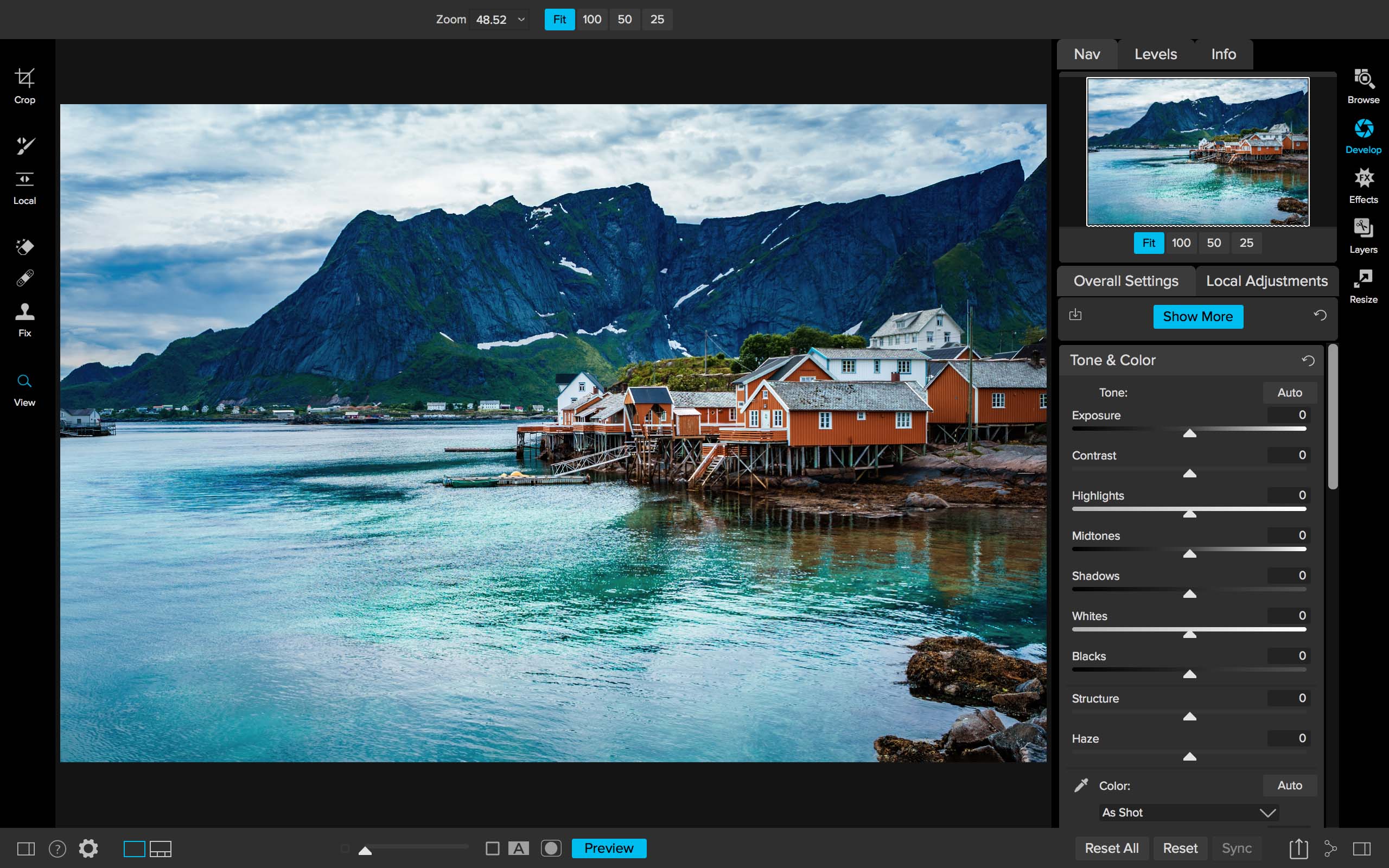
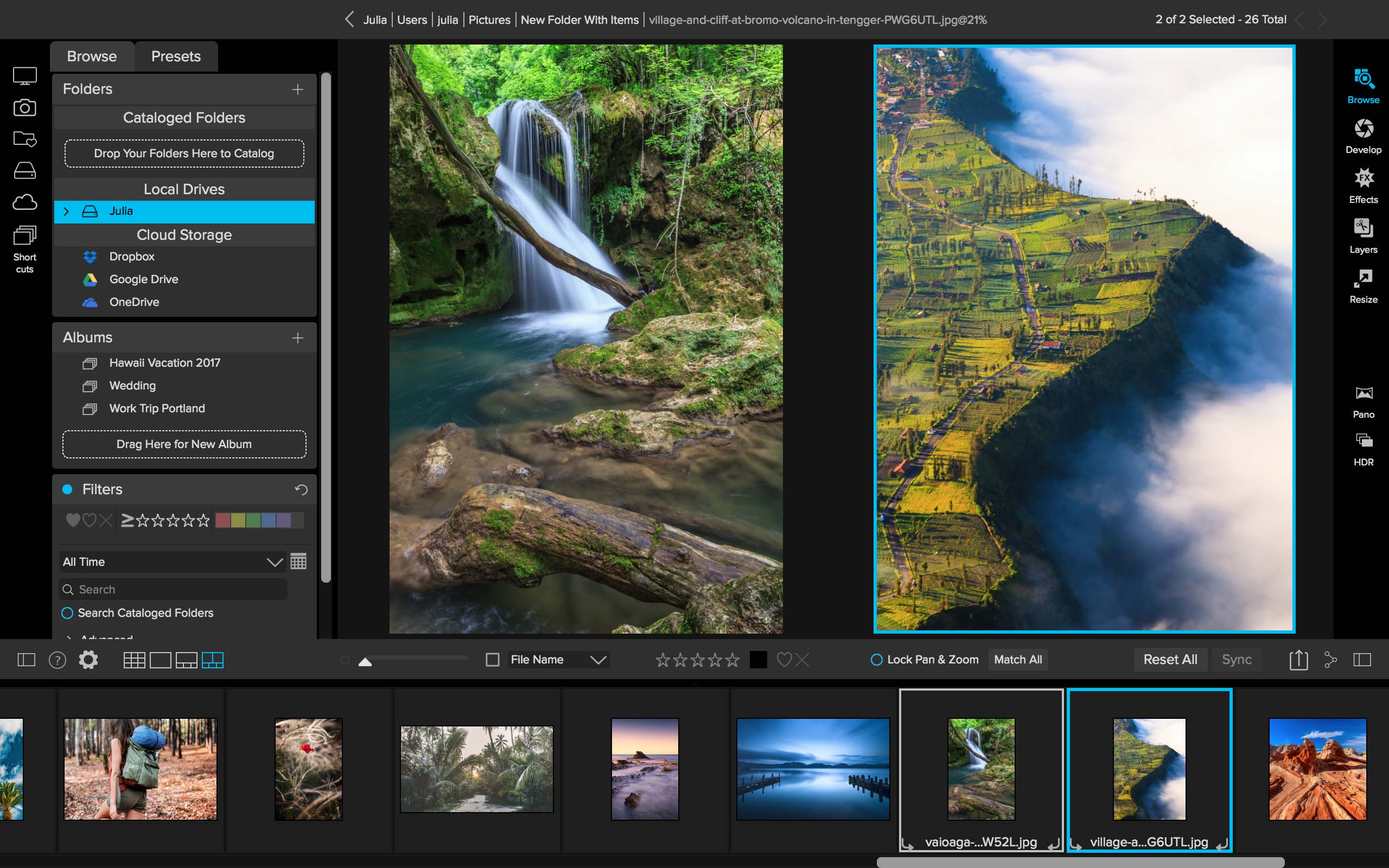
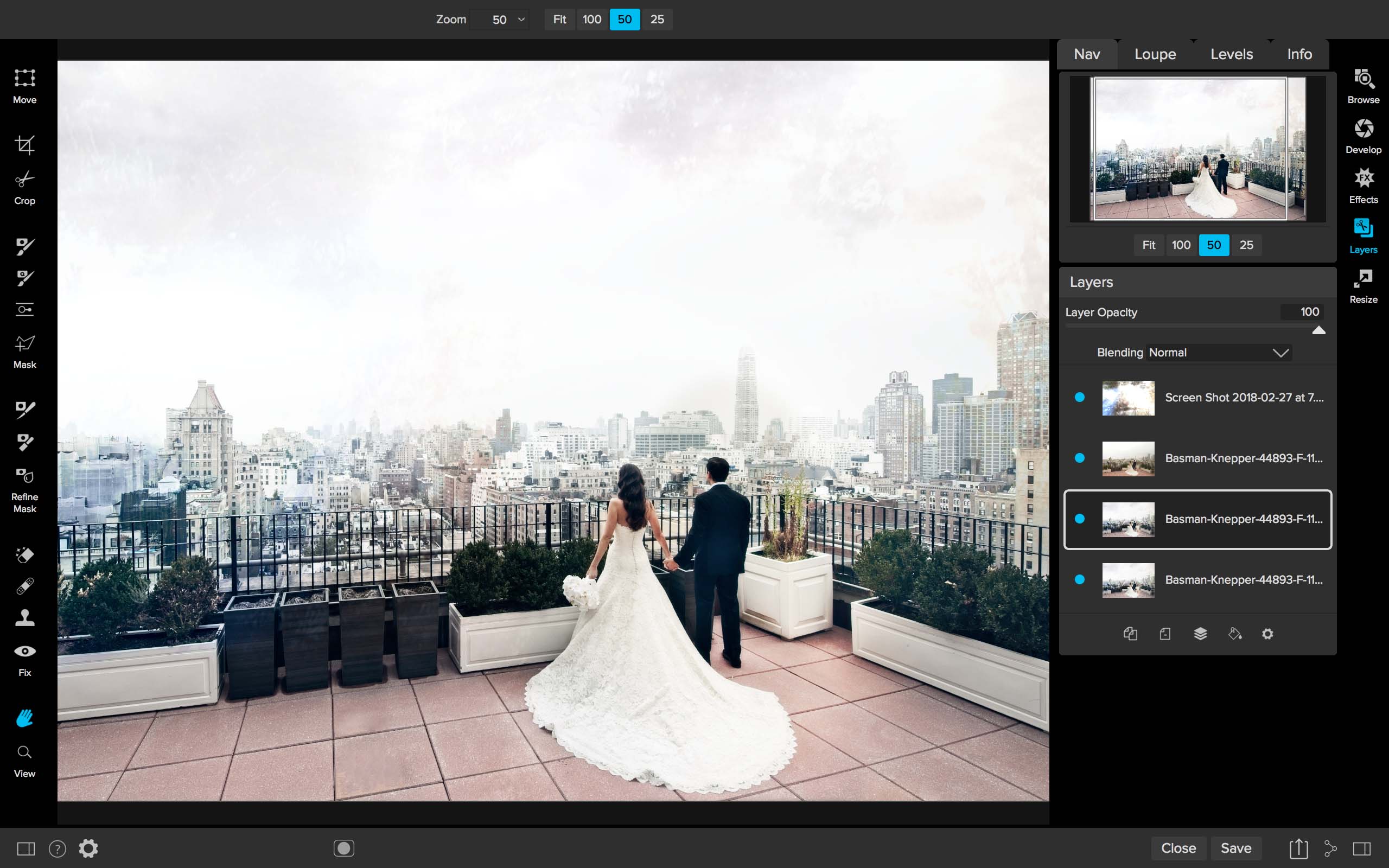
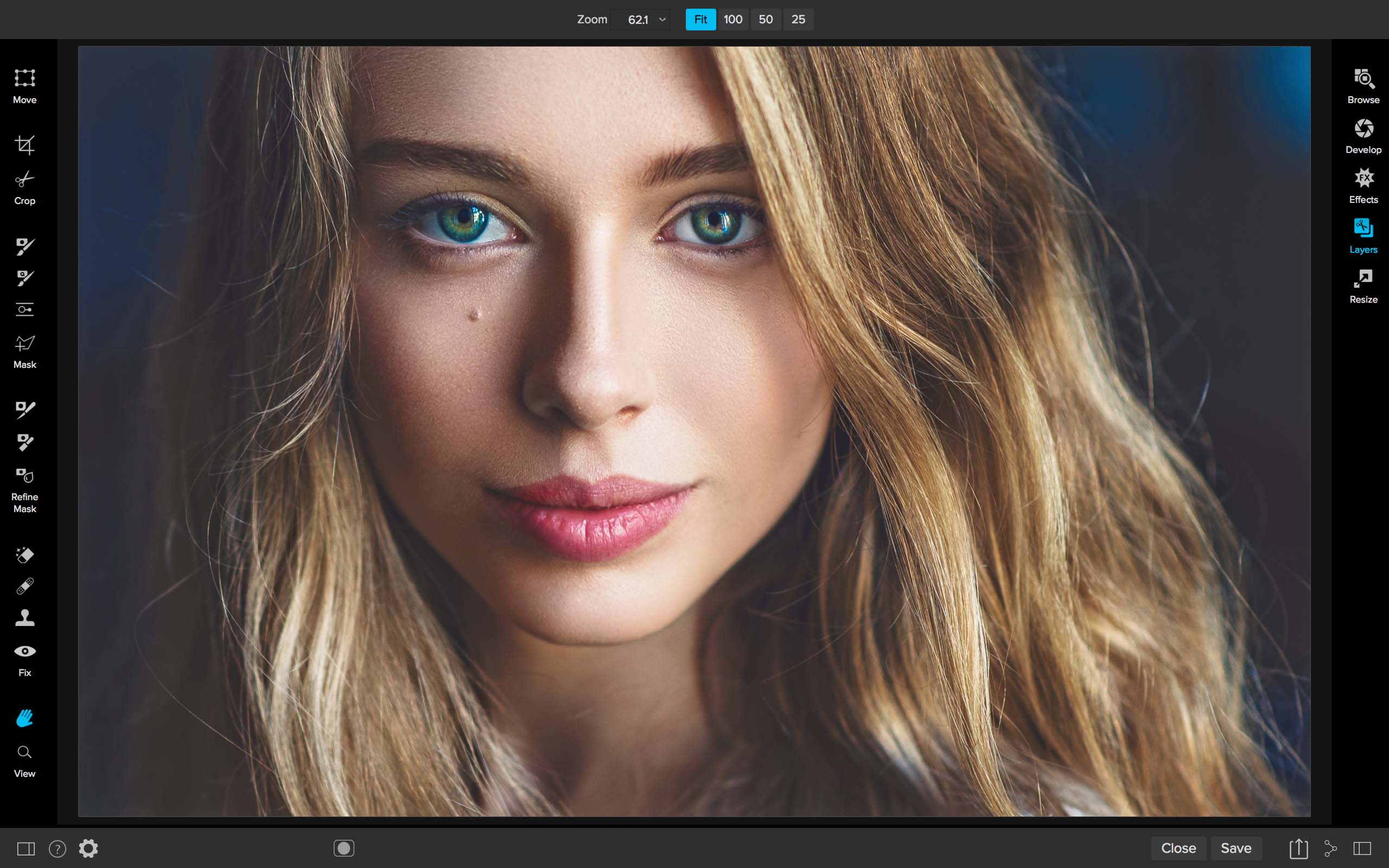
ON1 released their first major update for 2018 and they have some special pricing. You can get your copy here.

NEW IMPROVEMENTS

  • Debayering – The algorithms have been improved to increase the amount of micro detail while reducing aliasing, yielding photos that are noticeably crisper with less color artifacts.
  • HDR – HDR alignment and deghosting have improved, yielding sharper results with less ghosting, noise, and color fringe. Users now have the ability to select which frame is used for deghosting and can also adjust the amount of motion visible in water and clouds.
  • Faster Cataloging – The thumbnail and preview generation of images is now faster. Searching photos has also been improved.
  • Noise reduction – Improvements to reduce large noise from very high ISOs. Automatic hot-pixel removal has been added, and green and purple color aberration reduction has improved.
  • Sharpening – The sharpening algorithms have been improved to enhance micro details and provide sharper initial results.
  • Panorama – The panorama merge dialog now does a better job with vertical panoramas as well as really large ones. It can now stitch together up to 25 photos at a time. Blending of photos to compensate for differences in exposure and white balance have been improved.
  • Preview Quality – The preview window has been improved to more accurately reflect the details and sharpness in photos at different zoom levels.

NEW FEATURES

  • NEW Import – Get photos from your camera to your computer, choose where you want the photos to go, assign metadata, and more.
  • NEW Tethered Shooting – Get your photos to your computer instantly and apply import settings. Currently supports Canon and Nikon.
  • NEW Soft Proofing – Simulate what your photo will look like when it’s printed.
  • NEW Metadata Templates – Add metadata to a group of photos using presets. This allows you to choose and save only the information you want applied to your photos.
  • NEW Video Browsing & Organizing – Now supports viewing video files so you can organize those as well. Copy, move, name, add metadata, and more.
  • NEW Custom Sorting – This option in Browse allows you to put your photos in any order you choose.
  • NEW Batch Rename – Rename all of your photos in a batch to add unique information to filenames.
  • NEW Edit Capture Date – Adjust date and time on your photos so they match the actual date and time they were taken.
  • NEW Auto Advance – Automatically switch to the next photo during the culling process when rating or tagging photos.
  • Additional Camera & Lens Support — Added support for several new cameras and many new lenses.
Posted in Software| Tagged , , , , | Leave a comment

Iridient X-Transformer 1.0.1 Adds Fujifilm X-H1, X-A5, and X-A20 Support


Iridient X-Transformer 1.0.1 is now available with Fujifilm X-H1, X-A5, and X-A20 Support. You can download the latest version here.

  • New Features:
    • Support added for the Fujifilm X-H1.
    • Support added for the Fujifilm X-A5.
    • Support added for the Fujifilm X-A20.
    • New option added to override the camera make metadata in addition to the model. Can allow for better support of DNG files in software that may unnecessarily prevent loading or may omit features based on the DNG make and model information.
  • Improvements:
    • Updated camera calibration and profile information for models newly supported in Adobe’s latest DNG Converter 10.2 update (X-H1, X-A5, X-A20).
    • Options to turn off Lightroom color and luminance noise reduction should less agressive in there impact on Lightroom adjustments, particularly with both of these options disabled.
    • Updated to the latest version of Intel’s IPP library (2018u1).
    • Updated to the latest version of the libjpeg-turbo library (1.5.3).
    • Updated to the latest version of the LibreSSL library (2.6.4).
  • Bug Fixes:
    • Made further attempts to address macOS specific issues specific to the Lightroom plug-in where loading images located on some NAS drives using non-Mac native file systems (NTFS, ext4, etc) may fail.
    • Fixed issue where baseline noise and baseline sharpness metadata was being included even with these options set to “Do Not Include”.
Posted in Fujifilm X-A20, Fujifilm X-A5, Fujifilm X-H1, Software| Tagged , , , , , , , , , , , , , | Leave a comment

Fringer EF-FX Smart Adapters’ AF Performance Improved Again (Firmware V1.30)


Fringer released a new update for the popular Fringer EF-FX Smart Adapter and if you missed out on the first batch a new one will be coming very soon. They expect to have stock of the Fringer EF-FX in late March or early April according to the FringerDev Blog. You can download the update here and see the details below.

We found a new way to improve EF lenses’ phase detection AF accuracy on X mount cameras. Integrated in the new firmware (v1.30), the following lenses has been re-optimized according to the new method.

    1. EF 35/1.4L II
    2. EF 85/1.4L IS
    3. EF 100/2.8L IS
    4. EF 135/2L
    5. EF 16-35/2.8L II
    6. EF-S 55-250/4-5.6 STM
    7. Sigma 18-35/1.8 ART
    8. Sigma 50-100/1.8 ART

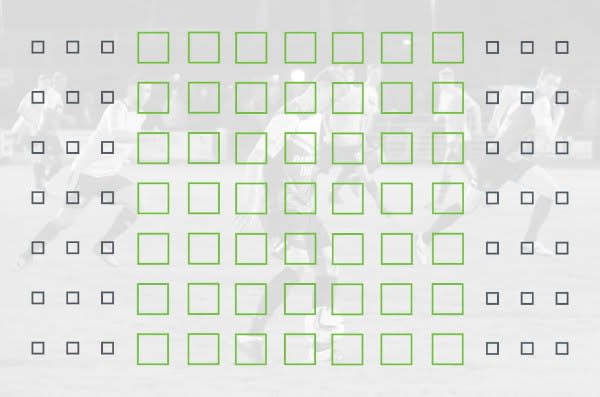
The new firmware is the most important upgrade since the adapter being released and is recommended for all Fringer EF-FX Pro adapter users. The newly introduced lens data will let all the phase detection AF points, e.g. the green ones on a X-T2 as shown below, locking on targets not only fast but also more accurately. And that’s the key for AF performance of AF-C and video recording, too. Other lenses may also be re-optimized in the future if necessary.


Meanwhile, the new firmware (v1.30) has following improvements.

You may download the new firmware file and release notes from here.


Posted in 3rd Party Lens, Accessories| Tagged , , , , , , , | Leave a comment

Fujifilm X-H1: Added to DPReview Studio Test Scene Comparison Tool and It Has Some Issues:Updated


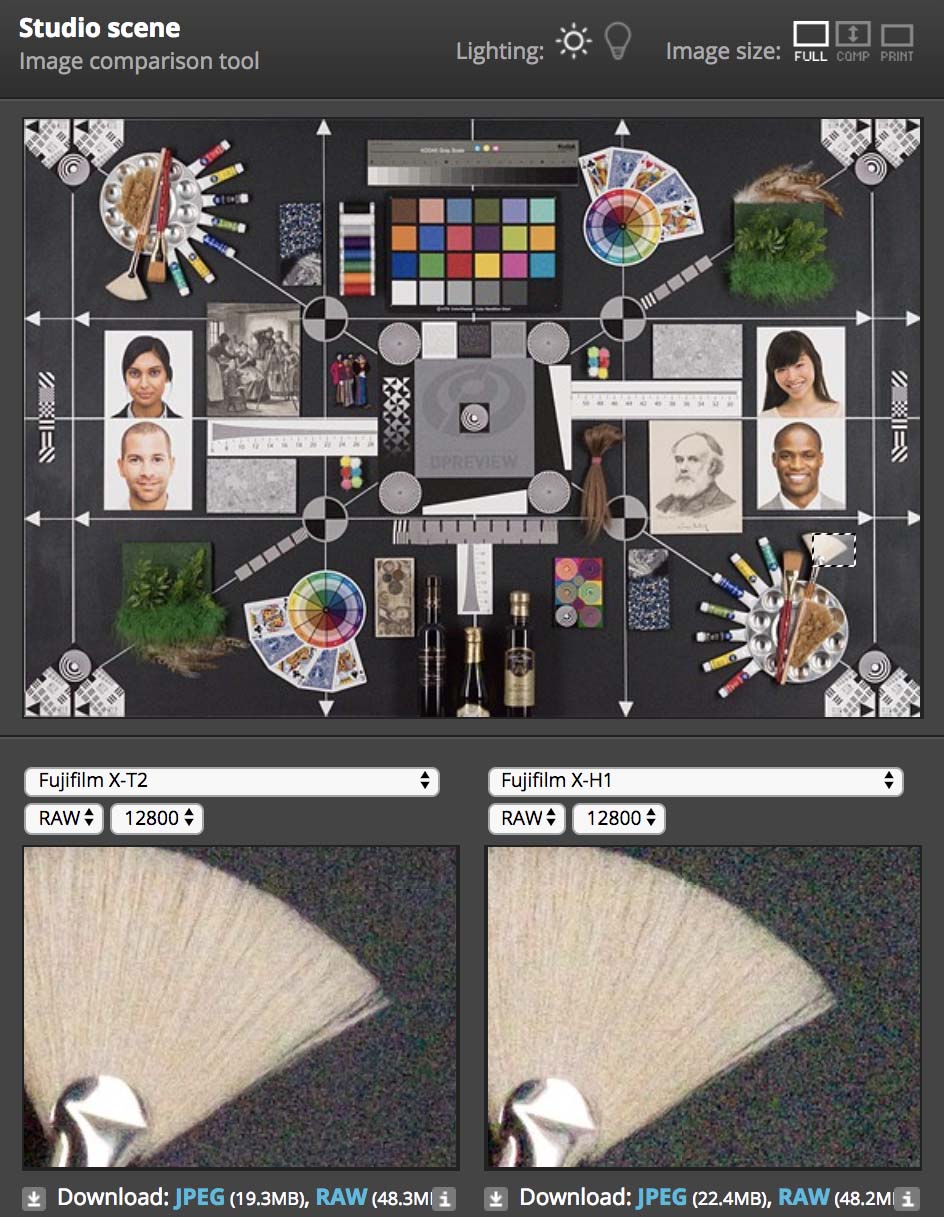
The Fujifilm X-H1 was added to the DPReview Studio Test Scene Comparison Tool today. The Fujifilm X-H1 and X-T2 should have basically equal image quality and that is what we have seen across many tests, but of course, there will always be a slight variation. Actually photographers like IBIS so they can minimize slight variations like shake, but there seems to be something else up with DPReviews RAW comparison of the X-H1 and X-T2.

At times there are strange color casts and there is color noise that we should not be seeing. 12,800 ISO is the max ISO I use on my X-T2 and here I wouldn’t use it on the Fujifilm X-H1. I wonder if the IBIS system on a tripod in a studio setting had something to do with these results it could also be the Electronic Front Curtain Shutter setting. I hope they will update their studio scene with more accurate results after others point out these issues because the image quality of both the X-T2 and X-H1 should be equal. Any site that says otherwise shouldn’t be taken seriously and is just trying to sell you a camera. Even if the camera has slightly better thermal properties it wouldn’t affect high ISO much without a new sensor and processor, which we will see in the Fujifilm X-T3.

Update: So after looking into EXIF the files are pretty equal except the X-T2 file says uncompressed and the X-H1 does not. The 12,800 shot was at 1/5000 and if EFCS was used this could cause issues because it’s best for low speeds. There are other variables that I am considering, but if the X-H1 had better IQ than the X-T2 Fujifilm would include it in their marketing. Honestly, I expect to see slightly worse under some conditions, but I haven’t seen a lot of “reviewers” or bloggers saying/showing that it’s worse and this seems to be an outlier.

Follow us on FacebookTwitterInstagramYouTube

Fujifilm X-H1 News, Rumors, and Collaboration
Fujifilm X-H Owners Group
Fujifilm X-H Page

X-H1 Camera: B&H Photo / Amazon / Adorama
X-H1 Body with Battery Grip Kit: B&H Photo / Amazon / Adorama
VPB-XH1 Vertical Power Booster Grip: B&H Photo / Amazon / Adorama

Posted in Fujifilm X-H1| Tagged , , , , , , , , , , , | Leave a comment

Fujinon MK18-55 T2.9 and MK50-135mm T2.9 Lenses

The Fujinon MK18-55 T2.9 and MK50-135mm T2.9 are excellent lenses on Sony E-mount that promise to be even better on X-mount with the Fuj X-H1. The MK lenses will communicate the T stop and the focus point to the camera for lens correction data. The lens is also optimized for X series color and white balance so when you change the iris or focal point the camera will make adjustments so that there isn’t any color shift.

Fujifilm X-H1 News, Rumors, and Collaboration
Fujifilm X-H Owners Group
Fujifilm X-H Page

MK18-55mm T2.9: B&H Photo / Amazon
MK50-135mm T2.9: B&H Photo / Amazon

X-H1 Camera: B&H Photo / Amazon / Adorama
X-H1 Body with Battery Grip Kit: B&H Photo / Amazon / Adorama
VPB-XH1 Vertical Power Booster Grip: B&H Photo / Amazon / Adorama

Posted in Fuji lenses, Fujifilm X-H1| Tagged , , , , , , , , , , , , | Leave a comment

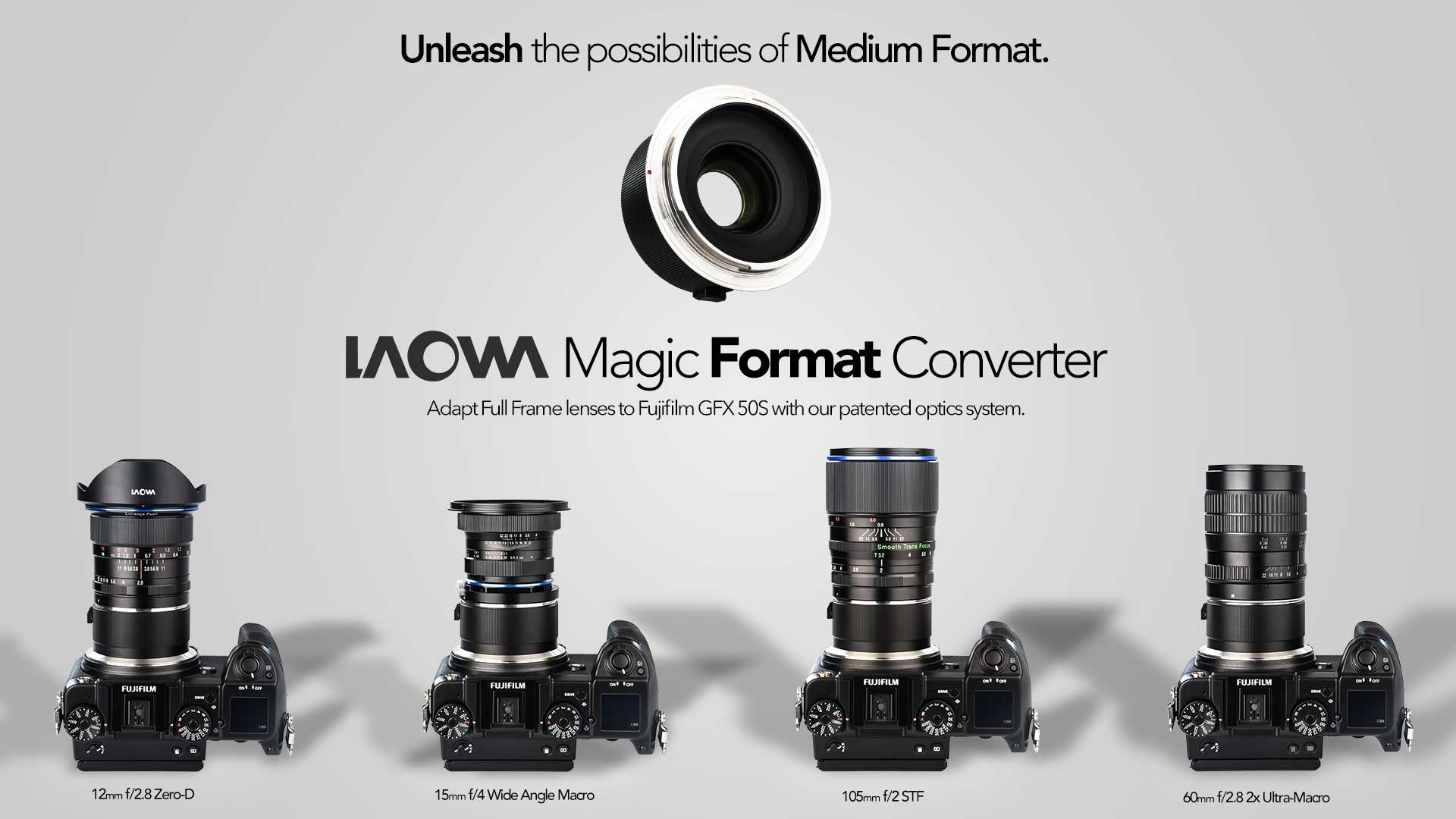
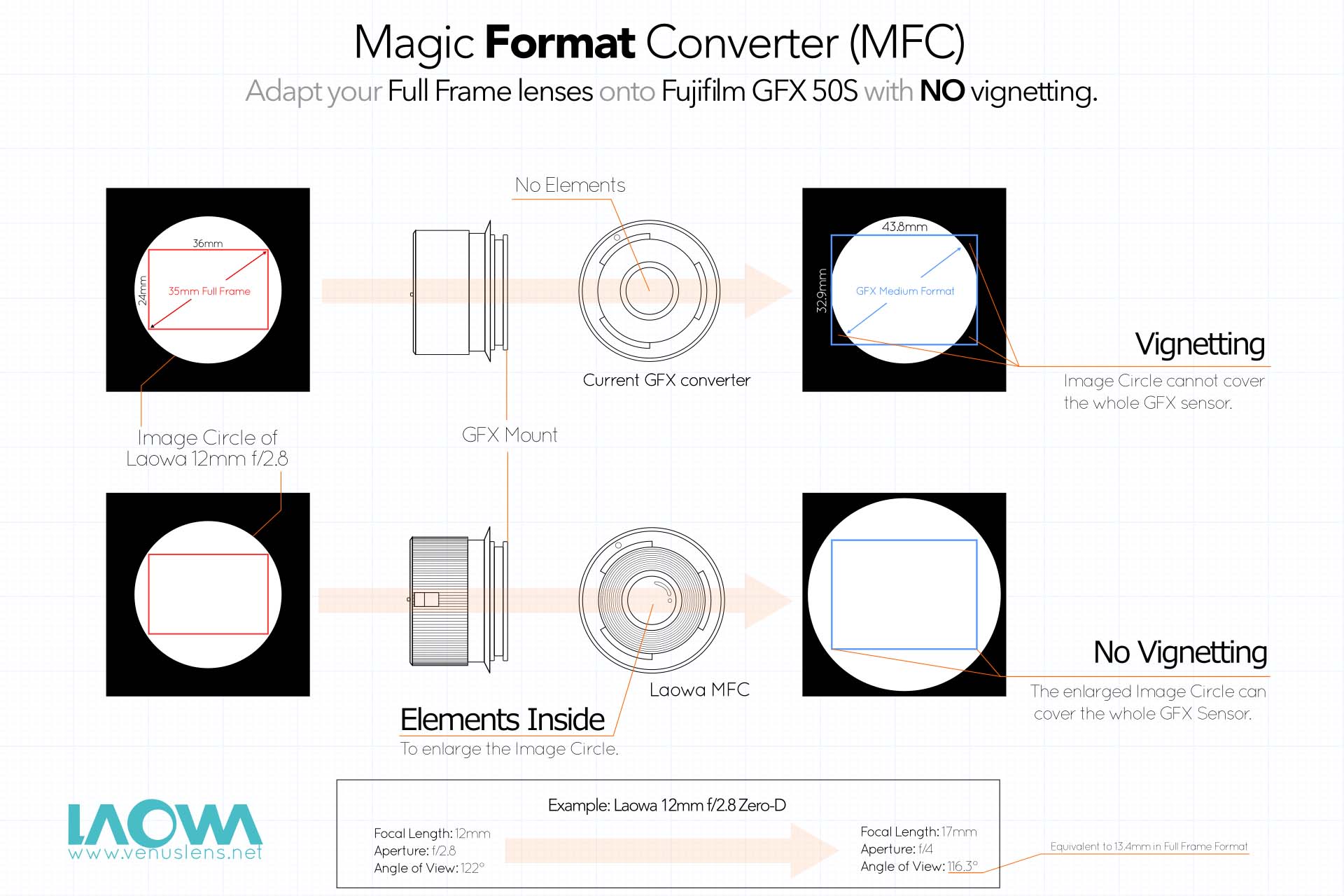
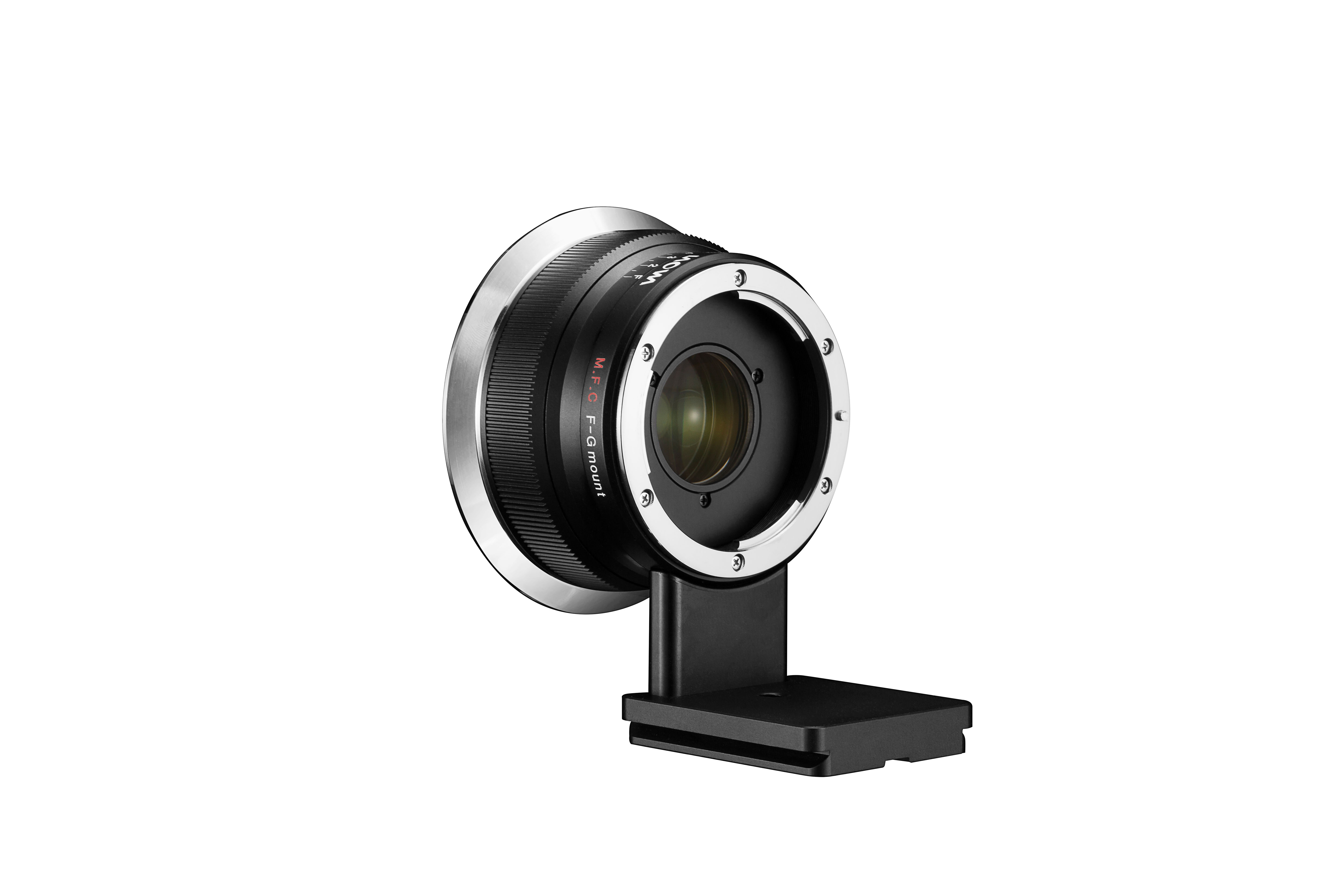
LAOWA Magic Format Converter Now Shipping


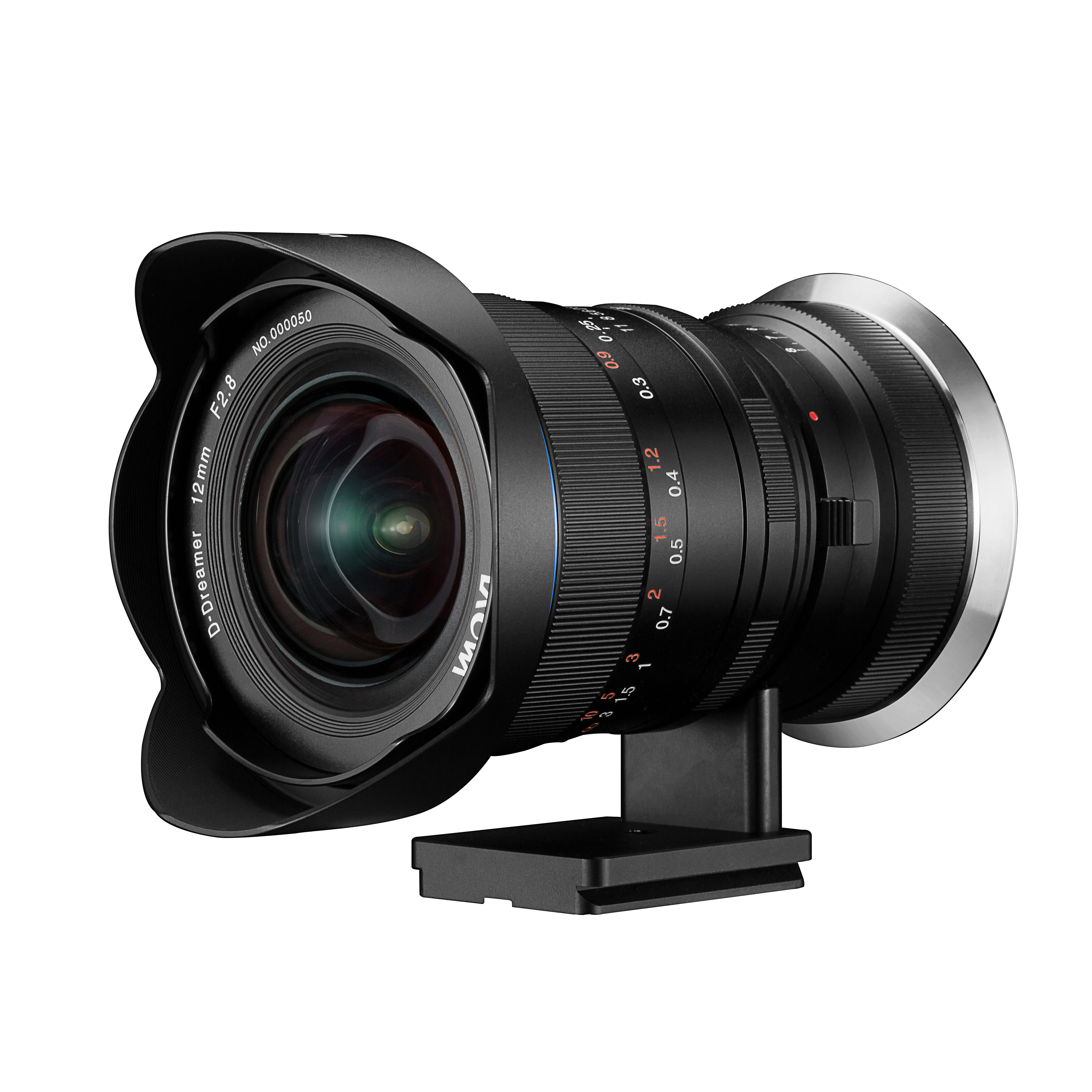
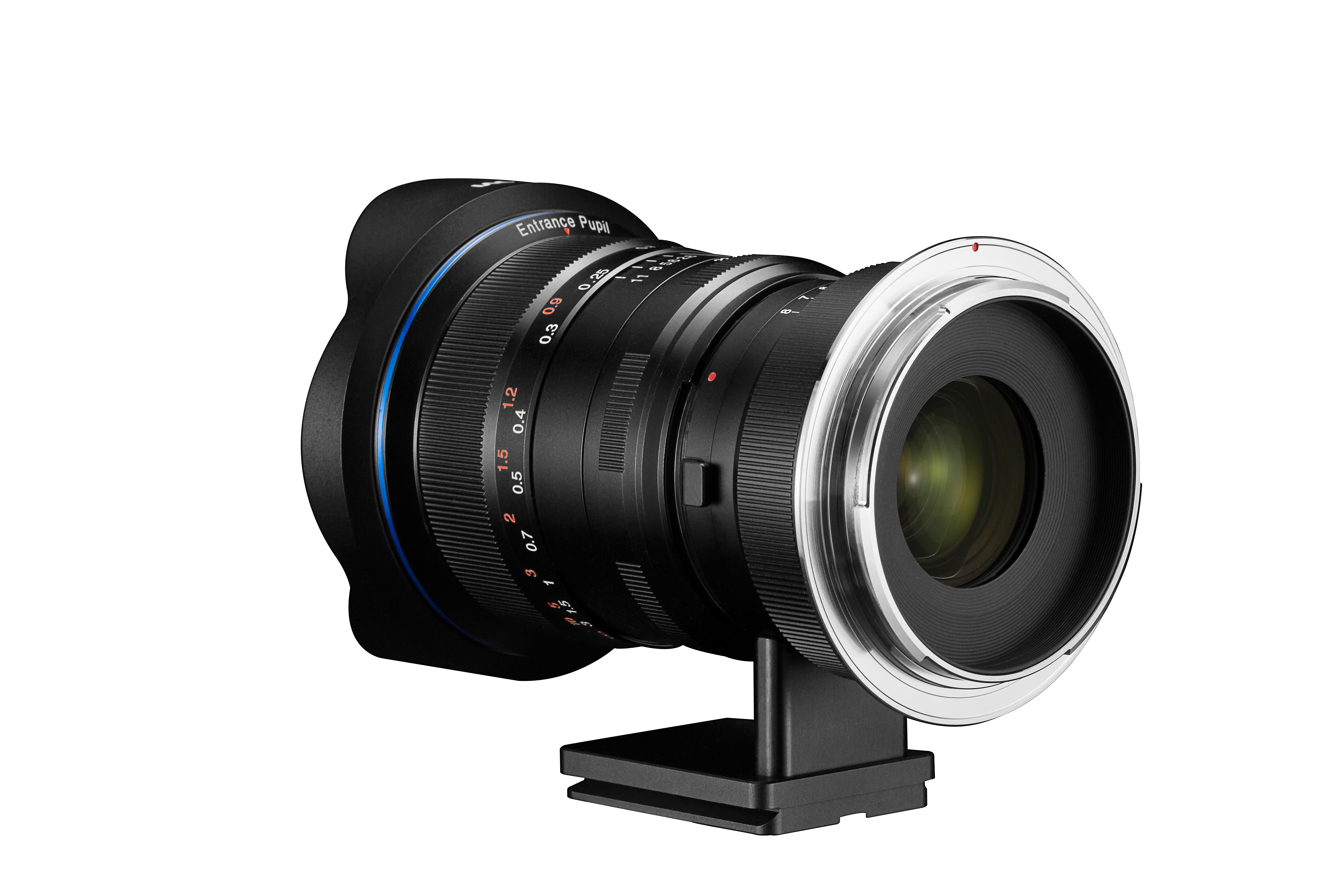
I have been very interested in the LAOWA Magic Format Converter combined with their 12mm f/2.8 Zero-D for a while now and I am going to try to grab the combination very soon. The Magic Format Converter (MFC) is a unique GFX accessory and I can’t wait to give it a try this astrophotography season.

LAOWA Magic Format Converter: Venuslens / B&H Photo / Amazon Nikon / Amazon Canon / Adorama

Posted in 3rd Party Lens, Accessories, Fujifilm GFX, Fujifilm GFX 50S| Tagged , , , , , , , , , , , , , , | Leave a comment