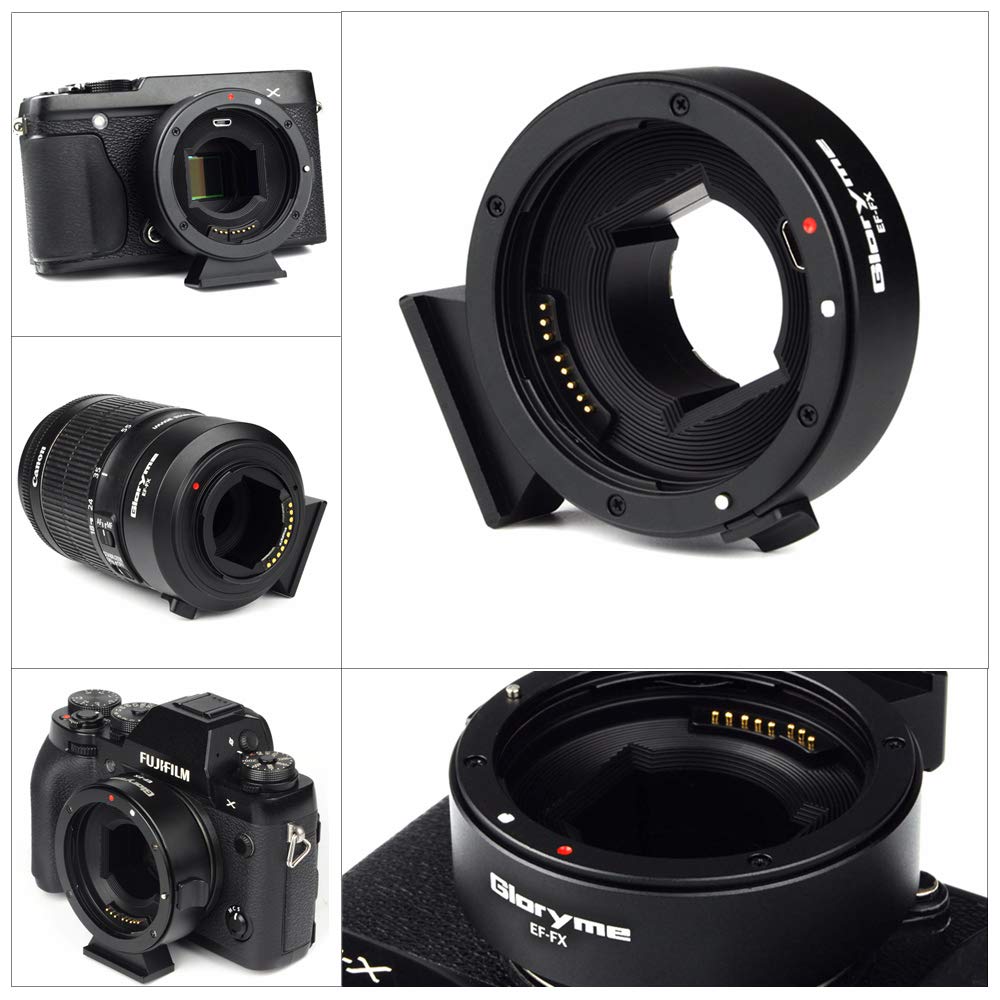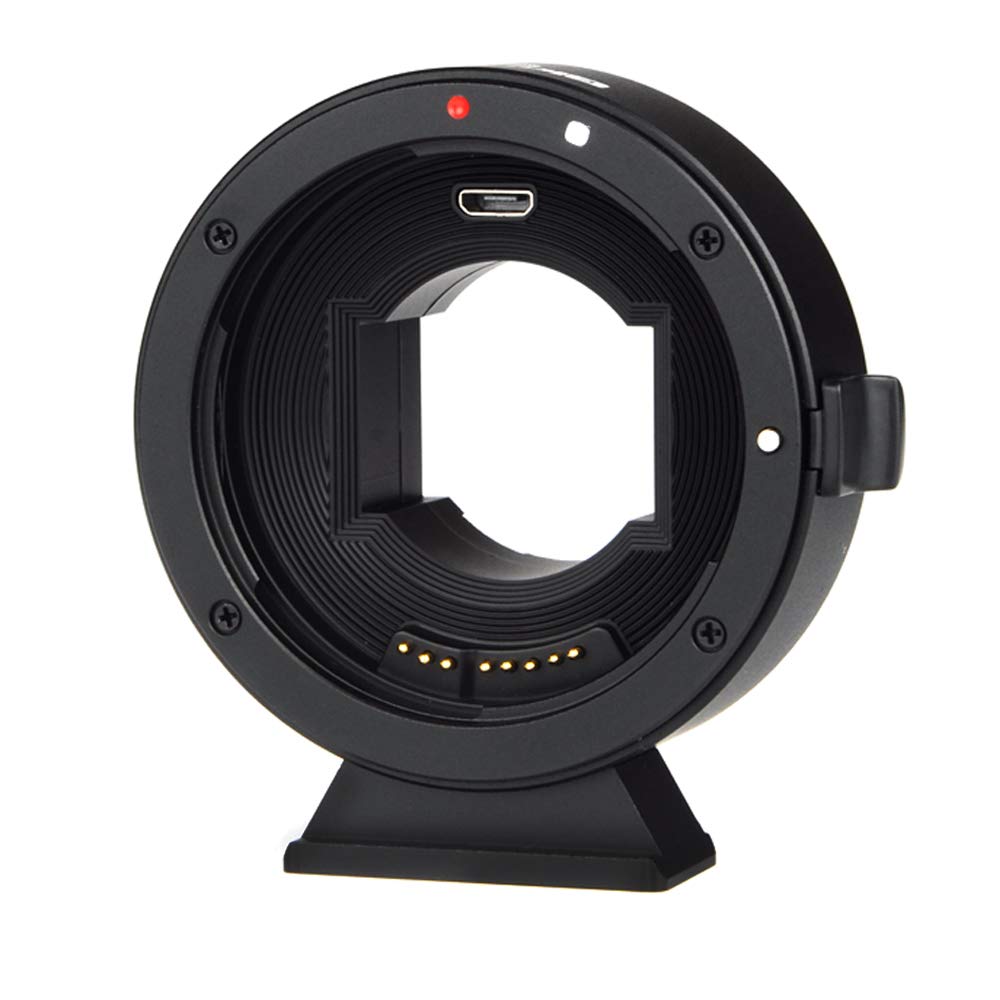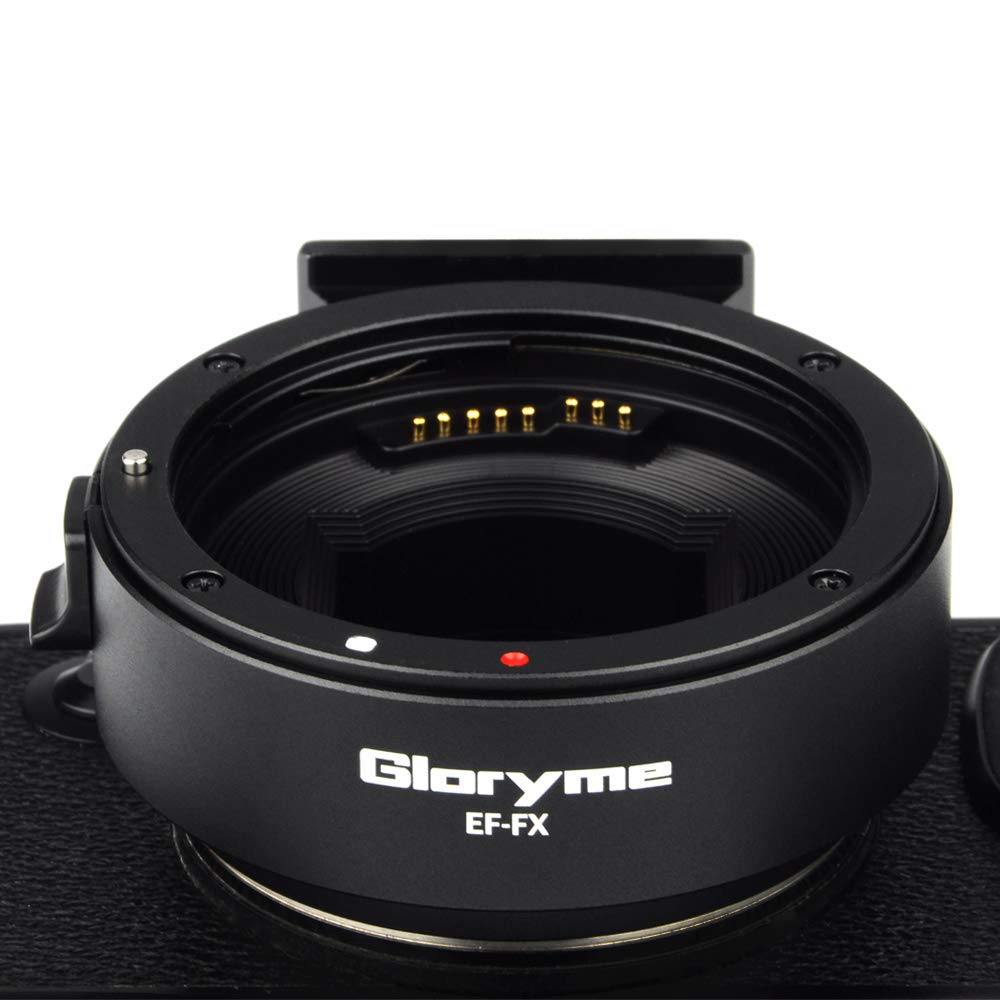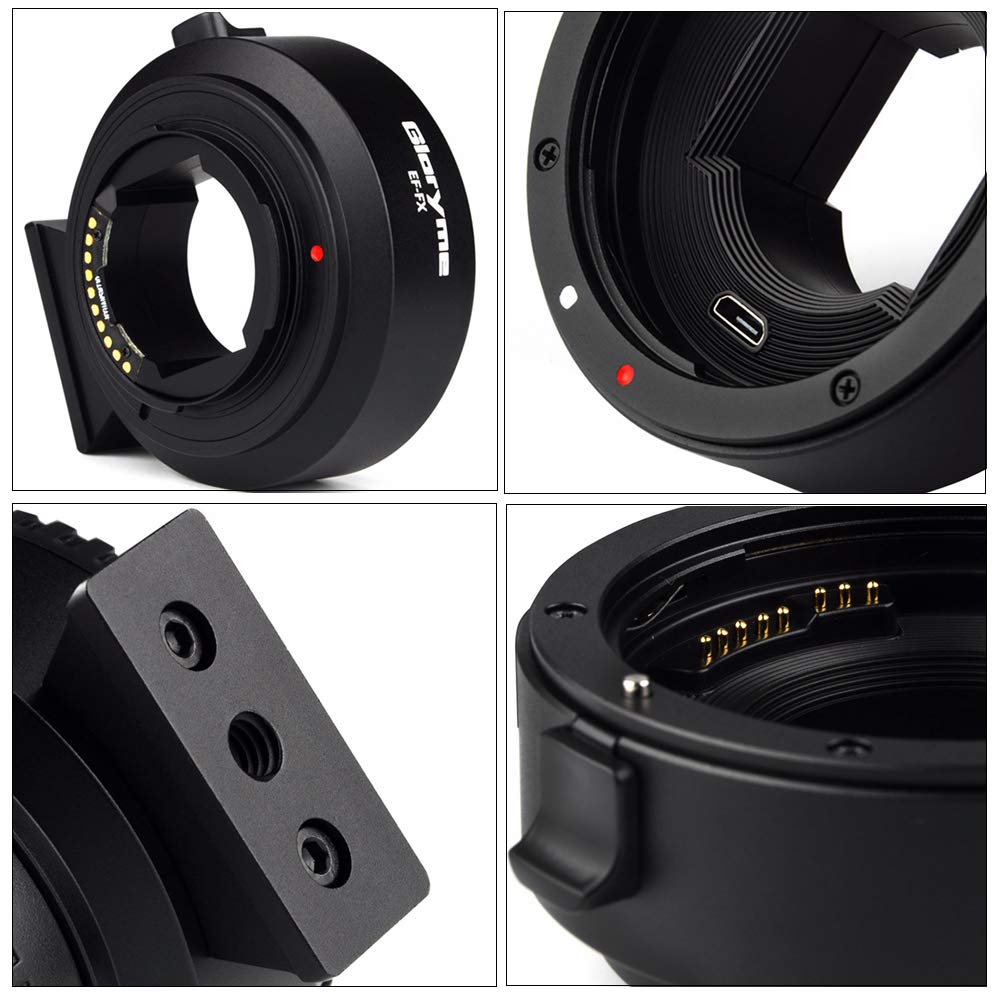
New FIKAZ Bayonet Adapters For Fujifilm X, Sony E, Micro 4/3, Nikon F and Pentax K


PRESS RELEASE:

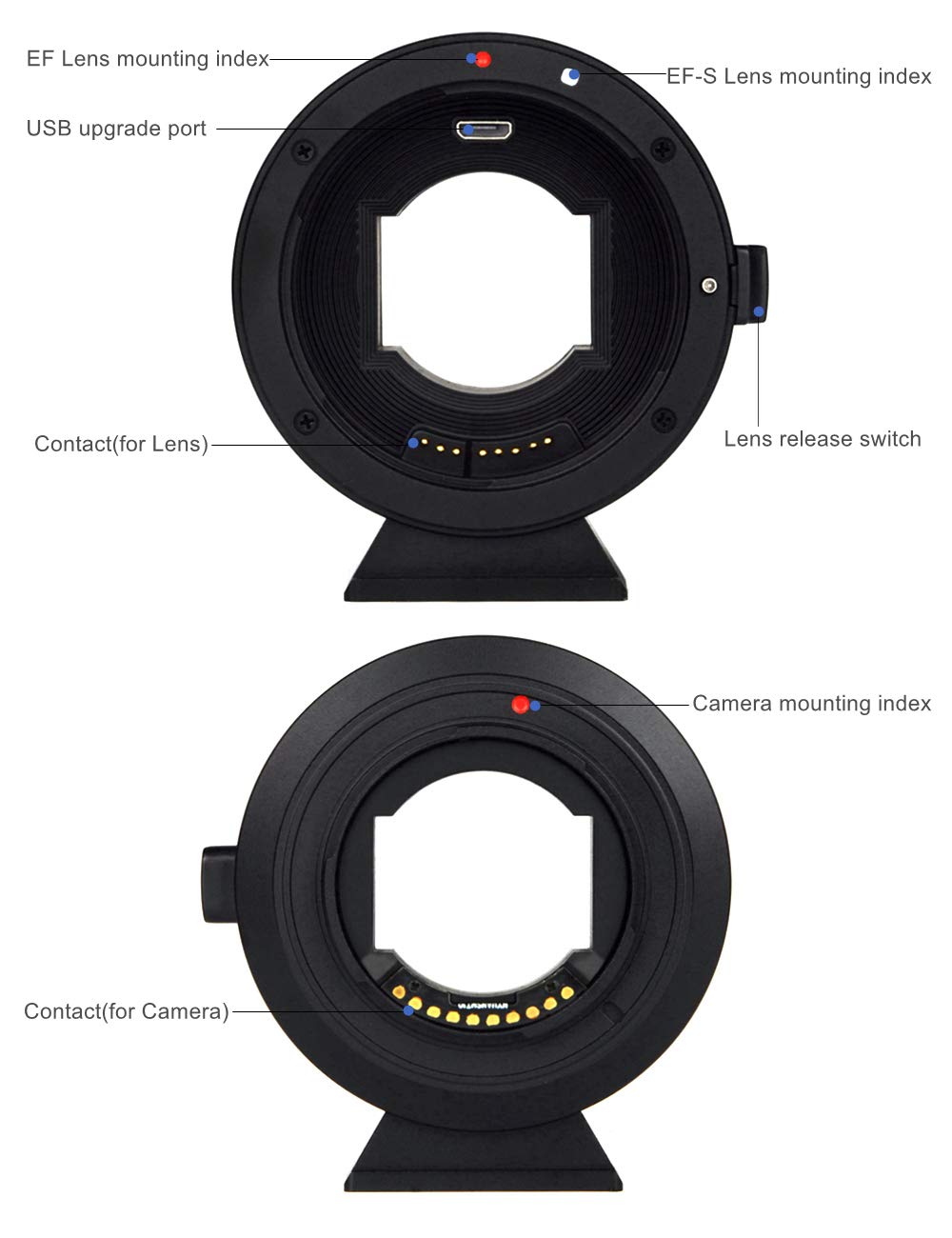
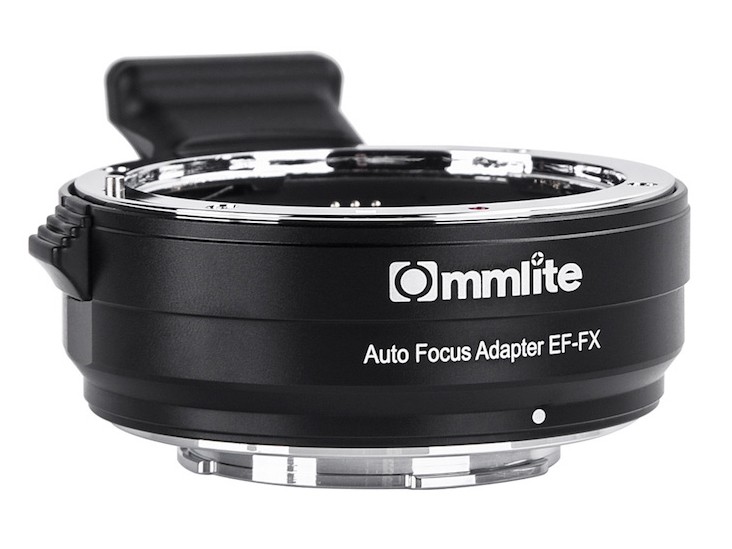
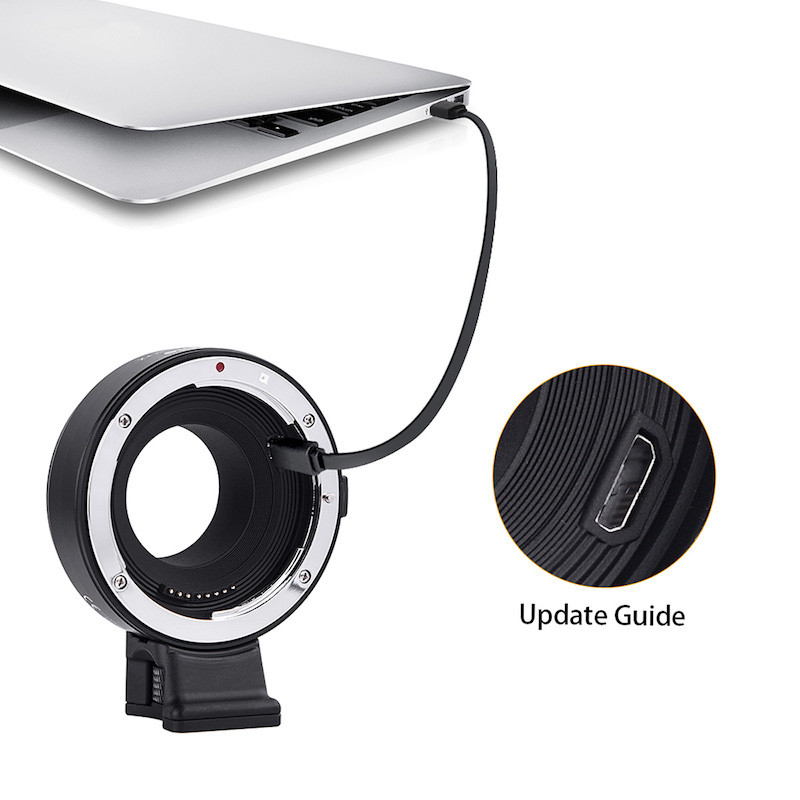
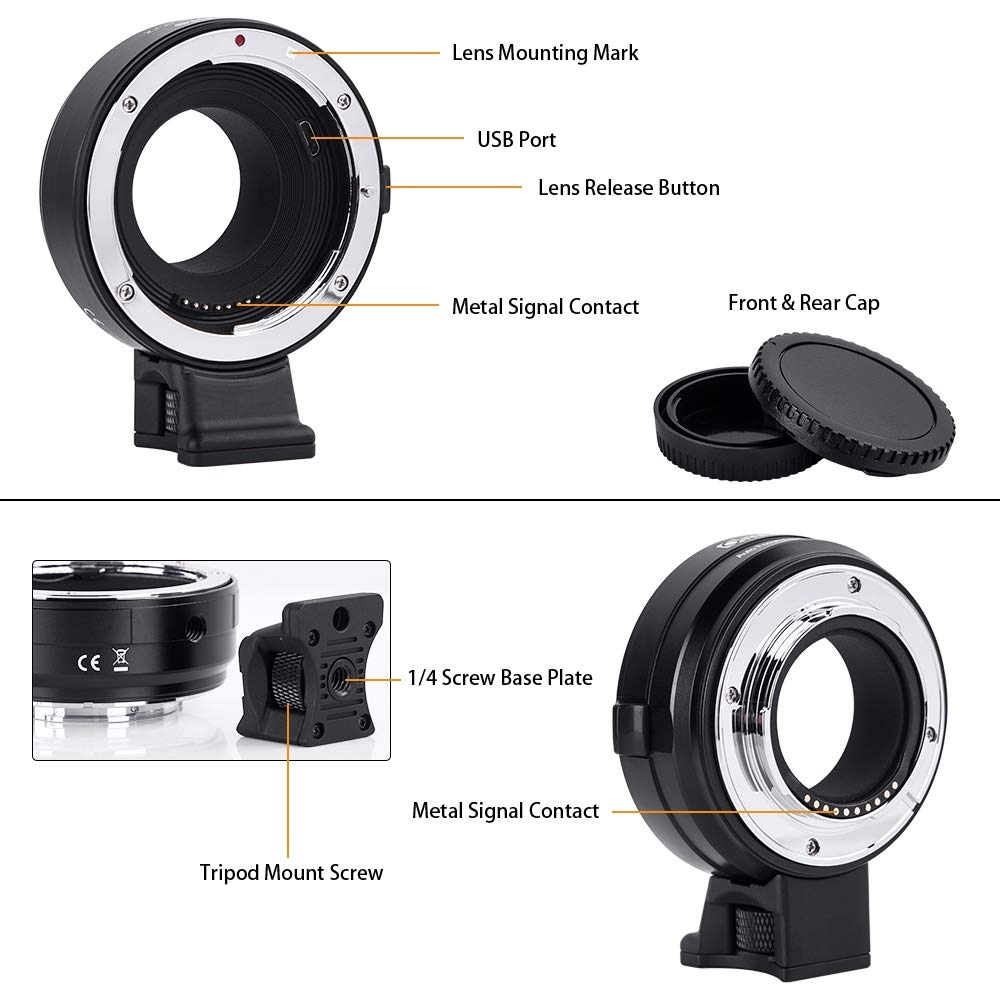
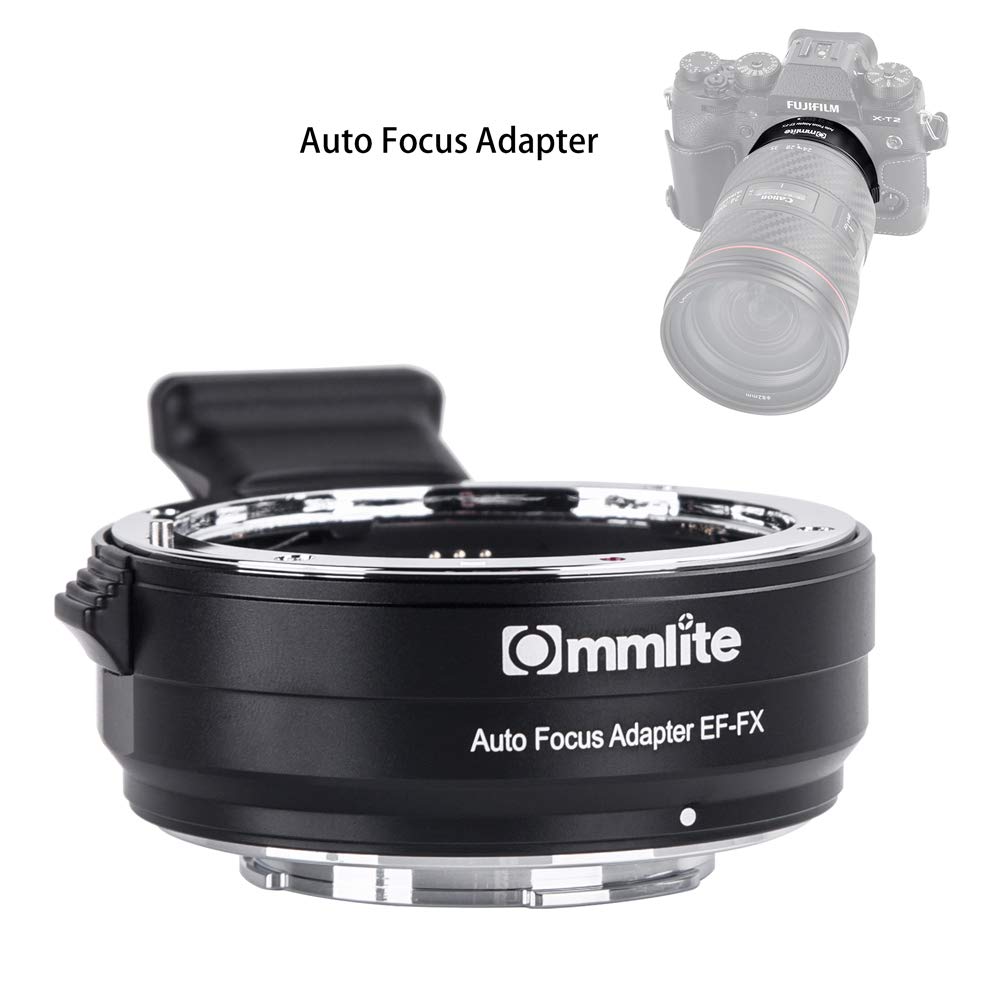
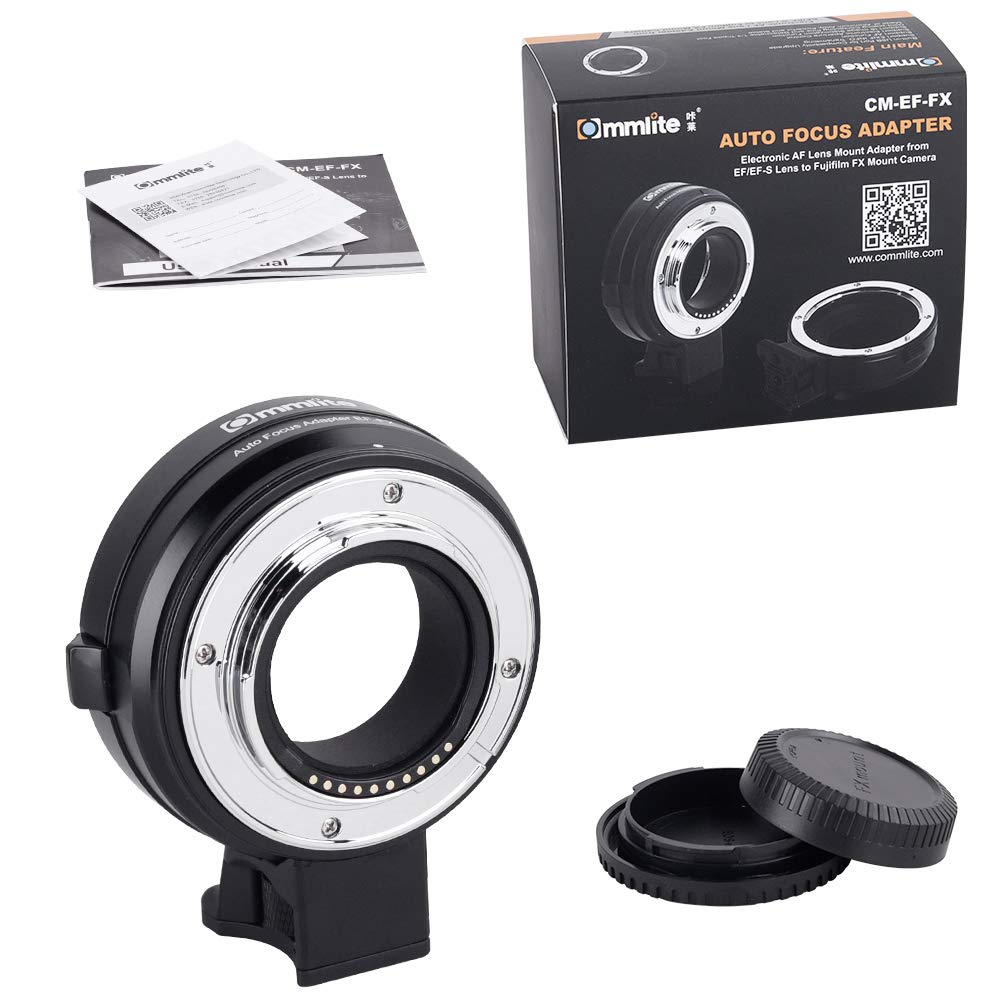
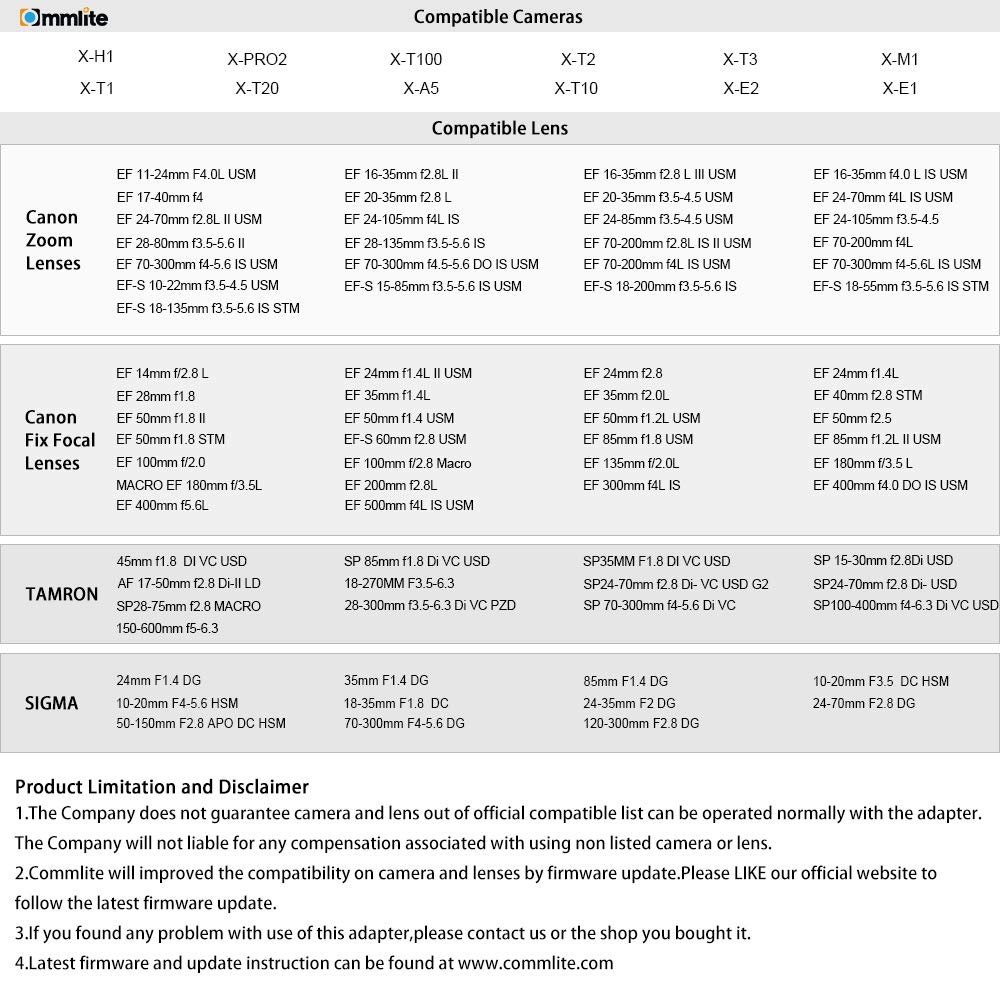
The new FIKAZ bayonet adapters for Sony E, Micro 4/3, Fujifilm X, Nikon F and Pentax K
Polish importer of the Fikaz brand, 180 Degree Sp. z o. o., expands the offer of bayonet adapters with further models, including for cameras with Sony E and Micro 4/3 mounts. Read More »

Posted in Press releases| Tagged , , , , , , | Leave a comment

Adobe Enhanced Mode Tested With X-Trans and GFX Bayer

Enhanced by Louis Ferreira on 500px.com
I created a gallery of images on 500px to compare adobe’s new enhanced AI results and I have to say I am not overly impressed with the improvements. With the GFX the changes are almost imperceivable and the final JPG files size can actually shrink a little in my testing. GFX files also take around 20 seconds to process on my computer. With X-Trans files you can see slight changes that I doubt will make a difference in even the largest of prints, but the final JPG generally increase ever so slightly in size and the processing takes about 5 seconds to complete.


Adobe’s new tool doesn’t seem to change how RAW files are interpreted as much as it changes how they are sharpened, but I will do some additional testing soon to try to find out. I also noticed a slight change in some colors, but they were not as noticeable in the final exports. Check my 500px for full resolution photos and 100% crops. I will also include a few below in this post for those that do not click through.

Follow Fujiaddict on Facebook, TwitterInstagram, and YouTube

Normal
Long Exposure GFX by Louis Ferreira on 500px.com

Enhanced
Long Exposure GFX Enhanced by Louis Ferreira on 500px.com Read More »

Posted in Fujifilm GFX, Fujifilm GFX 100, Fujifilm GFX 100 Megapixel, Fujifilm GFX 100S, Fujifilm GFX 50R, Fujifilm GFX 50S, Software| Tagged , , , , , , , , , , , , , , , , , , , , , , , , , , , , , , , , , , , , , , , , , , , , , , , , , , , , , , , , , , , , , , , , , , , , , , , , , , , , , , , , , , , , , | Leave a comment

Adobe Lightroom 8.2: Enhance Details in Raw Images Including X-Trans


Adobe Lightroom 8.2 lists a new feature enhanced details that should improve Fujifilm X-Trans support.

Introduced in the February 2019 release of Lightroom Classic (version 8.2) and powered by Adobe Sensei, Enhance Detailsproduces crisp detail, improved color rendering, more accurate renditions of edges, and fewer artifacts. Enhance Details is especially useful for making large prints, where fine details are more visible. This feature applies to raw mosaic files from cameras with Bayer sensors (Canon, Nikon, Sony, and others) and Fujifilm X-Trans sensors.

Use Enhance Details

  • In the Library or Develop module, select a supported image that you want to enhance.
  • Do one of the following:
    • Ctrl-click (on Mac)/right-click (on Windows) the image and select Enhance Details.
    • From the menu bar, choose Photo Enhance Details.
  • The Enhance Details Preview dialog box provides a live preview of the effect.
    You can hold down the hand cursor to view the original image and release it to preview the enhanced image. You can also hold down and move the hand cursor to preview the before and after effect on different regions of the image.
  • Click Enhance to create an enhanced DNG version of your photo.
    Note: The enhanced image is saved as a new DNG file with the filename in this format: ‘Original filename-Enhanced.dng’ and is placed next to the source image.

Batch mode
You can use the Enhance Details feature on multiple images. To do this, select multiple supported images and choose Photo > Enhance Details.

You cannot see the Enhance Details Preview dialog box when you select multiple images for batch processing.

Supported image formats
Enhance Details is only applicable to Bayer and X-Trans mosaic raw files.

Unsupported file formats
Enhance Details does not apply to the following types of source images:

  • Non-raw files such as a JPEGs, TIFFs, and HEICs
  • Linear DNGs (including HDR and pano DNG images previously created inside Lightroom and Camera Raw)
  • DNG proxies and Smart Previews
  • Monochrome raw files (such as Leica M MONOCHROM)
  • Four-color cameras
  • Foveon sensor images
  • Fujifilm cameras with SR, EXR, or 2×4 mosaic sensors.
  • Canon S-RAW/M-RAW files
  • Nikon small raw files
  • Pentax Pixel Shift Resolution (PSR) files
  • Sony ARQ files
  • Video files

Follow Fujiaddict on Facebook, TwitterInstagram, and YouTube

via Adobe

Posted in Software| Tagged , , , , , , | Leave a comment

Adobe Camera Raw 11.2: Enhance Details in Raw Images Including X-Trans


Adobe Camera RAW 11.2 lists a new feature enhanced details that should improve Fujifilm X-Trans support.

Enhance Details is introduced in Adobe Camera Raw 11.2. Powered by Adobe Sensei, Enhance Details produces crisp detail, improved color rendering, more accurate renditions of edges, and fewer artifacts. Enhance Details is especially useful for making large prints, where fine details are more visible. This feature applies to raw mosaic files from cameras with Bayer sensors (Canon, Nikon, Sony, and others) and Fujifilm X-Trans sensors.

To apply Enhance Details to your photo, follow these steps:

  • Open a supported image in Camera Raw.
  • Click the () icon in the Filmstrip and select Enhance Details in the pop-up menu.
  • The Enhance Details Preview dialog box provides you with a preview of the enhanced photo. You can click-and-hold the image preview to see the image without the feature applied. You can pan within the preview window or click in the main image canvas to change your preview region.
  • Click Enhance to create an enhanced DNG version of your photo.Note: The enhanced image is saved as a new DNG file with the filename in this format: ‘Original filename-Enhanced.dng‘.

Bypass the Enhance Details dialog
You can skip the Enhance Details preview dialog box by holding down the Option (macOS)/Alt (Win) key when you select the Enhance Details pop-up menu option.

Batch mode
You can use the Enhance Details feature on multiple images. To do this, select multiple supported images and click the () icon in the Filmstrip and select Enhance Details.

You cannot see the Enhance Details preview dialog box when you select multiple images for batch processing.

Supported image formats
Enhance Details is only applicable to Bayer and X-Trans mosaic raw files.

Unsupported file formats
Enhance Details does not apply to the following types of source images:

  • Non-raw files such as a JPEGs, TIFFs, and HEICs
  • Linear DNGs (including HDR and pano DNG images previously created inside Lightroom and Camera Raw)
  • DNG proxies and Smart Previews
  • Monochrome raw files (such as Leica M MONOCHROM)
  • Four-color cameras
  • Foveon sensor images
  • Fujifilm cameras with SR, EXR, or 2×4 mosaic sensors.
  • Canon S-RAW/M-RAW files
  • Nikon small raw files
  • Pentax Pixel Shift Resolution (PSR) files
  • Sony ARQ files

Follow Fujiaddict on Facebook, TwitterInstagram, and YouTube

via Adobe

Posted in Software| Tagged , , , , , , | Leave a comment

DPR: Fujifilm GFX100S Hands-on


Fujifilm let DPReview go hands-on with the new Fujifilm GFX100 and they came away with a few interesting details:

  • The smooth rubber covering will be replaced with texture on the shipping camera
  • Feels like a Nikon D5 or Canon EOS-1DX II with a fast prime attached
  • The only dial on top left has 3 positions for Stills/Movie/Multi-Exposure
  • The center button on the top is the drive button
  • The EVF will have X-H1 type performance (which is much better than the GFX50S)
  • The EVF is removable like the GFX50S and you can use them interchangeably on the GFX100
  • The focus mode button is now on the left instead of right
  • Playback is now on the lower right of the screen
  • No 4-way controller
  • OLED ribbon display on the back under the LCD, but not active on the prototype it shows key camera settings but isn’t touch sensitive
  • There is still a bulge in the back for the sensor, but it’s smaller since the battery was relocated to the grip
  •  Tilt/touch/rear display like GFX
  • Same NP-T125 batteries as the GFX
  • Should get 400 shots per battery so 800 shots with both batteries charged
  • Still using dual SD cards, but a future GFX camera might use an XQD/CFexpress card
  • I/O microphone and headphone jacks, HDMI, USB 3.0 Type C, PC Socket on the side
  • 4k 30p
  • 4:2:0 video internal and 10-bit 4:2:2 external via HDMI
  • They could shoot sharp photos at 1/20s with the GF45mm f/2.8 attached and acceptably sharp at 1/6s.
  • Might support sensor shifting high-resolution mode in the future via a firmware update
  • AF speed appears very good and improved over the original GFX 50S
  • Shutter button feels very Nikon or Canon DSLR camera like
  • Coming late spring or early summer for around 10k

Fujifilm GFX News, Rumors, and Collaboration
Fujifilm GFX Owners Group
Fujifilm GFX Page

Follow Fujiaddict on Facebook, TwitterInstagram, and YouTube

via DPReview


Posted in Fujifilm GFX, Fujifilm GFX 100, Fujifilm GFX 100 Megapixel, Fujifilm GFX 100S, Fujifilm GFX 50R, Fujifilm GFX 50S| Tagged , , , , , , , , , , , , , , , , , , , , , , , , , , , , , , , , , , , , , , , , , , , , , , , , , , , , , , , , , , , , , , , , , , , , , , , , , , , , , , , , | Leave a comment

Fujifilm Savings Sunday With Big XF200mm And XF8-16mm Savings

Body Deals
Fujifilm X-T3 Body (Save $100): B&H Photo / Amazon / Adorama
Fujifilm X-T3 + 18-55mm w Grip (Save $200): B&H Photo / Amazon / Adorama
Fujifilm X-T2 w Handgrip (Save $629): B&H Photo / Amazon  / Adorama
Fujifilm X-T2 w 18-55mm + Handgrip (Save $529):  B&H Photo / Adorama
Fujifilm X-T2 Graphite Edition (Save $500): B&H Photo

Fujifilm GFX50R + 45mm (Save $1,000): B&H Photo / Amazon  / Adorama
Fujifilm GFX50R + 63mm (Save $1,000): B&H Photo / Amazon  / Adorama
Fujifilm GFX50R + 32-64mm (Save $800): B&H Photo / Amazon  / Adorama

Fujinon Fixed Focal Length Lenses
XF 16mm F1.4 WR (save $250): B&H Photo /Amazon / Adorama
XF 56mm F1.2 R (save $250): B&H Photo/  Amazon  / Adorama
XF 56mm F1.2 R APD (save $350): B&H Photo / Amazon / Adorama
XF 80mm F2.8 R LM OIS WR (save $300): B&H Photo / Amazon / Adorama
XF 90mm F2 R LM WR (save $250): B&H Photo / Amazon / Adorama
XF 200mm f/2 OIS WR w XF 1.4x TC F2 WR (save $1000):B&H Photo / Amazon / Adorama

Fujinon Zoom Lenses
XF 8-16mm f/2.8 R LM WR (save $500): B&H Photo / Amazon / Adorama
XF 10-24mm F4 R (save $250): B&H Photo /  Amazon / Adorama
XF 16-55mm F2.8 R LM WR (save $300): B&H Photo / Amazon / Adorama
XF 50-140mm F2.8 R LM WR (save $400): B&H Photo /Amazon / Adorama
XF 100-400mm f/4.5-5.6 R LM OIS WR (save $500): B&H Photo / Amazon / Adorama

Fujinon Teleconverter Packages
XF50-140 + 1.4x TC (save $400):  B&H Photo / Adorama
XF100-400 + 1.4x TC (save $500):  B&H Photo / Adorama
XF50-140 + 2x TC (save $400):  B&H Photo / Adorama
XF100-400 + 2x TC (save $500):  B&H Photo / Adorama

Cine Lenses
MK18-55mm T2.9 (Save $1,000): B&H Photo / Amazon / Adorama
MK50-135mm T2.9 (Save $1,000): B&H Photo / Amazon / Adorama

Lights
Nissin Air 1 Commander +Di700A kit (Save $50): B&H Photo / Amazon / Adorama

Other Deals
X-Mount Lens Deals
Lexar Professional 2000x 64GB
Sony High-Speed SD Cards Discounted
Memory Card Savings
Power Banks
Mitakon Zhongyi Speedmaster 35mm f/0.95 Mark II Save $70
Zeiss X-mount Lenses

Software Deals
Luminar 2018 & Aurora HDR 2018 (Savings code FUJIADDICT)
ON1 Photo RAW 2019 NEW
Photolemur
Picktorial

Battery Banks For Fujifilm Cameras
Anker PowerCore Speed 20000 PD
PowerCore+26800 PD
other more affordable options


Big iPad Savings: Amazon
iPad Savings: B&H Photo
New Apple iPad Pro and More: B&H Photo / Adorama
New Apple iMac Pro: B&H Photo / Adorama
New Apple MBP: B&H Photo / Adorama
MacBook Pro (Savings still available): B&H Photo

Posted in Deals| Tagged , , , , | Leave a comment